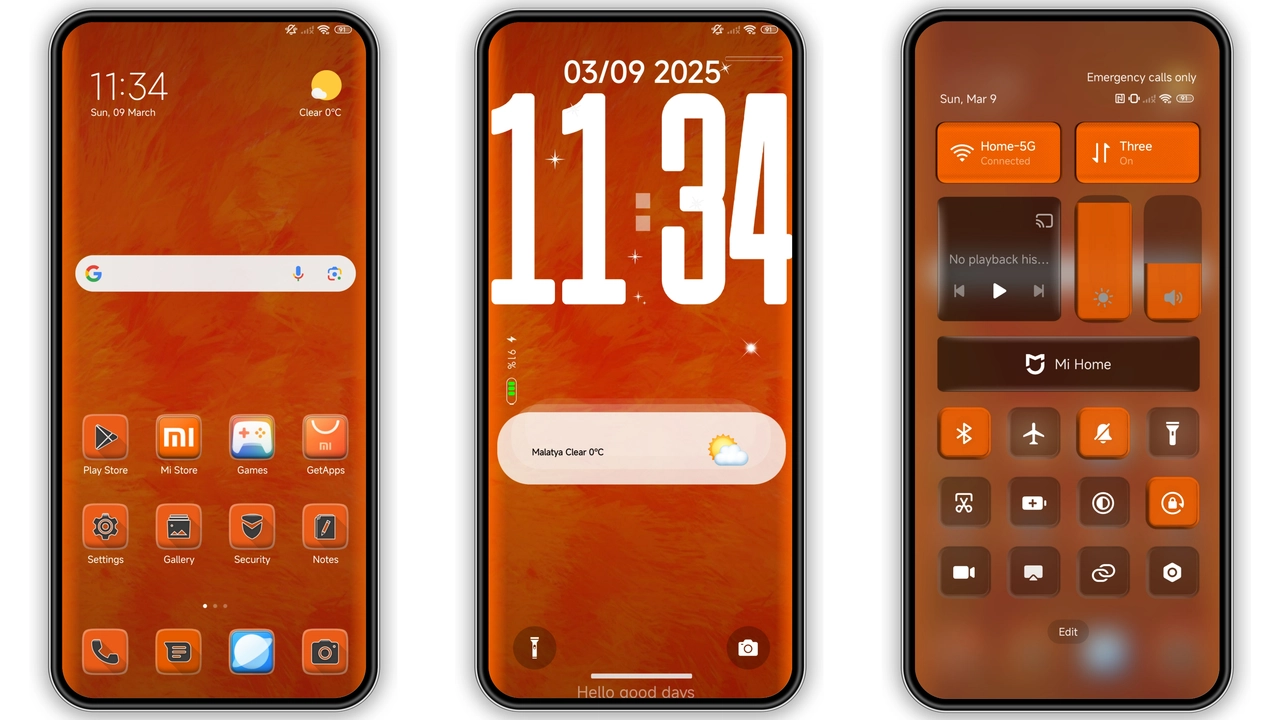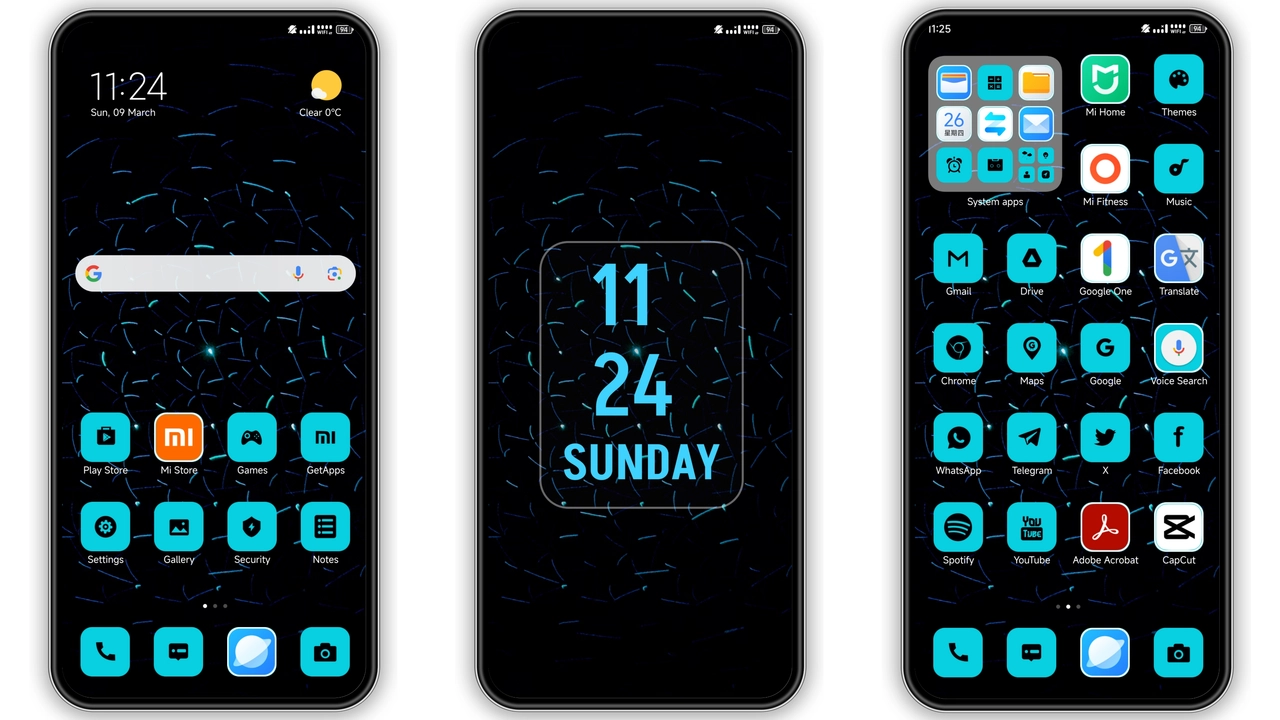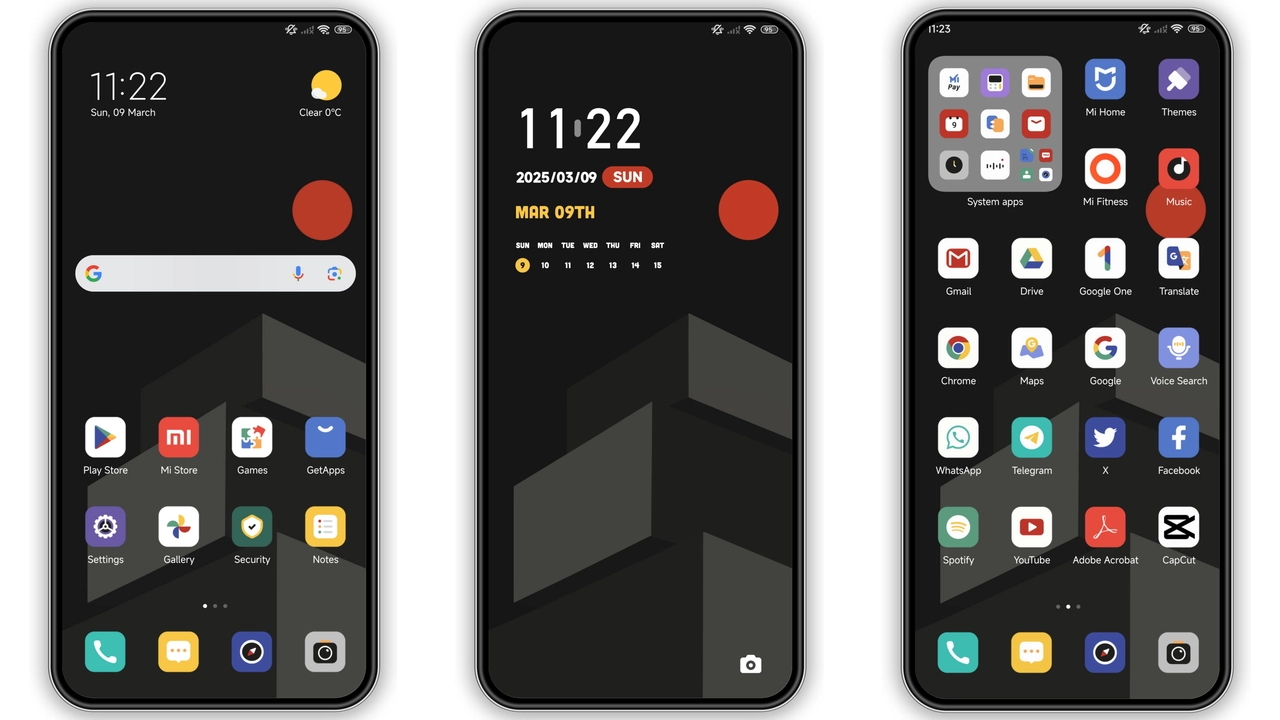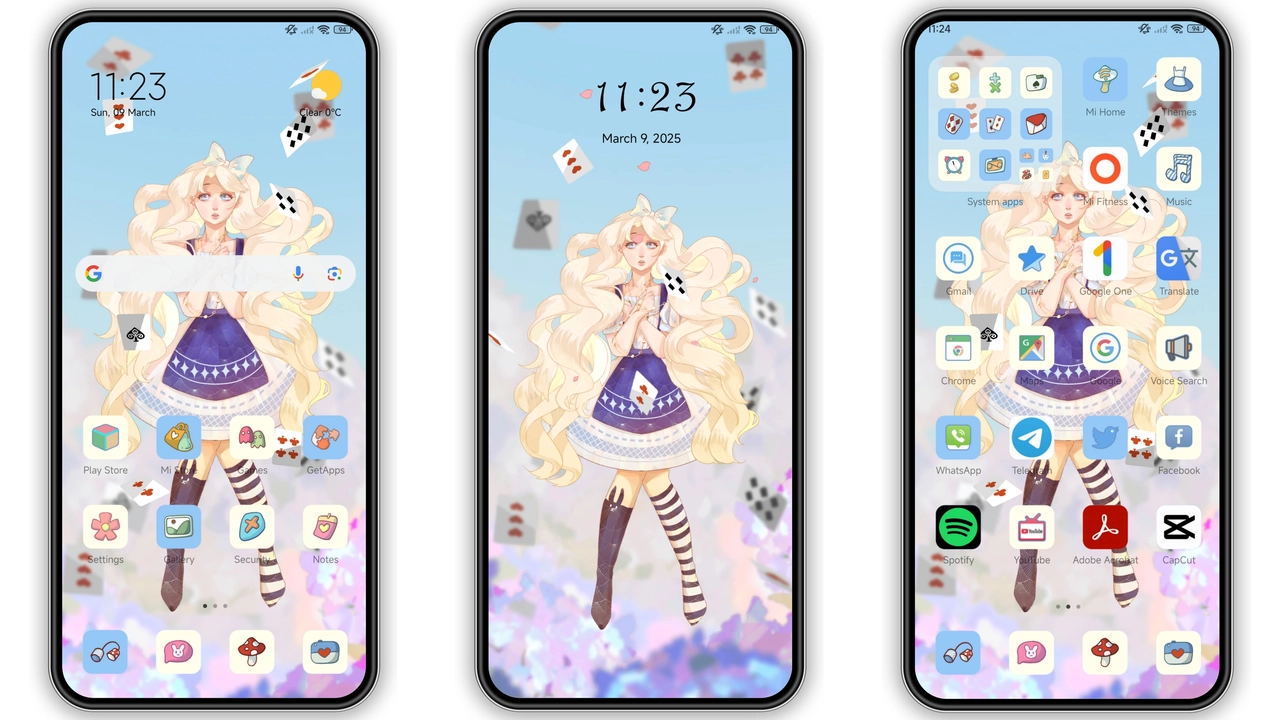
Parameter · Value
Designer · Luohong Technology
Size · 12.56 MB
Format · .mtz
Compatibility · HyperOS / MIUI
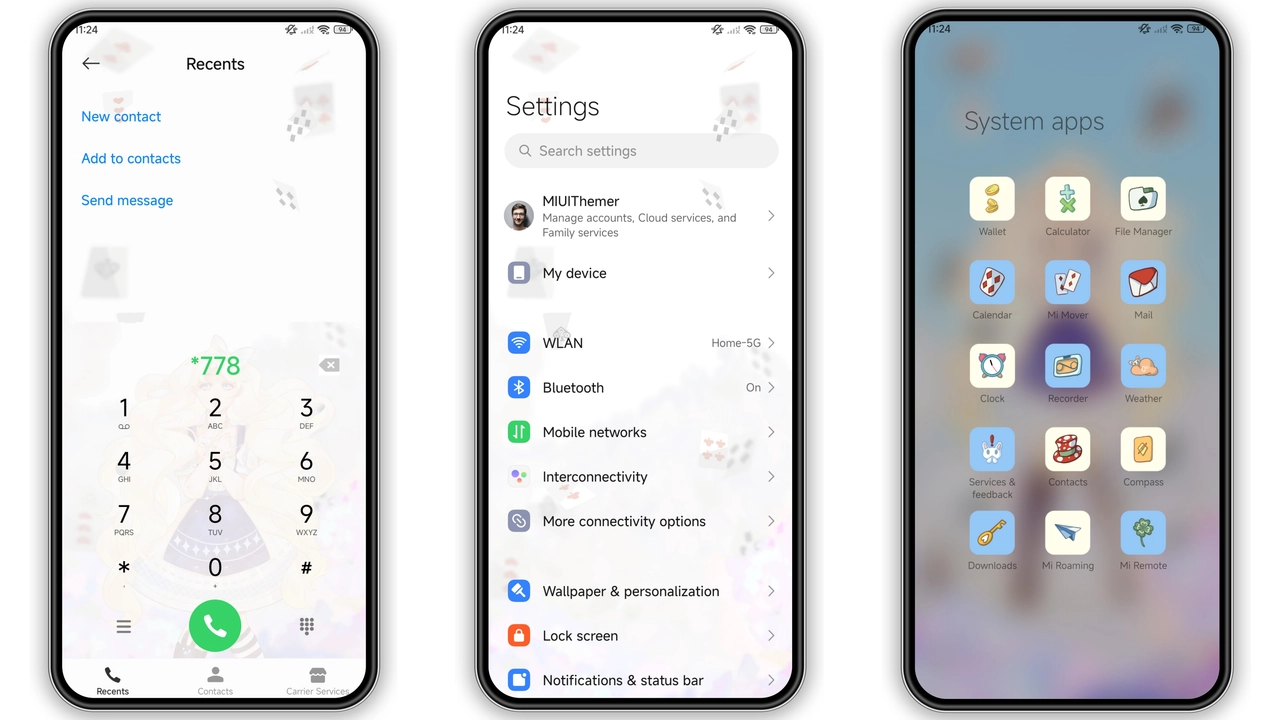
Whimsical Anime Aesthetic That Pops
Dreamworld leans heavily into pastel‑tinted anime art, pairing soft gradients with crisp icon outlines. Wallpapers feature dreamy skies, floating sakura petals, and stylized cityscapes that feel both nostalgic and fresh. The status bar adopts a translucent glow, letting the background breathe while keeping notifications legible. Lock screen animations glide gently, echoing a calm sunrise rather than a jarring flash. Even the Always‑On Display adopts the same pastel palette, ensuring a cohesive look from the moment you glance at the clock to the moment you unlock.
Suggested Read: Putih Hitam HyperOS Theme: Minimal Black Look with Premium Icons
Ideal Users: Anime Fans & Personalization Enthusiasts
If you spend weekends binge‑watching anime, collect figurines, or simply enjoy kawaii aesthetics, Dreamworld hits the sweet spot. The theme’s cute‑girl motifs aren’t overtly commercial; they serve as subtle accents that enhance rather than overwhelm. Power users who love swapping icons, fonts, and lock‑screen art will appreciate the depth of customization—each element is replaceable via the Theme Store without breaking the overall vibe. Conversely, minimalists seeking a stark, monochrome UI may find the palette too busy.
Compatibility Checklist & Device Coverage
Dreamworld declares compatibility with HyperOS and MIUI, covering the majority of recent Xiaomi, Redmi, and POCO models. The theme works on devices running the stock HyperOS Global Stable ROM as well as MIUI 14, 13, and earlier iterations. For custom ROM enthusiasts—Xiaomi EU, MIUIRoom, or other HyperOS‑based builds—the .mtz file imports cleanly via the Theme Store’s “Import” function. Note that certain message‑type customizations only appear on Honor‑branded models, and the lock‑screen prompt may ask whether to keep the magazine lock screen; selecting “Do not keep” ensures a seamless transition.
Installation Walkthrough & What to Expect
1. Open the Theme Store app on your device. 2. Tap the three‑dot menu, choose Import, and locate the downloaded Dreamworld.mtz file. 3. Confirm import; the theme appears in My Themes. 4. Apply. The system will ask about the magazine lock screen—choose Do not keep. 5. Reboot to clear any residual overlays; this step is optional but recommended for flawless AOD rendering.
During the first launch, you may notice a brief flash as the new icons replace the stock set. This is normal; the OS caches the new assets. If any element appears misaligned, a quick device restart resolves it. The theme does not modify system fonts, so you can retain your preferred typeface without conflict.
Pros and Cons
• Pros
• Cohesive anime‑inspired visual language
• Low storage footprint (12.56 MB)
• Works on stock HyperOS, MIUI, and major custom ROMs
• Easy import via Theme Store
• Optional lock‑screen prompt prevents unwanted overlays
• Cons
• Message customization limited to Honor models
• Not ideal for users preferring ultra‑minimalist UI
• Slight flash on first apply; requires reboot for perfection
Overall, Dreamworld offers a vibrant, well‑crafted experience for anyone craving a touch of anime magic on their Xiaomi ecosystem. Its modest size, broad compatibility, and straightforward installation make it a solid addition to any theme collection.
Theme Preview
Download Links
Use the buttons below to open the theme file and the supporting link.
Dreamworld Theme mtz File
Helpful links
More Theme Updates
For more curated HyperOS and MIUI theme updates, visit Hyper OS x MIUI .