Parameter · Value
Designer · -
Size · Varied
Format · JPG/PNG
Compatibility · HyperOS / MIUI
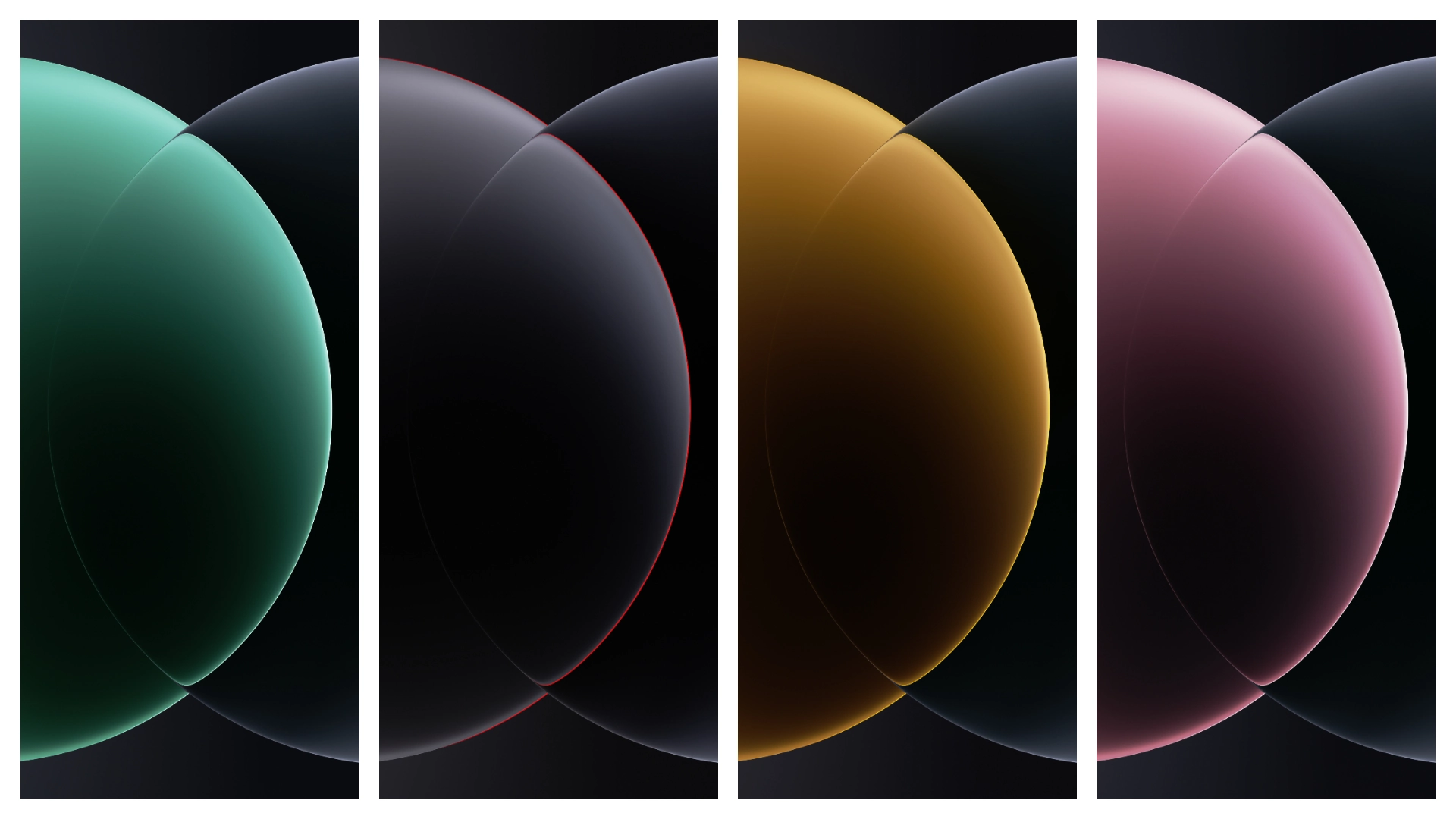
Stunning Ultra‑Sharp Visuals
Images capture 200MP sensor detail. Colors pop on 6.73‑inch display. Contrast balances dark mode. Saturation respects OEM palette. Aspect ratio fits full‑screen lock screen. Resolution exceeds 4K for future‑proofing. HDR tones preserve highlight depth. Each wallpaper files under 5 MB. No watermarks distract view. Icons blend seamlessly with system UI. Backgrounds adapt to light theme automatically.
Suggested Read: Infinix GT30 Gaming Wallpapers for HyperOS & MIUI – Download Guide
Ideal Audience: Power Users & Photographers
Enthusiasts crave flagship aesthetics. Photographers appreciate sensor‑level fidelity. Gamers seek immersive backdrops. Developers enjoy clean asset packaging. Minimalists like single‑tone variants. Collectors appreciate exclusive Xiaomi branding. Anyone customizing HyperOS benefits instantly.
Installation Flow on HyperOS & MIUI
Open Settings → Themes. Tap “Add”. Browse to download folder. Select desired image. Apply as lock or home screen. System caches image for quick load. No reboot required. Changes reflect instantly. Re‑apply any time. Removal restores default wallpaper.
Pros and Cons
• Pros
• Native resolution matches device display.
• Wide variety covers light and dark modes.
• Simple one‑tap install on HyperOS.
• No third‑party apps needed.
• Cons
• No animated variants.
• Limited to Xiaomi flagship dimensions.
• No built‑in auto‑rotate support.
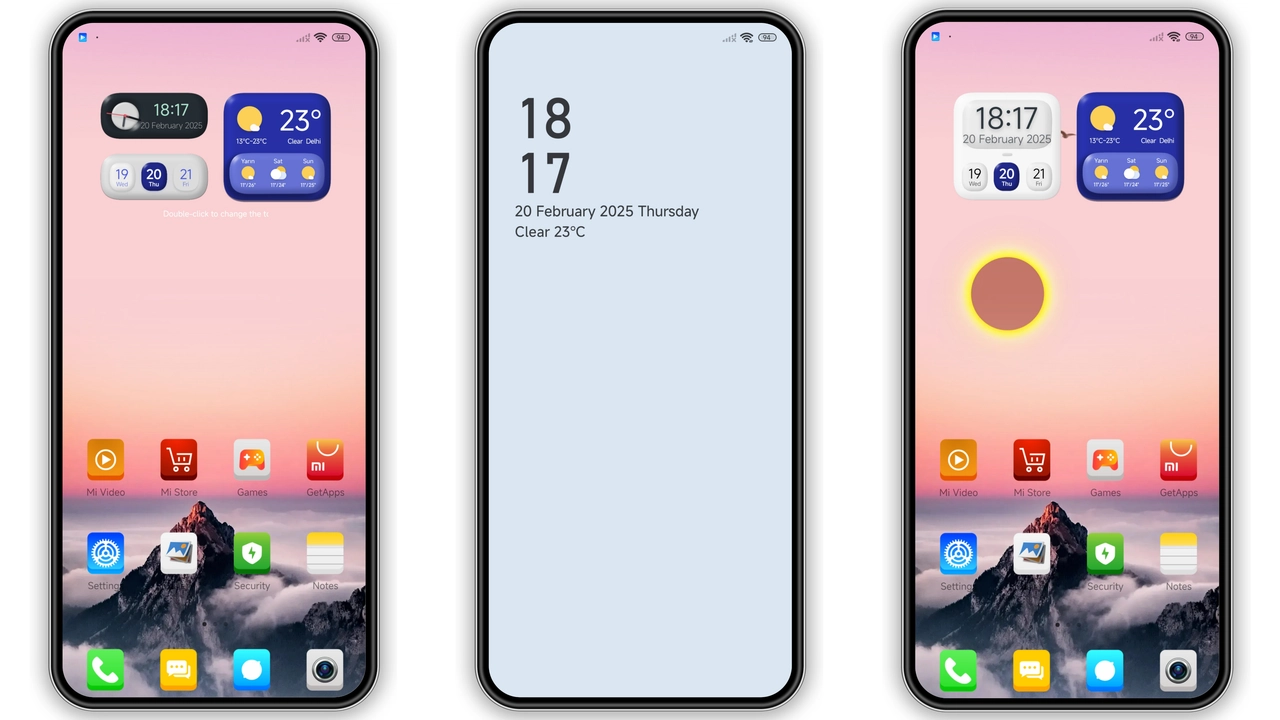
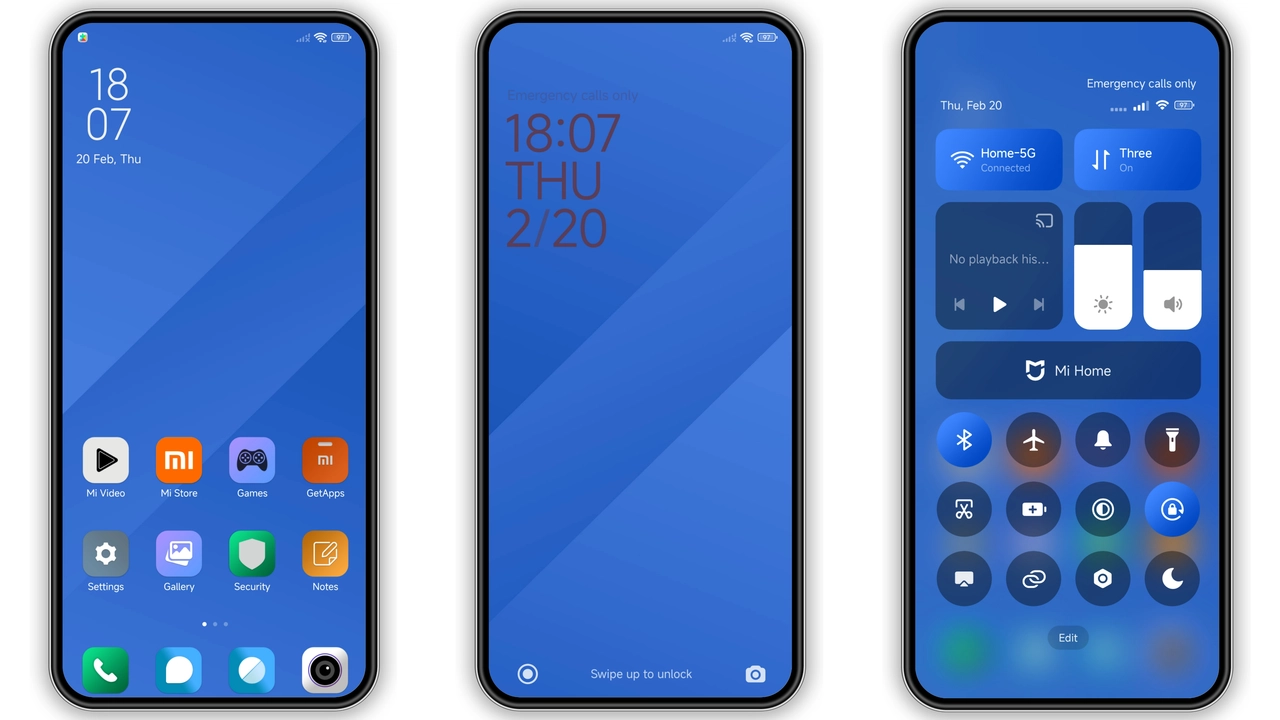
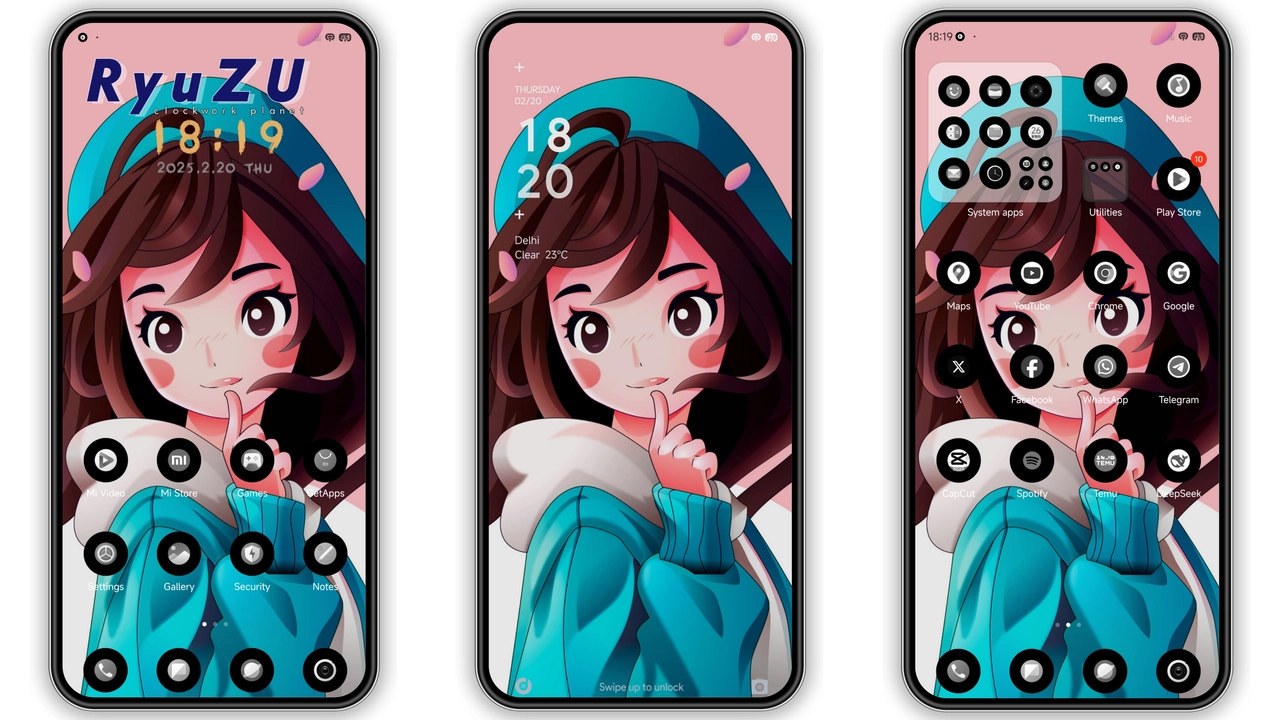
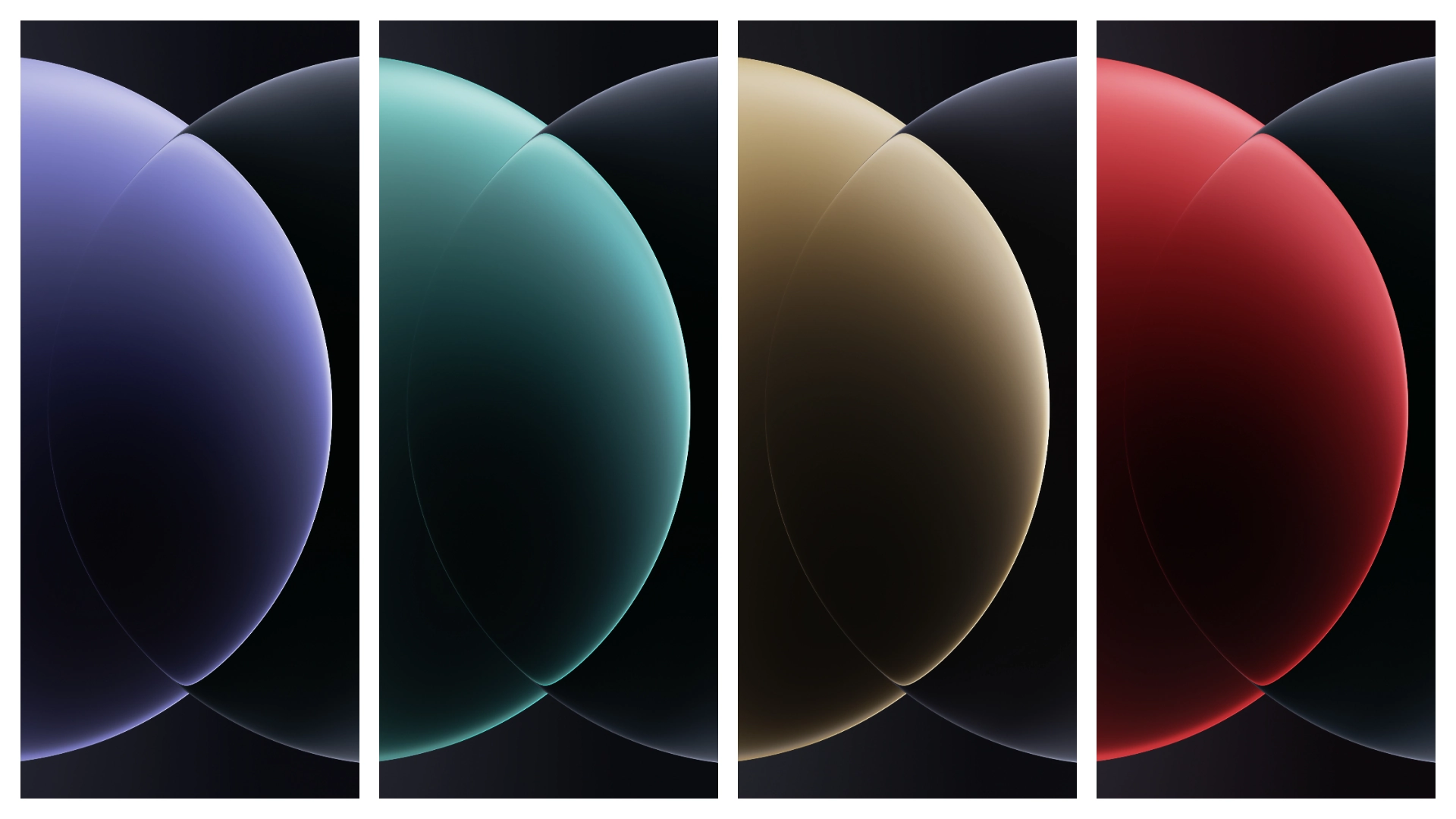
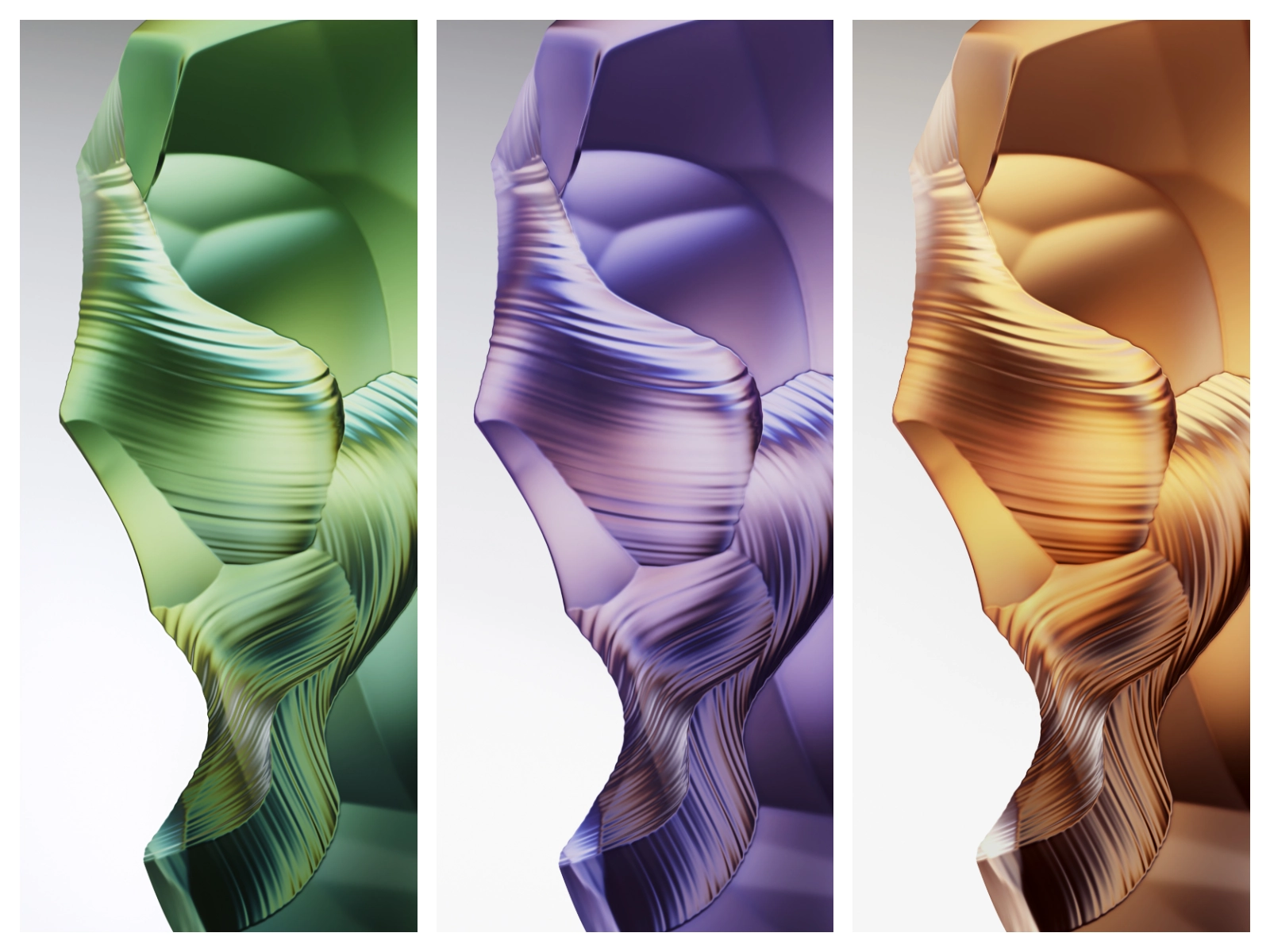
Theme Preview

Download Links
Use the buttons below to open the theme file and the supporting link.
Download Xiaomi 15 Ultra Stock Wallpaper
Helpful links
More Theme Updates
For more curated HyperOS and MIUI theme updates, visit Hyper OS x MIUI .