Parameter · Value
Designer · -
Size · Varies (HD‑1080p, 2K)
Format · JPG
Compatibility · HyperOS / MIUI
Electric Neon Palette
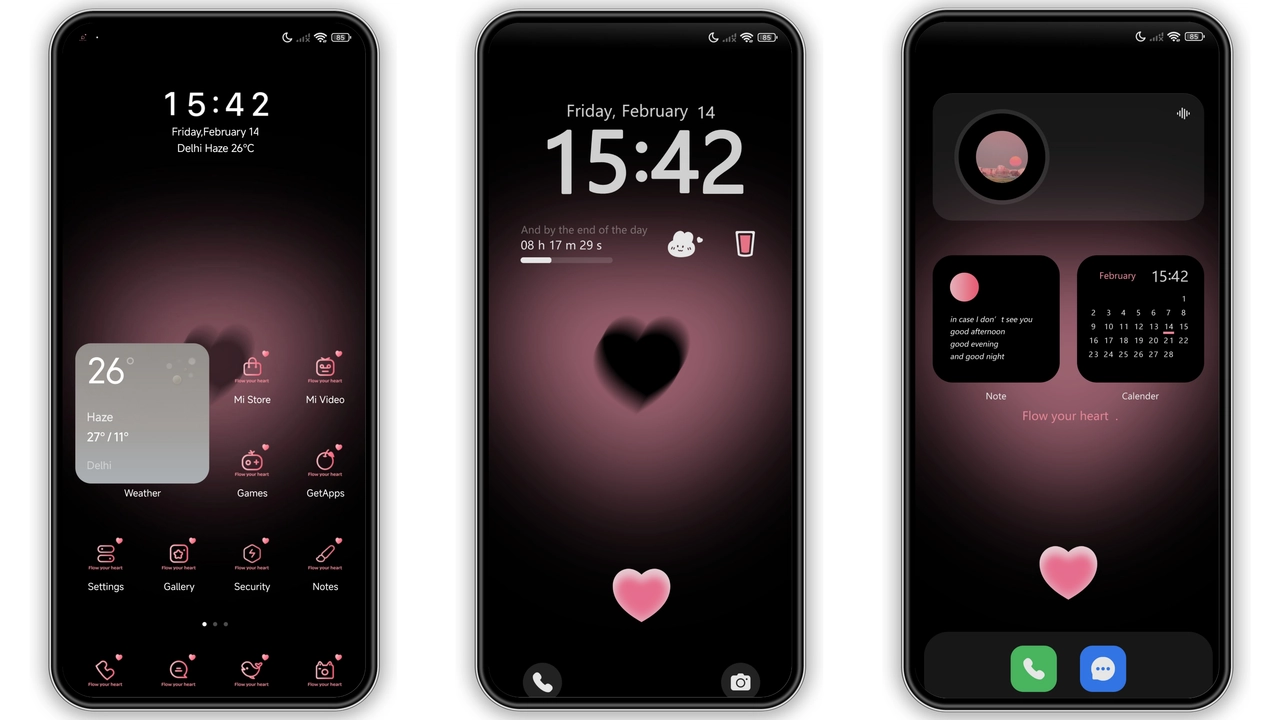
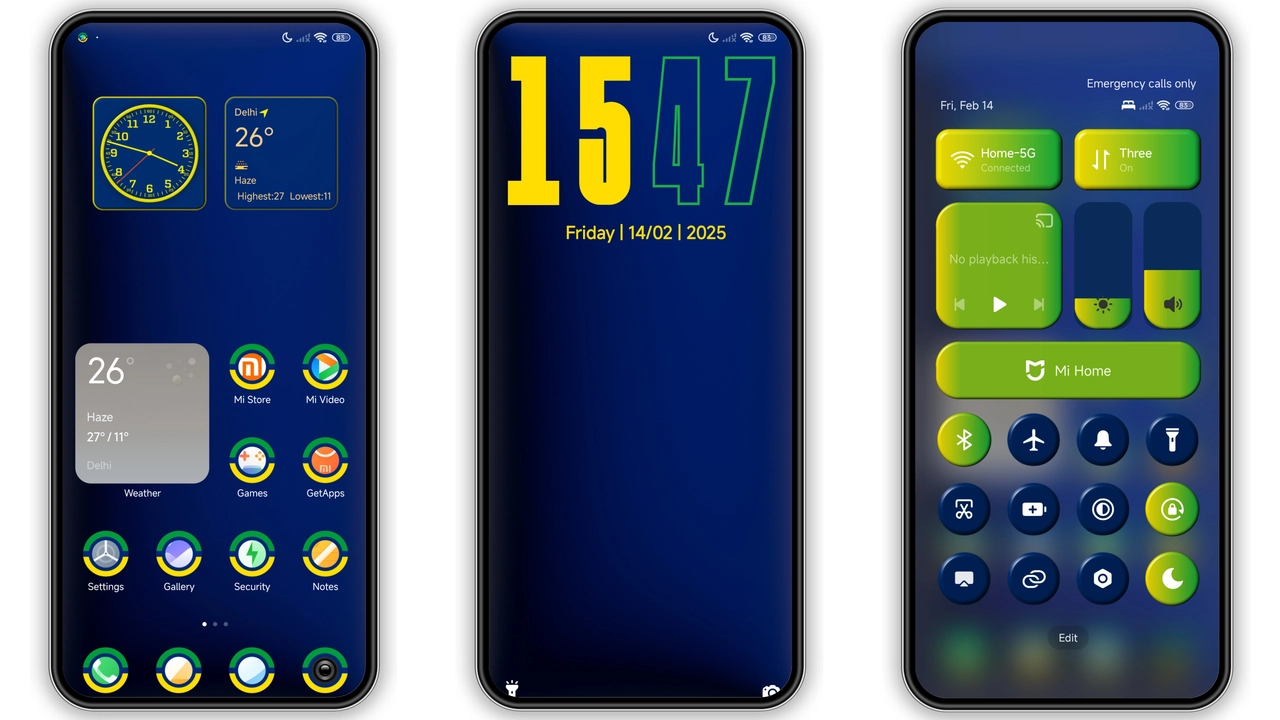
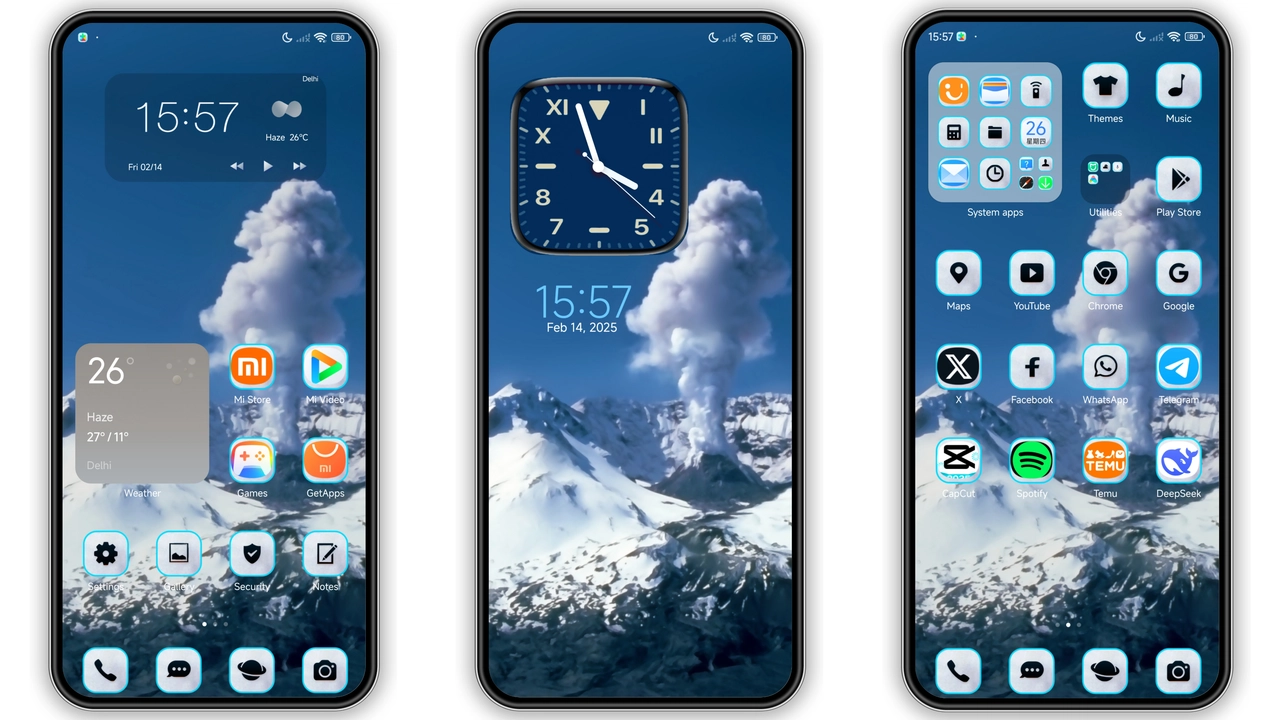
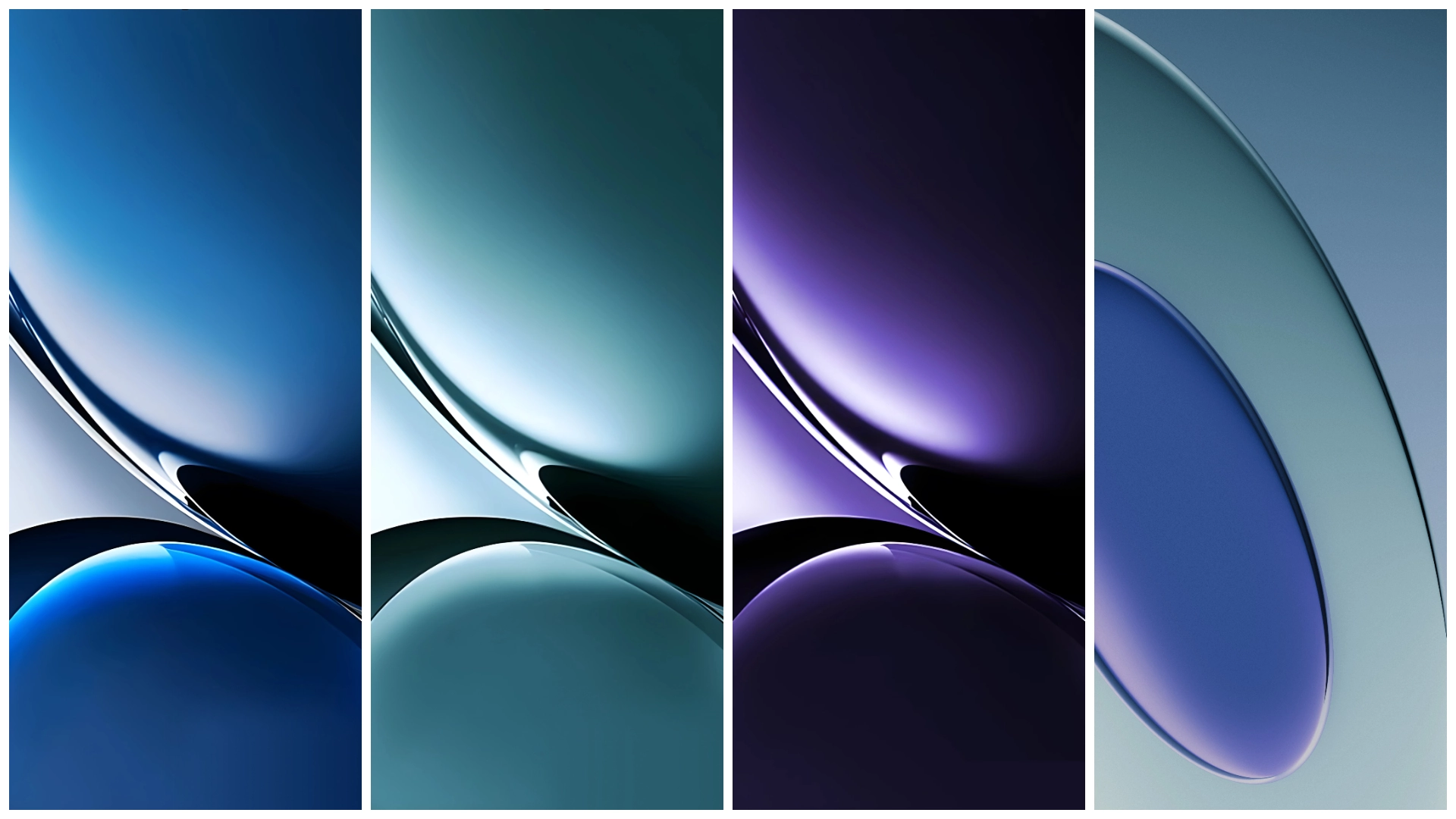
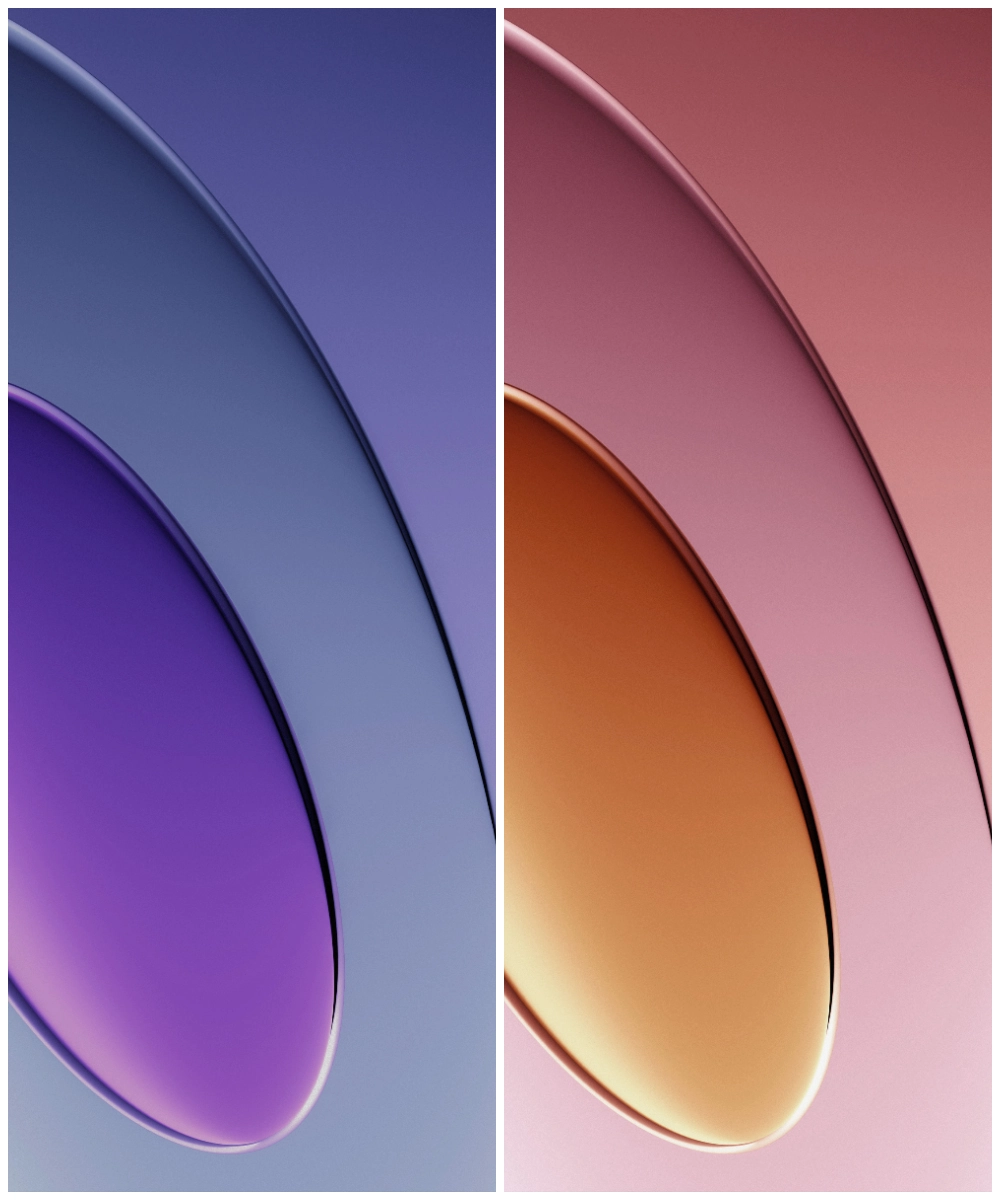
Turbo 4 unleashes saturated pink, electric blue, bright teal. Each image pushes color saturation without clipping. Gradients flow across full‑screen canvas, creating depth on large displays. The palette matches the brand’s “Turbo” branding, delivering a kinetic feel.
Suggested Read: Retro Horse Puzzle vs Pixel Breeze: Which Fits Your HyperOS or MIUI?
Dynamic Contrast for Dark Mode
Dark mode users gain extra punch. Blacks deepen, highlights pop. Contrast curves tuned for OLED panels, preserving battery while keeping details crisp. The wallpapers adapt to system‑wide dark theme, avoiding washed‑out looks.
Ideal for Power Users & Creatives
Fans of visual flair gravitate here. Streamers seeking eye‑catching backdrops, photographers wanting a bold desktop, developers who like a splash of color while coding. The pack suits anyone who wants a statement screen without sacrificing readability.
Installation & Performance Tips
1. Open the download link from the theme page.
2. Save the ZIP to internal storage.
3. Extract to Pictures/RedmiTurbo4.
4. Open Settings → Wallpaper → Choose from gallery.
5. Select image, apply to Home and Lock screens.
Tips: Use the built‑in crop tool to match aspect ratio. Disable auto‑rotate if you prefer portrait orientation. For low‑end devices, pick 1080p versions to reduce RAM load.
Pros and Cons
• Pros
• Vivid colors, high resolution.
• Optimized for both HyperOS and MIUI.
• Wide aspect‑ratio support.
• Free, no ads.
• Cons
• No vector versions; scaling may blur on 4K screens.
• Limited to static images; no animated options.
Enjoy the Turbo boost. Refresh your device today.
Theme Preview
Download Links
Use the buttons below to open the theme file and the supporting link.
Download Redmi Turbo 4 Stock Wallpaper
Helpful links
More Theme Updates
For more curated HyperOS and MIUI theme updates, visit Hyper OS x MIUI .