Parameter · Value
Designer · -
Size · Varies (≈2 GB)
Format · PNG
Compatibility · HyperOS / MIUI
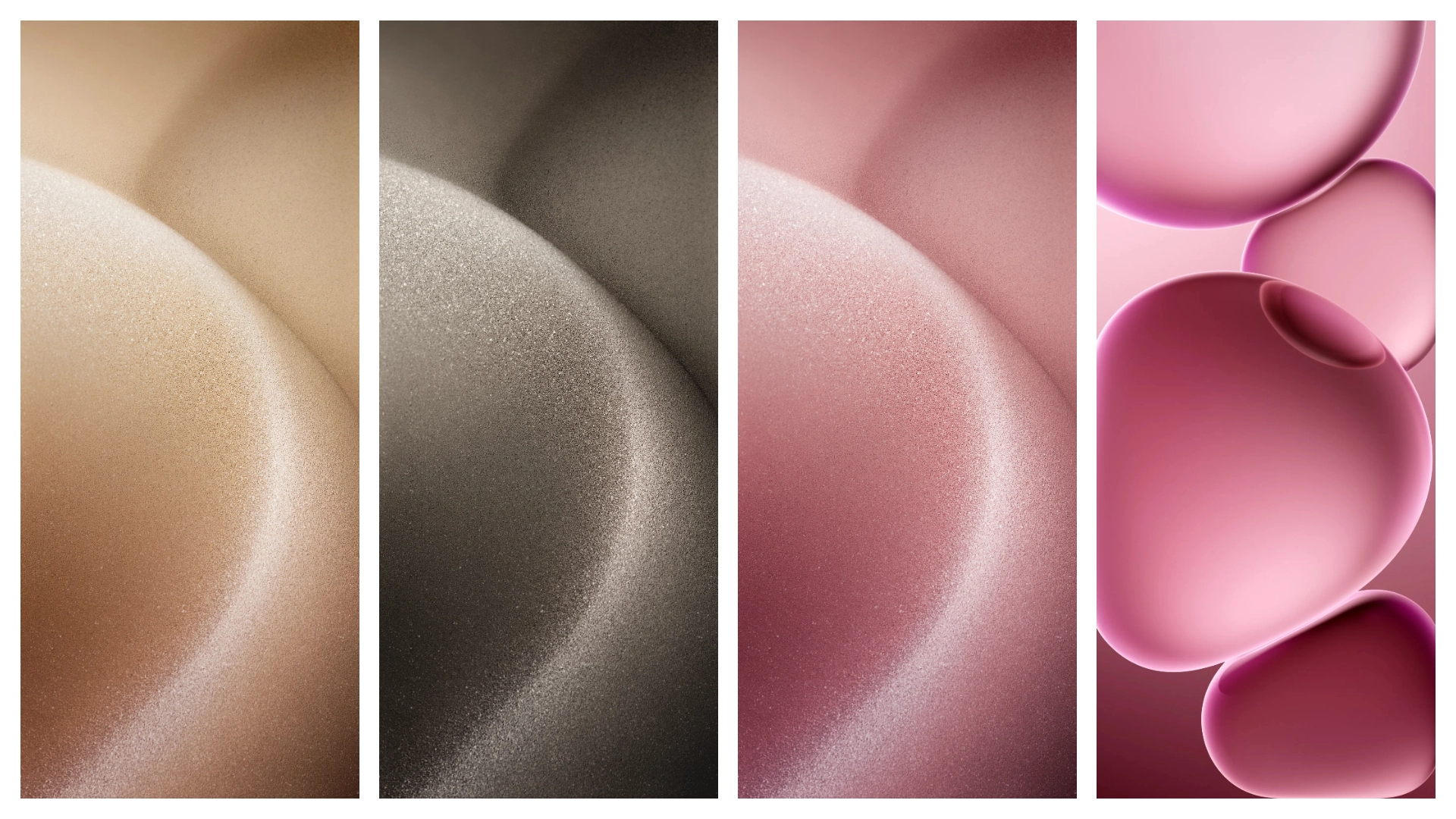
Stunning Ultra‑Flagship Visuals
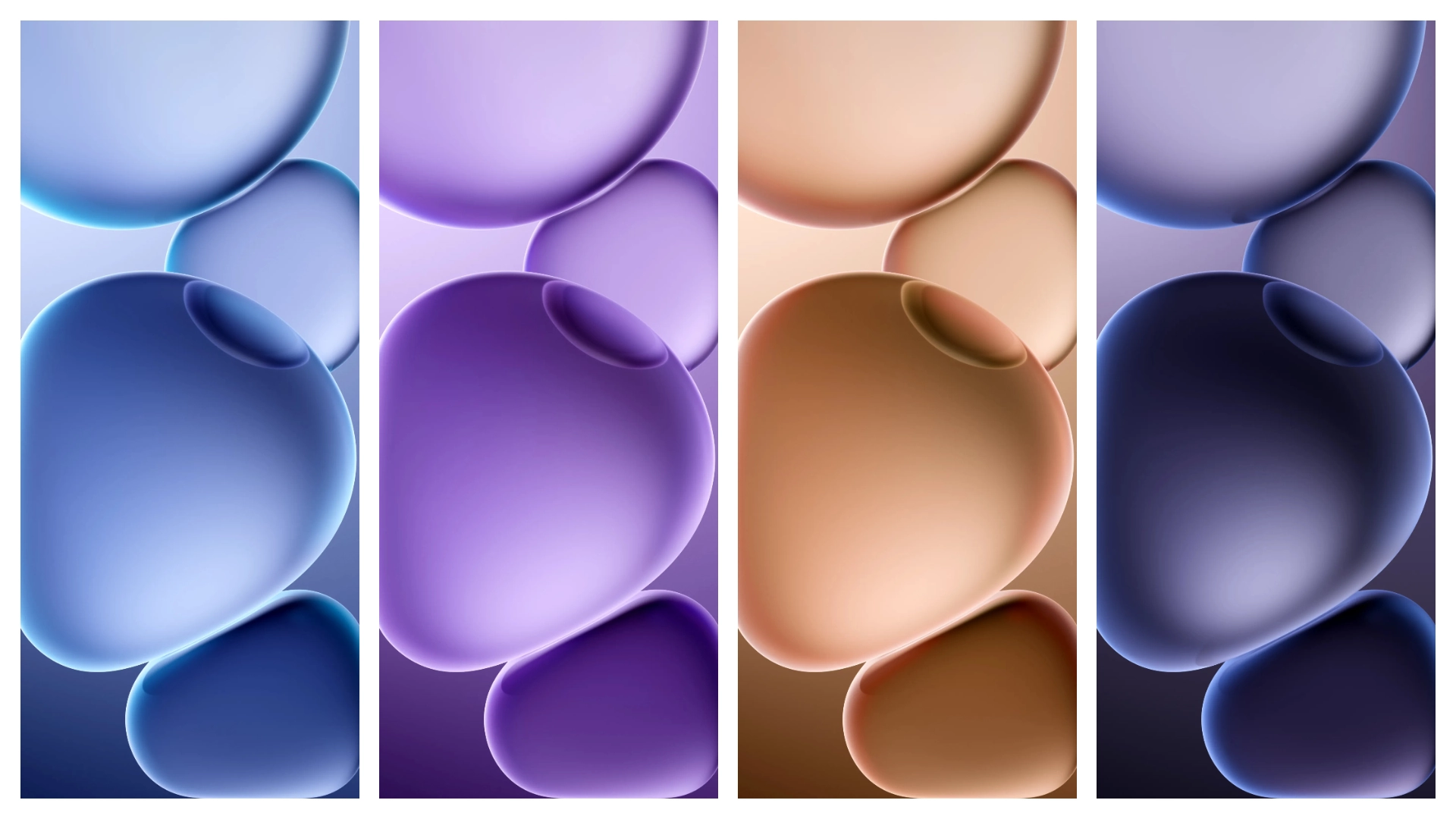
Wallpapers showcase 10‑bit LTPO OLED palette. Colors pop, shadows deepen. Abstract shapes echo penta‑camera silhouette. High contrast aids dark mode. Resolution matches 6.82‑inch display. Each image retains 4K clarity. Minimal compression preserves detail. Themes blend matte black with neon accents. Visuals adapt to accent color changes. Overall feel futuristic yet refined.
Suggested Read: OS寻找蓝 Theme Review – Ideal for Redmi Note & Poco Users
Ideal Audience: Power Users & Aesthetic Seekers
Early adopters gravitate toward exclusive assets. Creators appreciate high‑quality backdrops. Gamers enjoy immersive ambience. Minimalists find clean lines appealing. Tech enthusiasts love flagship branding. Users customizing HyperOS crave cohesive look. MIUI fans seek seamless integration. Anyone valuing visual polish fits.
Installation Flow on HyperOS & MIUI
Open Settings → Themes. Tap “Add”. Choose “Local”. Browse to download folder. Select ZIP file. Confirm installation. System validates package. Theme appears in My Themes. Activate with single tap. Reboot optional for full refresh. Icons update instantly. Accent colors sync automatically. No root required. No third‑party app needed. Process completes within seconds.
Pros and Cons
• Pros
• Ultra‑high resolution matches flagship screen
• Native compatibility with HyperOS and MIUI
• No extra apps or root needed
• Cohesive color scheme across UI
• Free download, no ads
• Cons
• Large file size may strain limited storage
• No animated variants
• Limited to one device size (6.82‑inch)
• No built‑in wallpaper rotation
Theme Preview
Download Links
Use the buttons below to open the theme file and the supporting link.
Download Oppo Find X8 Ultra Stock Wallpaper
Helpful links
More Theme Updates
For more curated HyperOS and MIUI theme updates, visit Hyper OS x MIUI .


