Parameter · Value
Designer · Evanc
Size · 11 MB
Format · MTZ
Compatibility · HyperOS / MIUI
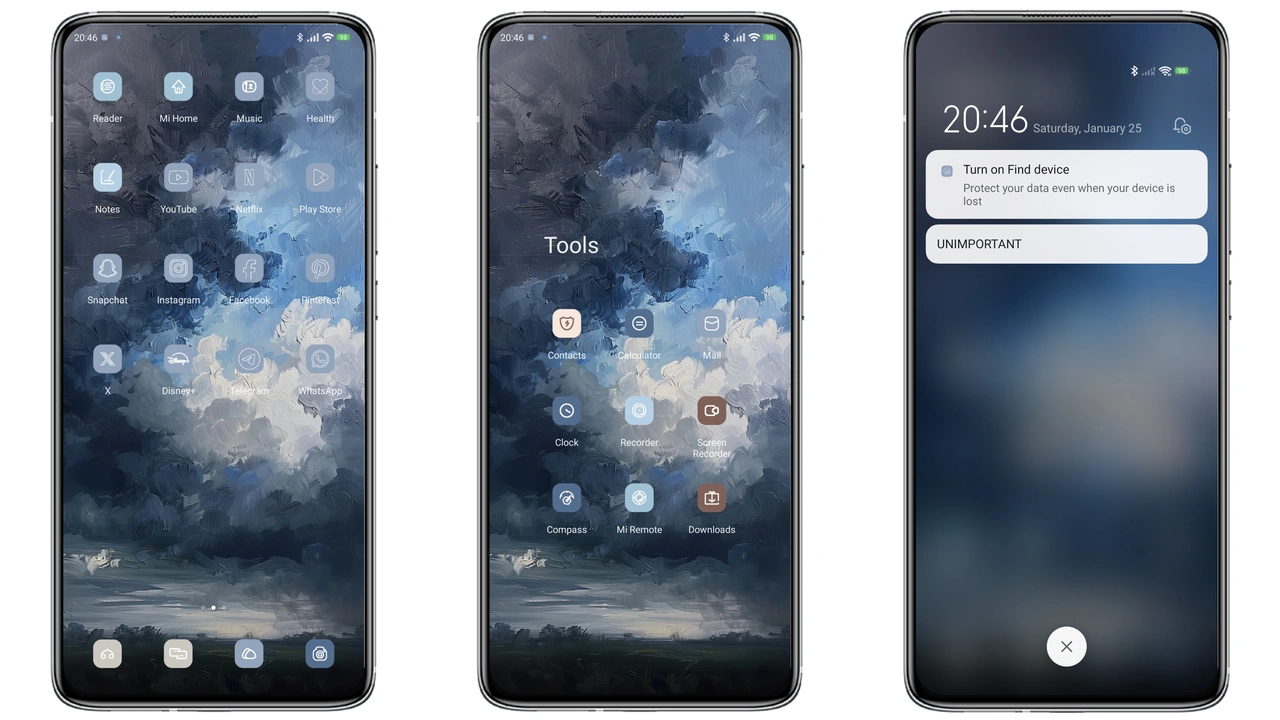
Midnight Mountain Aesthetic
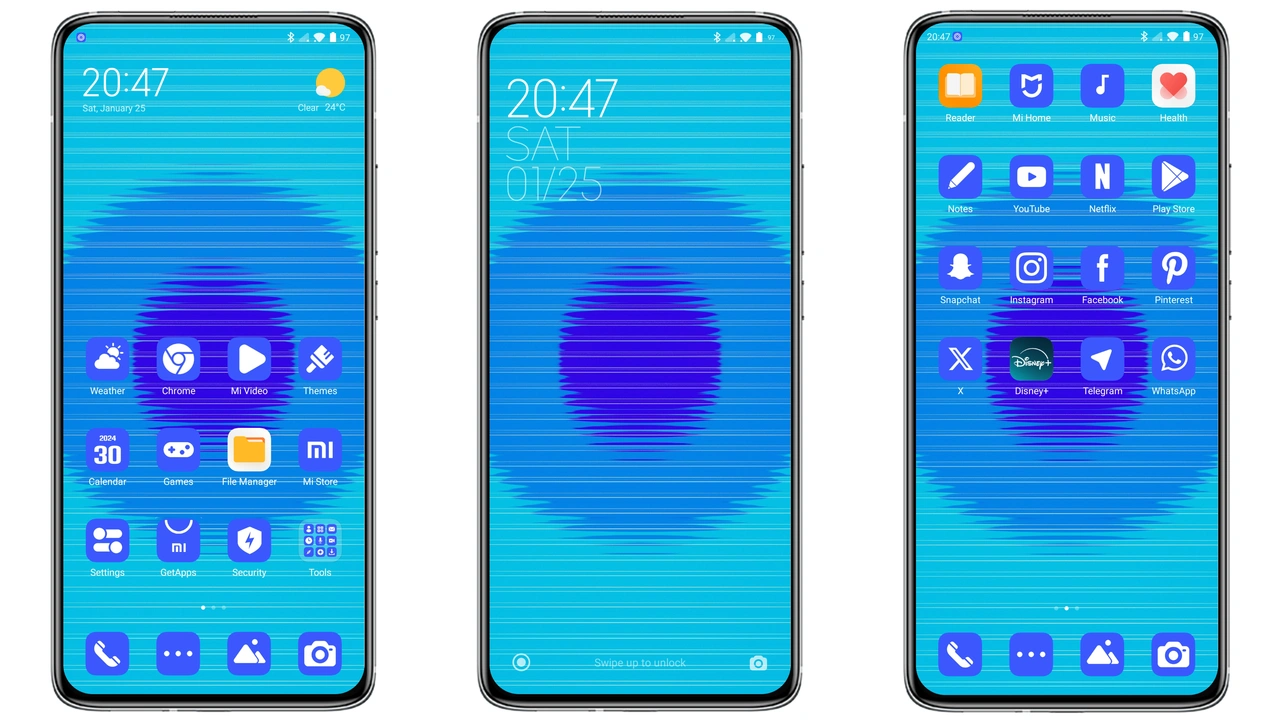
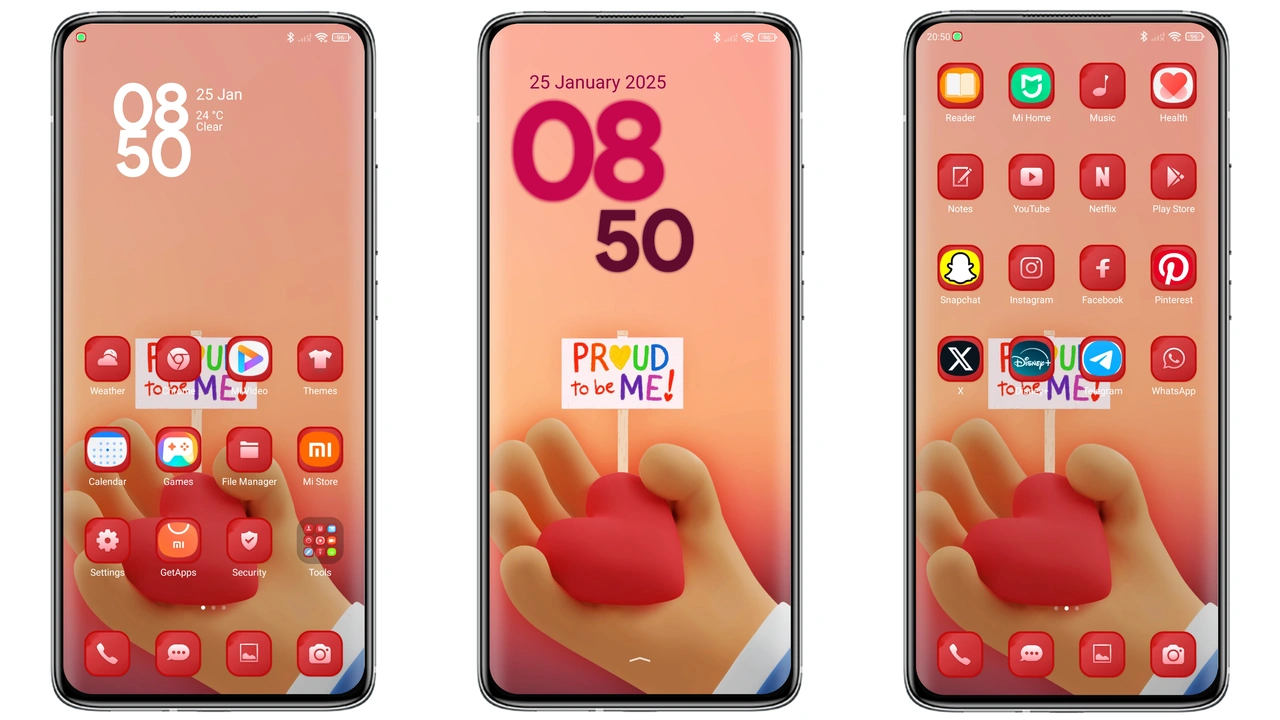
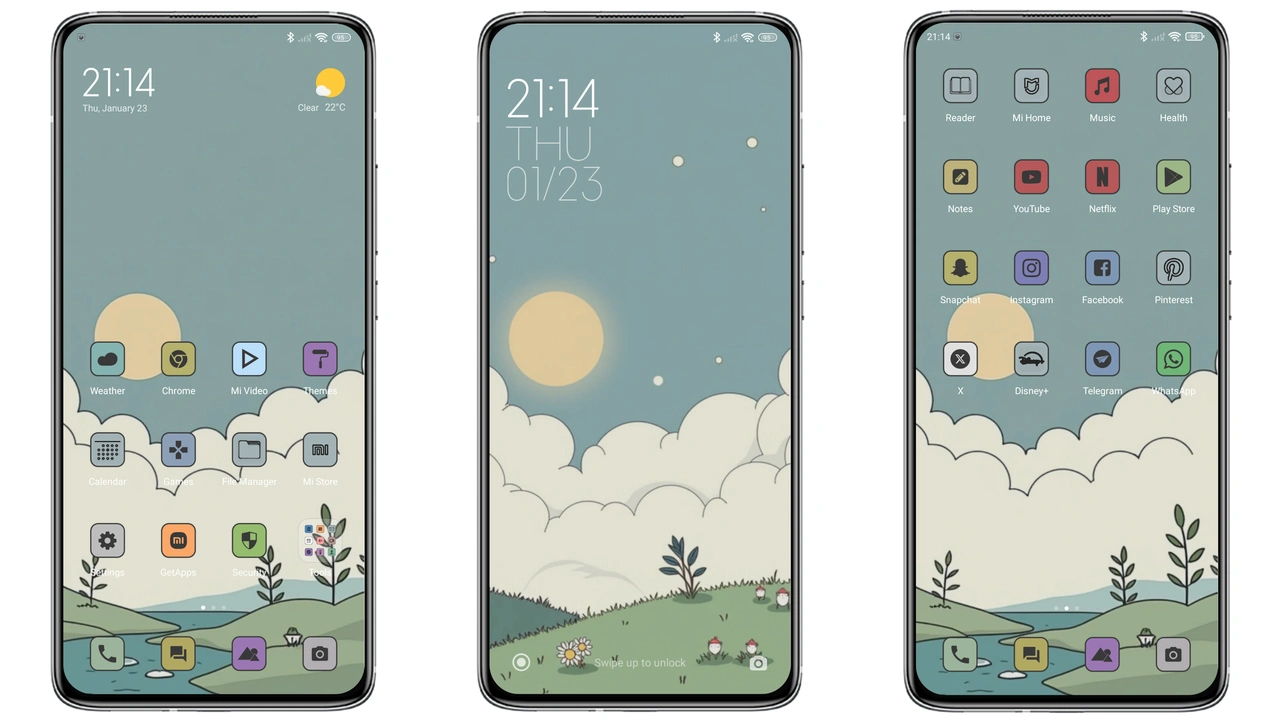
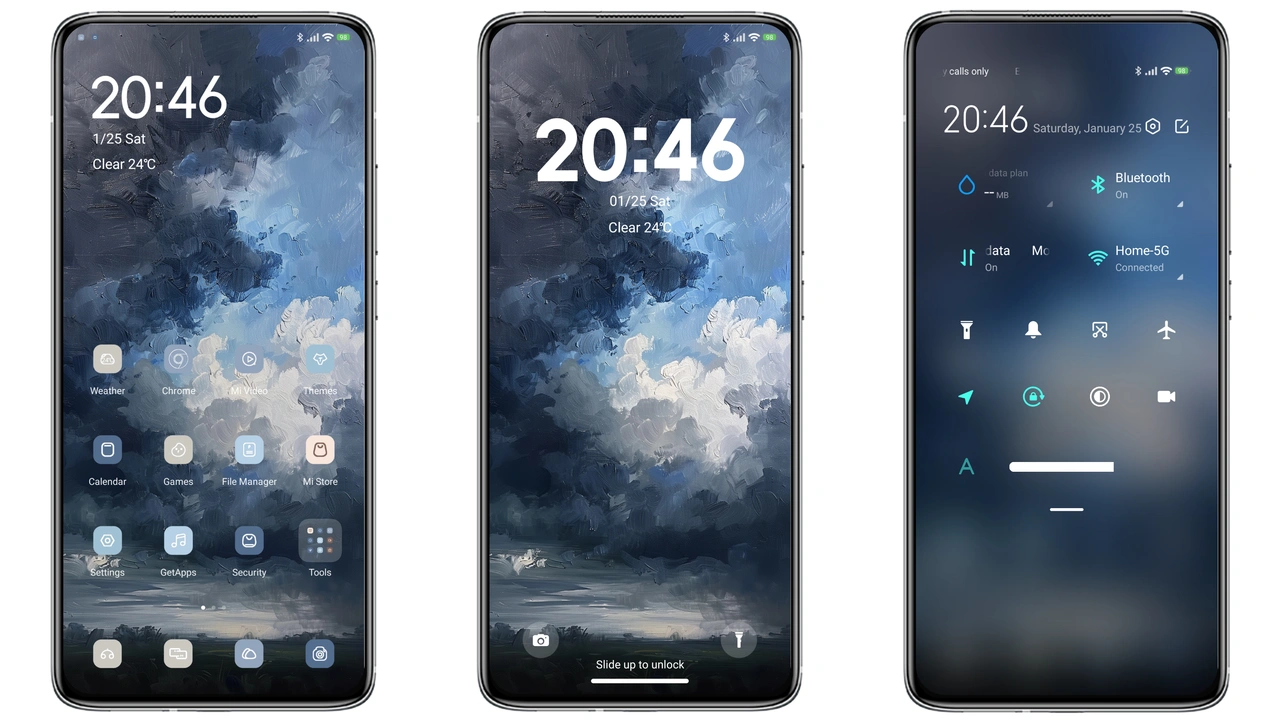
Dark Art embraces deep charcoal backdrop. Icons adopt cool blue‑gray tones, echoing a snow‑capped peak. Wallpapers feature stark silhouettes against a night sky. Status bar glows with subtle amber accent, keeping readability high. Lock screen slides up with a smooth fade, revealing the same mountain motif. Always‑on Display mirrors the lock screen, offering time and notification hints without breaking immersion. The overall vibe feels cinematic, yet stays unobtrusive.
Suggested Read: Poo‑Max HyperOS Theme Review: Dark Minimalism for Xiaomi & Redmi
Who’ll Gravitate Toward Dark Art
Fans of minimalism with a hint of drama find this theme appealing. Users who prefer dark mode for eye comfort appreciate the low‑light palette. Creatives drawn to artistic landscapes enjoy the mountain references. Device owners seeking a fresh look without heavy animations benefit from the theme’s modest resource footprint. Xiaomi, Redmi, and POCO users looking to differentiate from stock UI will notice the distinct visual identity.
Installation Walkthrough for Stock & Custom ROMs
Stock HyperOS or MIUI: Open browser, navigate to theme page, tap official store link. Choose three‑dot menu, select Open in app. Theme Store app loads, press Download, then Apply. Restart optional but recommended to clear residual overlays. Custom ROMs: Ensure MTZ support enabled. Download the mtz file from the provided link. Launch Theme Store app, go to Themes section, scroll to bottom, tap Import. Locate the downloaded file, confirm import, then Apply. After applying, perform a quick reboot to avoid visual glitches.
Performance & Battery Impact
Theme relies on static assets; no live wallpapers or heavy animations. CPU usage remains negligible. GPU load stays low because only UI elements repaint on state changes. Battery drain difference compared to stock UI is marginal, often within 1‑2 %. Users reporting lag typically have conflicting third‑party launchers; switching back to the default launcher restores smoothness.
Pros and Cons
• Pros
• Striking dark aesthetic with cohesive mountain theme
• Low resource usage, minimal battery impact
• Compatible across HyperOS and MIUI, including custom ROMs
• Easy installation via Theme Store or MTZ import
• Cons
• Limited animation; users seeking dynamic effects may feel underwhelmed
• Icon set tailored to Xiaomi ecosystem; third‑party launchers may show mismatched icons
• No built‑in light mode variant; switching to light UI requires separate theme
Theme Preview
Download Links
Use the buttons below to open the theme file and the supporting link.
dark art Theme mtz File
Helpful links
More Theme Updates
For more curated HyperOS and MIUI theme updates, visit Hyper OS x MIUI .