Parameter · Value
Designer · Mimori Touka
Size · 11.94 MB
Format · MTZ
Compatibility · HyperOS / MIUI
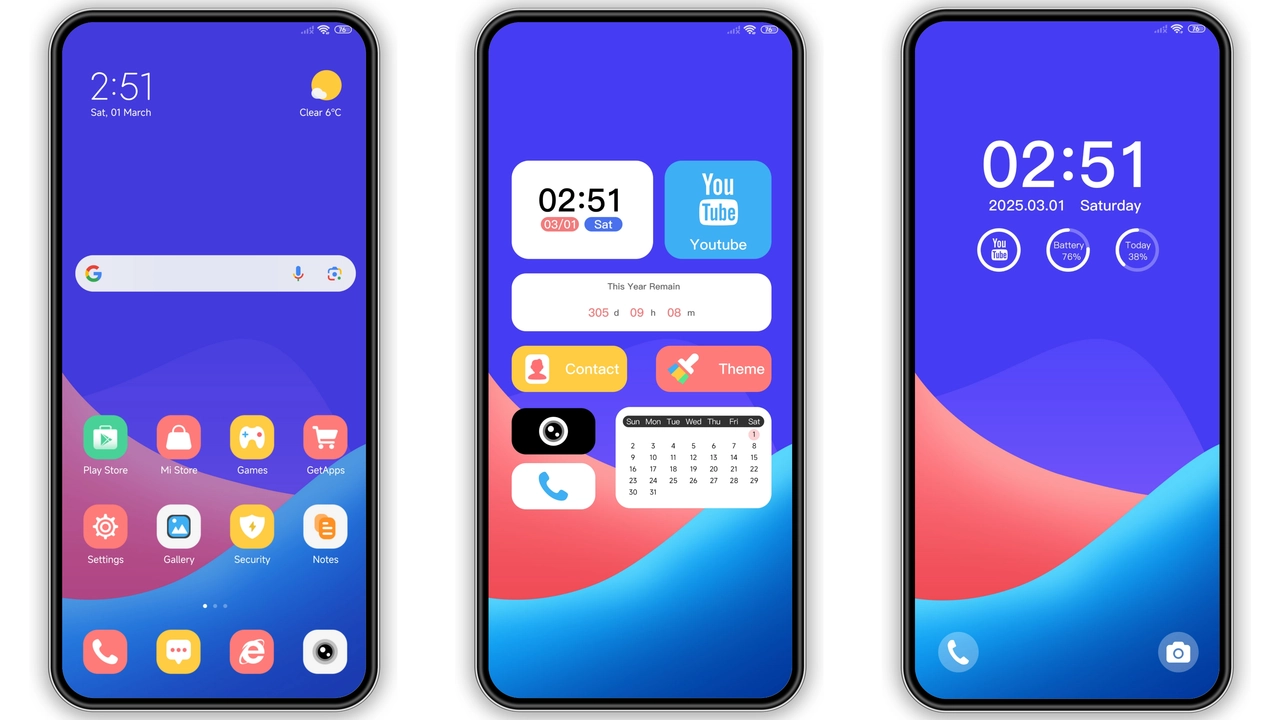
Electric Gradient Palette that Pops
Bright blues bleed into soft pinks. Each hue shifts subtly with the ambient light. Status bar mirrors the gradient, giving a seamless flow. Lock screen adopts a darker tint, preserving readability. AOD inherits the same color rhythm, creating continuity across screens.
Suggested Read: Neon Dark Theme for Redmi Note & Poco – HyperOS Ready
Iconography and Wallpaper Cohesion
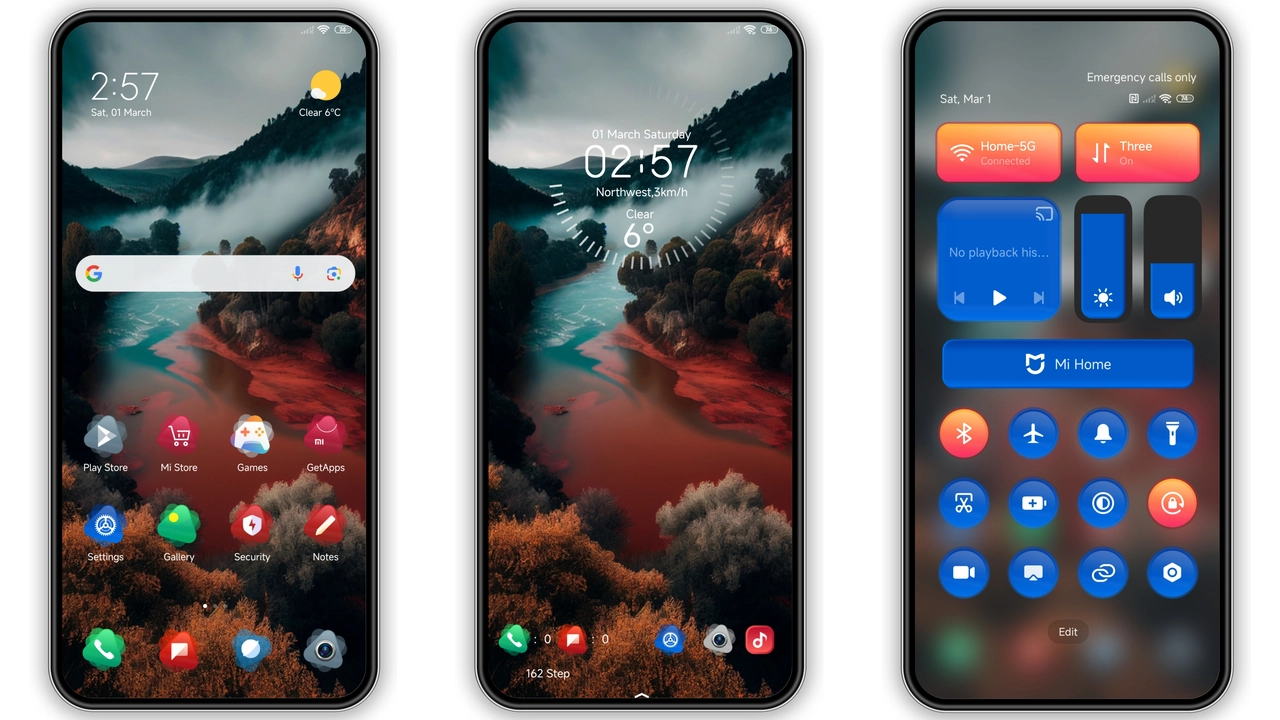
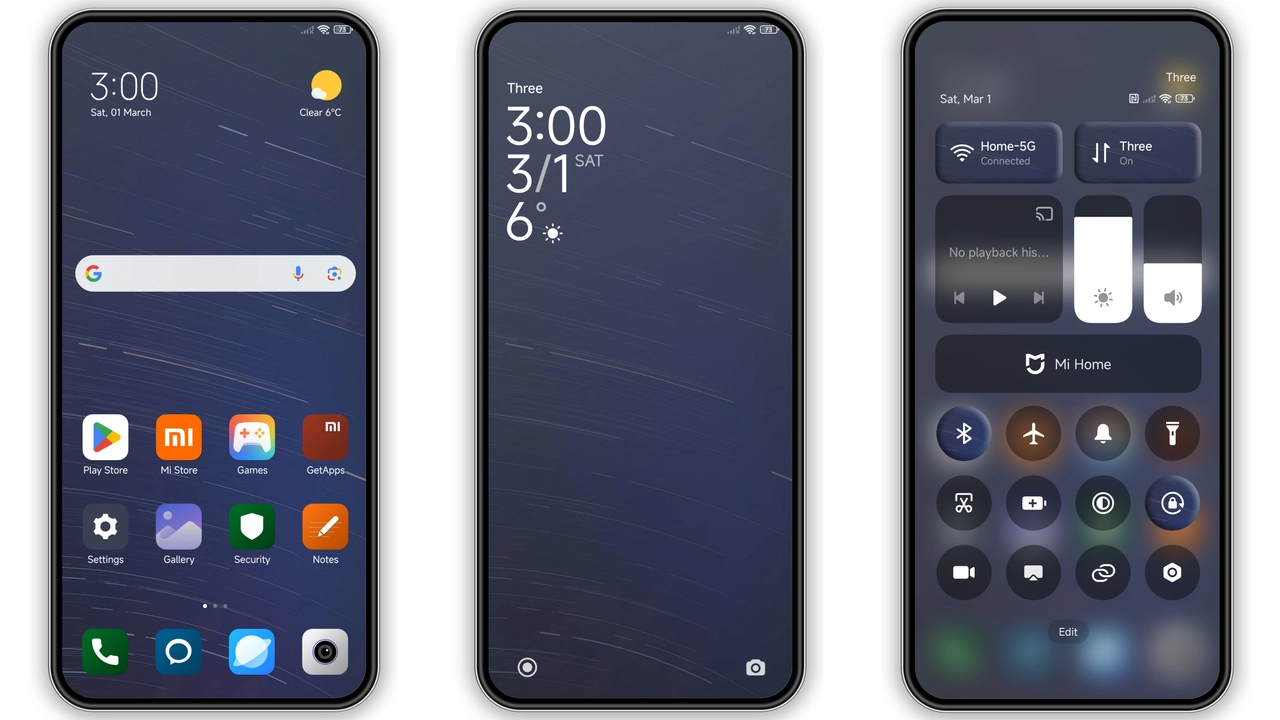
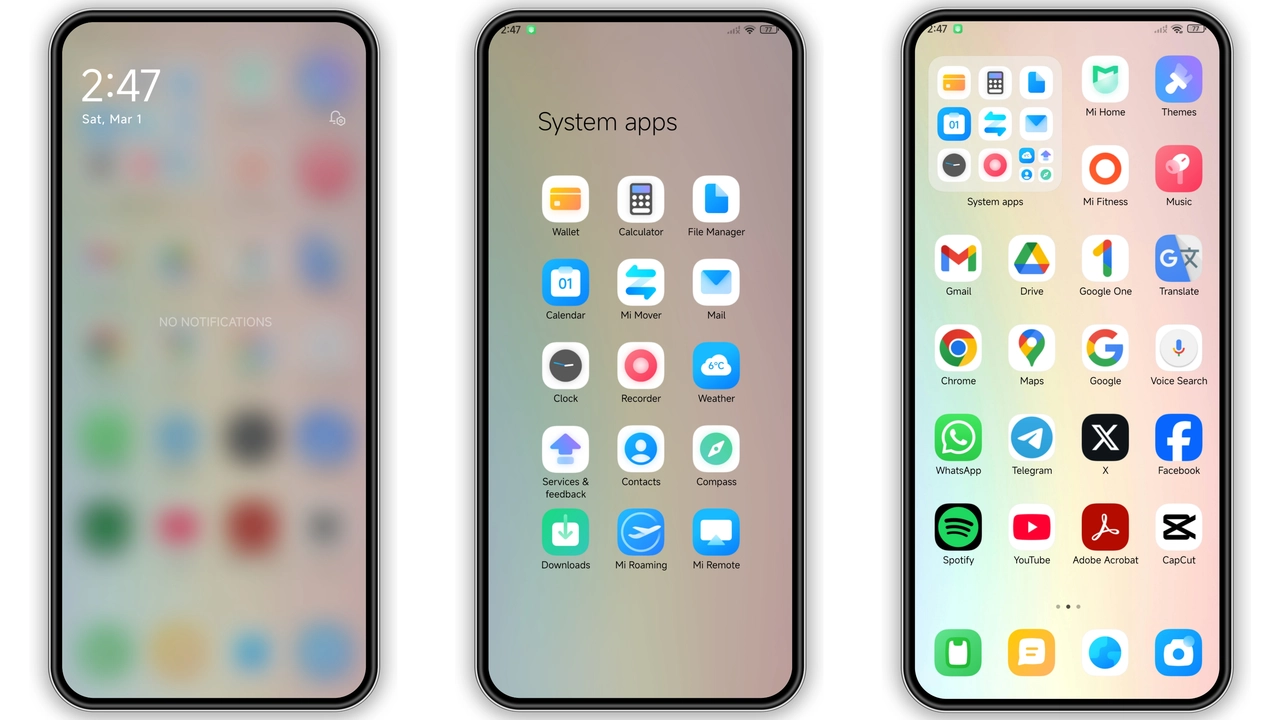
Icons receive a flat, rounded treatment. Stroke thickness matches the gradient’s intensity. Wallpapers are curated to echo the primary colors. Together they form a unified visual language. No clash, no dissonance.
Target Audience: Color‑Hungry Power Users
Fans of bold aesthetics gravitate here. Users who switch themes weekly will appreciate the fresh feel. Those who keep a minimalist look may find it overwhelming. Ideal for Xiaomi, Redmi, POCO owners seeking a distinct identity.
Installation Flow and What to Expect
Download the MTZ file from the theme store. Open the Theme Store app, tap Import, select the file. Apply the theme, then reboot. Reboot clears residual assets, ensures full rendering. After reboot, verify icons, lock screen, AOD. Minor tweaks possible in Theme Settings.
Pros and Cons
• Pros
• Vivid gradient that adapts to light conditions
• Cohesive icon set, no mismatched assets
• Low file size, quick install
• Broad device compatibility (Xiaomi, Redmi, POCO)
• Cons
• Strong colors may not suit minimalists
• AOD contrast can be low in bright environments
• Requires a reboot for flawless appearance
Theme Preview
Download Links
Use the buttons below to open the theme file and the supporting link.
Color Mix Theme mtz File
Helpful links
More Theme Updates
For more curated HyperOS and MIUI theme updates, visit Hyper OS x MIUI .