Parameter · Value
Designer · Ivan22
Size · 1.99 MB
Format · MTZ
Compatibility · HyperOS / MIUI
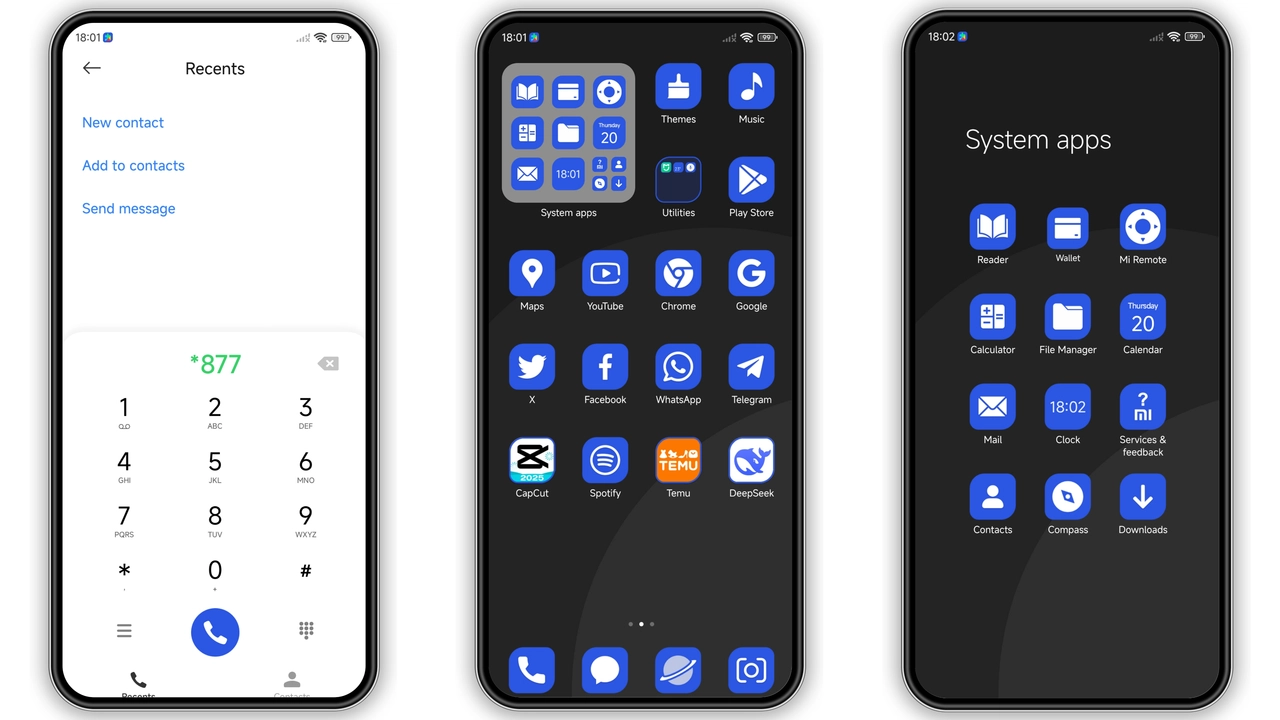
Deep Oceanic Palette with Bold Accents
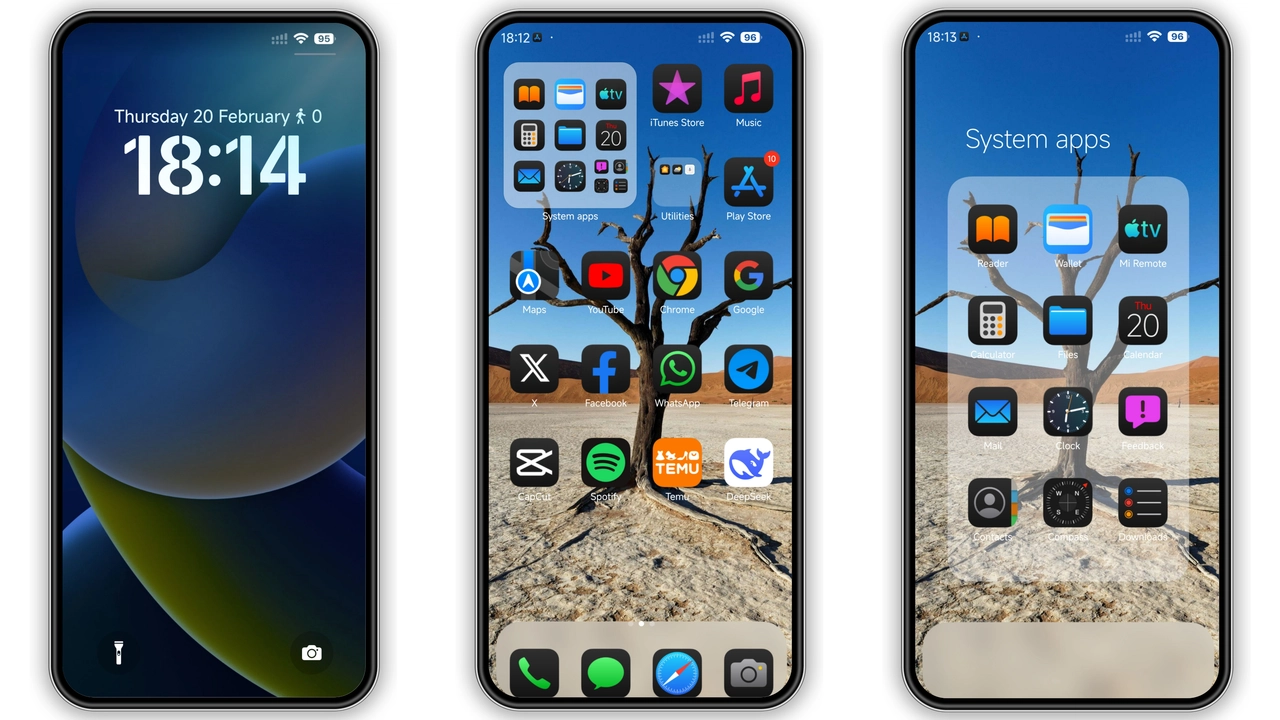
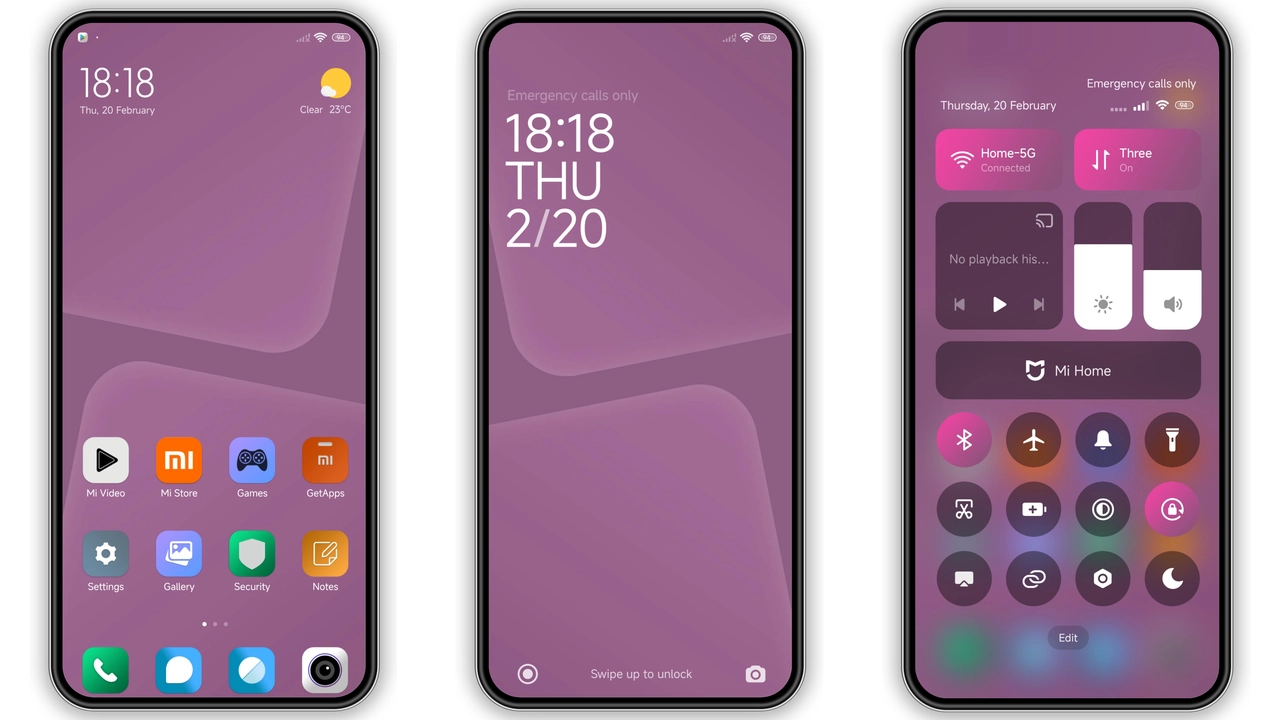
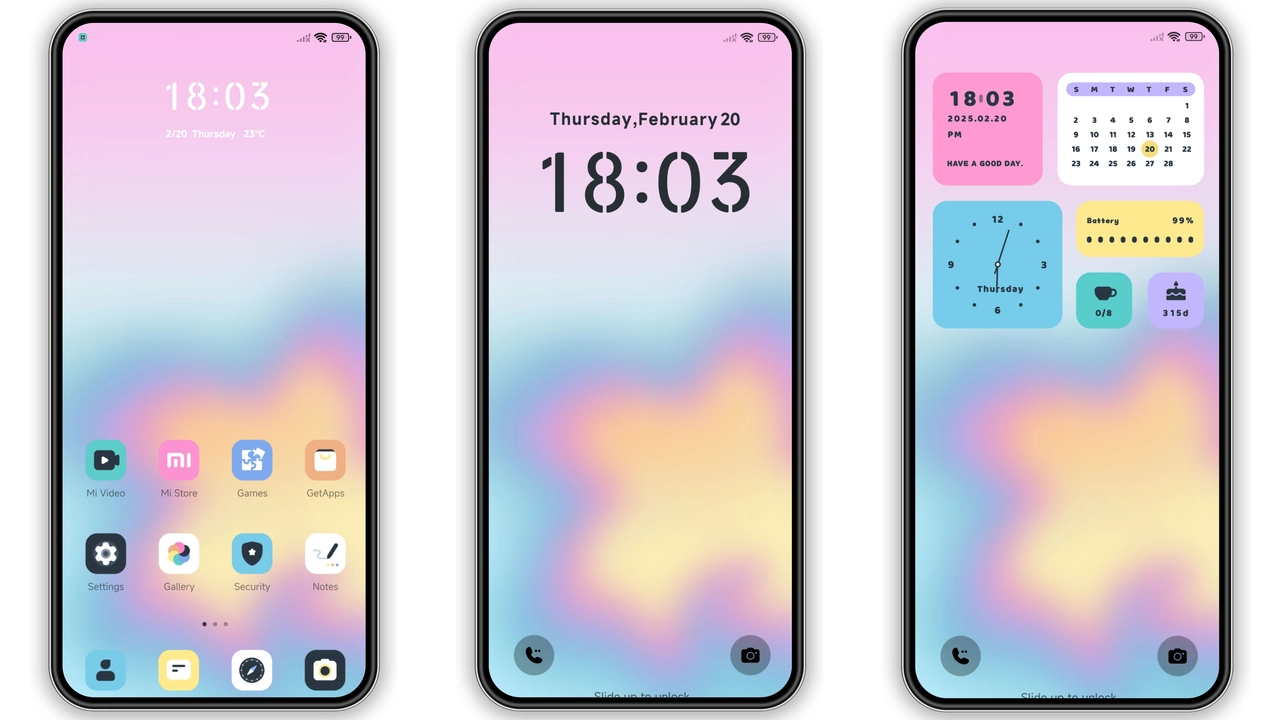
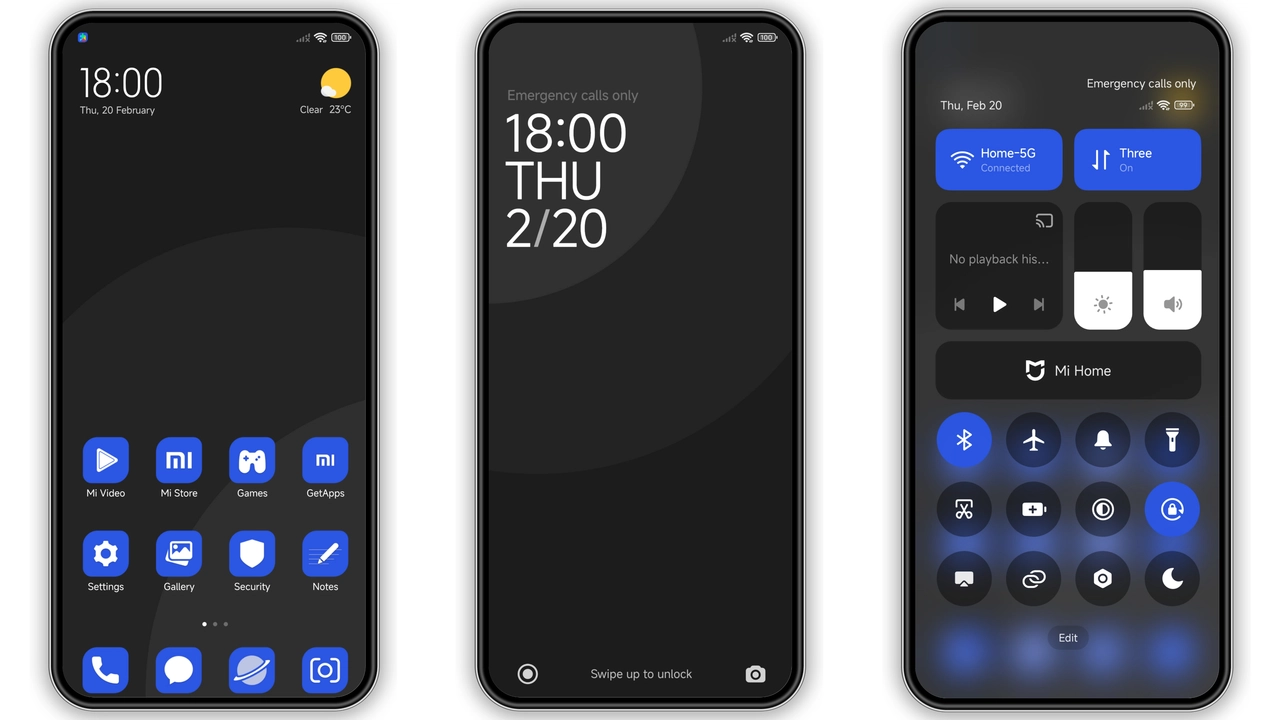
The theme drenches the UI in a navy‑blue base, punctuated by crisp white icons and subtle cyan highlights. Lock screen adopts a gradient that fades from midnight to a brighter teal, giving the impression of sunrise over water. Status bar icons turn monochrome, ensuring readability against the dark backdrop. The always‑on display follows the same hue, showing time and notifications without clashing. Wallpapers are curated from high‑resolution shots of waves, clouds, and abstract geometry, each chosen to complement the blue‑centric UI.
Suggested Read: Grey Building V15: A Device‑Specific HyperOS Theme for Redmi, POCO & Mi Phones
Who’ll Feel At Home with This Theme
If you gravitate toward cool tones, enjoy minimal clutter, and prefer a theme that feels both modern and calming, this is a match. Long‑time MIUI fans who miss the sleekness of older Android skins will appreciate the reduced visual noise. Users who customize their phones for work‑friendly aesthetics find the muted palette less distracting than neon alternatives. The theme also suits POCO owners who want a premium look without sacrificing performance.
Installation Walkthrough and What to Expect
1. Locate the MTZ file – the download package is a single 1.99 MB MTZ file. Save it to internal storage or SD card.
2. Open Theme Store – launch the pre‑installed Theme Store app on your device.
3. Import – scroll to the bottom of the Themes tab, tap Import, then navigate to the saved MTZ file.
4. Apply – after the import finishes, preview the theme. Tap Apply to switch.
5. Reboot (optional) – a quick restart clears any leftover overlays and guarantees that lock‑screen widgets render correctly.
The process takes under a minute on most devices. Because the theme is lightweight, it does not impact battery life or system performance. All custom icons, wallpapers, and UI tweaks are bundled, so there’s no need for additional downloads.
Pros and Cons
Pros
• Lightweight (under 2 MB) – minimal storage impact.
• Cohesive blue scheme – consistent across lock screen, status bar, AOD.
• High‑resolution wallpapers – no pixelation on modern displays.
• Easy one‑step import – no extra apps required.
Cons
• Limited color variants – not suitable for users who want multicolor palettes.
• Relies on Theme Store – custom ROMs without the store need extra steps.
• No adaptive dark mode toggle – theme is permanently dark.
Overall, the Blue Color HyperOS theme delivers a polished, ocean‑inspired look without sacrificing speed or stability. Its straightforward installation makes it ideal for both newcomers and seasoned customizers.
Theme Preview
Download Links
Use the buttons below to open the theme file and the supporting link.
Blue Color Theme mtz File
Helpful links
More Theme Updates
For more curated HyperOS and MIUI theme updates, visit Hyper OS x MIUI .