Parameter · Value
Designer · Maidul Islam
Size · 66.44 MB
Format · MTZ, ZIP
Compatibility · HyperOS 2.0/3.0, MIUI 11‑14
Glass‑like Transparency Meets Bold Numerals
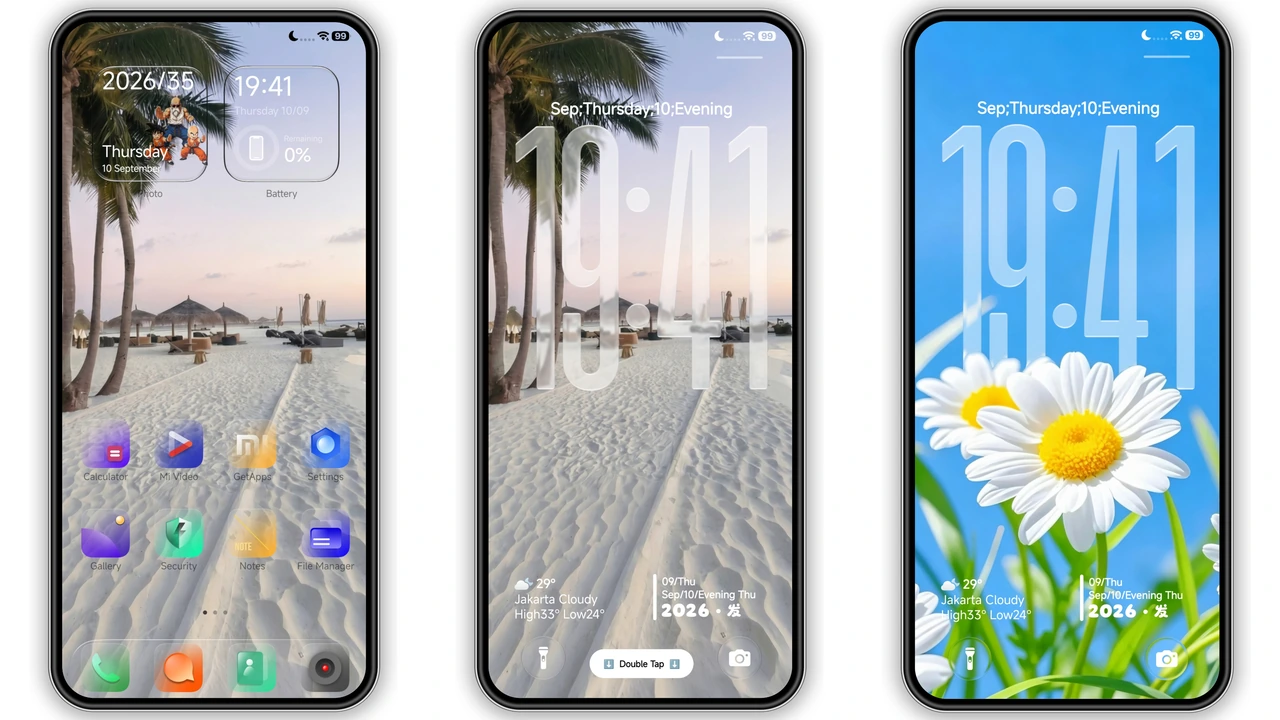
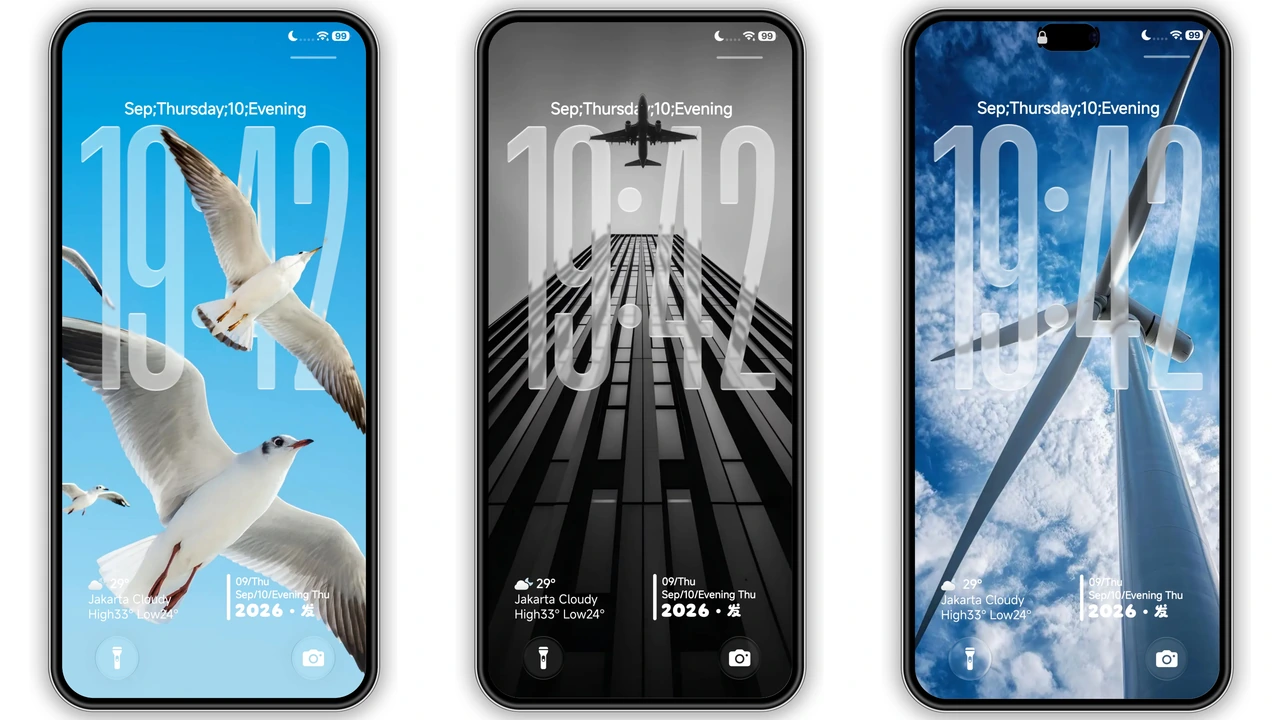
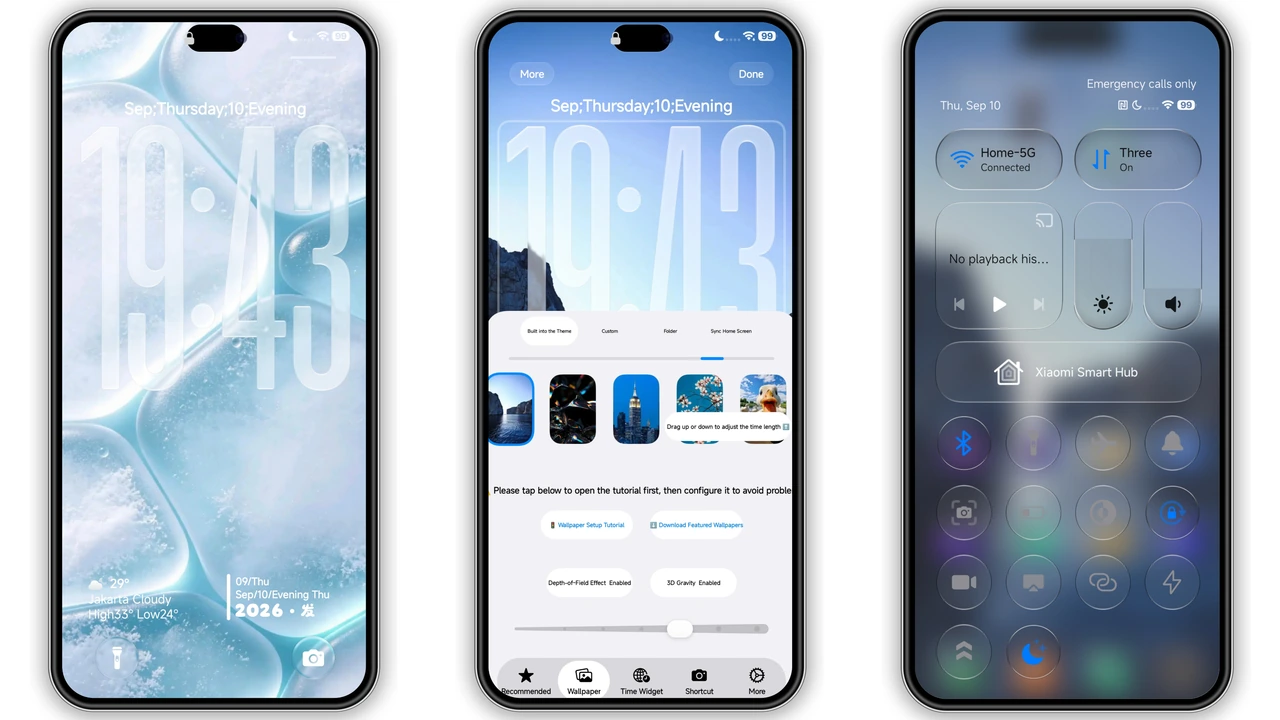
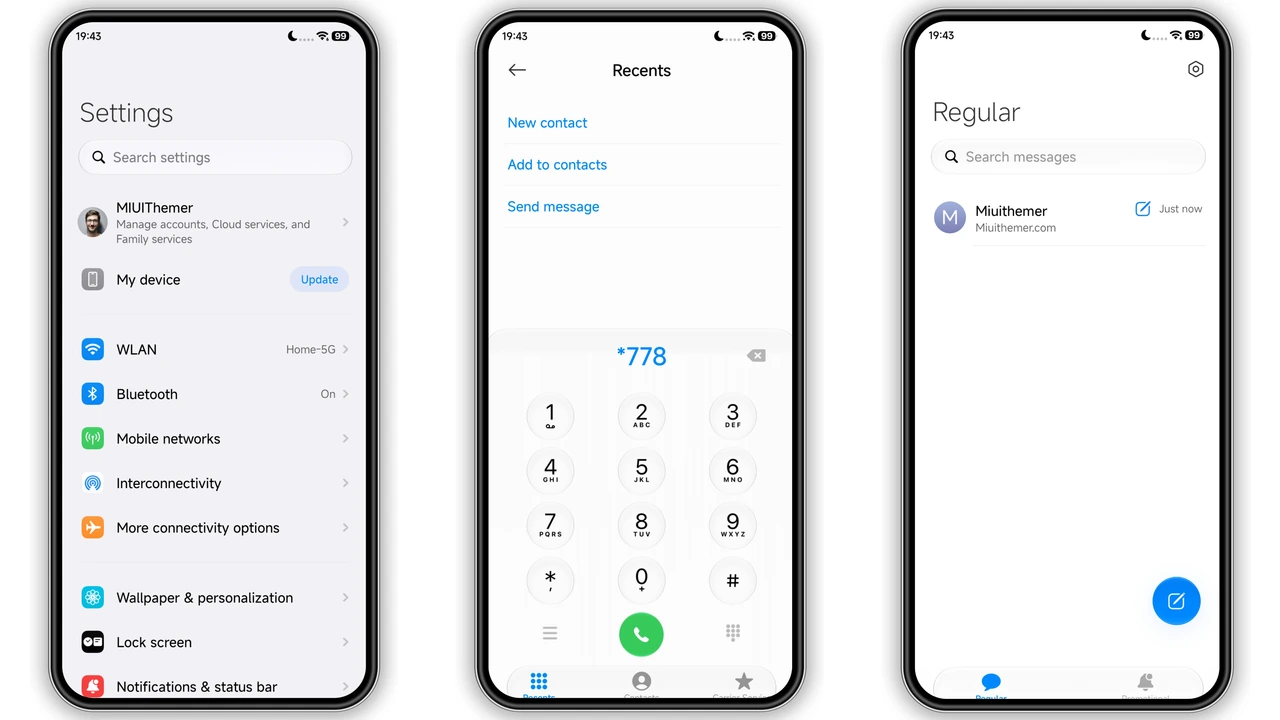
Translucent wraps the entire UI in a thin sheet of virtual glass. Backgrounds stay visible, but a subtle frosted blur softens them just enough to keep icons readable. Numerals on the status bar and lock screen appear as crisp, semi‑opaque cut‑outs, giving the illusion that they float above the wallpaper. The theme ships with a curated set of premium wallpapers—beaches at sunrise, city skylines, wind turbines turning against a blue horizon. Each image pairs with the glass overlay, creating depth‑of‑field that shifts as you swipe between screens. 3D gravity adds a tiny parallax effect; icons tilt slightly when you tilt the phone, reinforcing the sense of layered glass.
Suggested Read: Poo-4 HyperOS Theme: Trending di Xiaomi, Redmi, dan Poco
Who’ll Feel at Home with Translucent
If you love a minimalist aesthetic but refuse to sacrifice visual punch, this theme hits the sweet spot. Designers who appreciate negative space will enjoy the airy feel, while power users who need quick glances at battery, network and notifications benefit from the bold, high‑contrast numerals. Xiaomi, Redmi and POCO owners who already chase premium looks—think custom icon packs, high‑resolution lock screens—will find Translucent a natural extension. The theme also suits users who switch between work and play: the glass surface stays professional, yet the vibrant wallpapers add personality without overwhelming the UI.
Installation Flow and What to Expect
1. Open the official Theme Store on your device.
2. Search for “Translucent” or locate the theme in the “Premium” section.
3. Tap Download; the store fetches the MTZ file (≈66 MB).
4. Once the download finishes, tap Apply.
5. Restart the phone to let the glass overlay settle.
If you prefer manual installation, export the MTZ file from the backup ZIP, then import it via the Theme Store’s Import button at the bottom of the themes list. The process mirrors the store flow: import → apply → reboot.
What to expect after reboot
• Slight delay on first launch as the system renders the blur shaders.
• Icons may momentarily appear without the glass tint; a second swipe restores the full effect.
• Lock screen widgets adopt the same frosted look; any third‑party widgets that don’t support transparency will revert to a solid background.
Fine‑tuning the Look After Install
Translucent offers a handful of toggles inside the theme settings:
• Glass Opacity: slide from 30 % (more see‑through) to 80 % (denser glass).
• Wallpaper Sync: enable to automatically apply the theme’s curated wallpapers on new home‑screen pages.
• Icon Pack Switch: the theme bundles a fresh icon set, but you can swap to any compatible pack without breaking the glass effect.
• AOD Style: choose between a minimal clock or a full‑screen preview of the current wallpaper.
Experiment with opacity to balance readability and visual depth. Lower opacity works best with high‑contrast wallpapers; higher opacity pairs nicely with pastel or monochrome images.
Pros and Cons
• Pros
• Premium glass feel without heavy battery drain.
• Bold numerals stay legible on any wallpaper.
• Built‑in 3D gravity adds subtle dynamism.
• Compatible across HyperOS 2.0, 3.0 and MIUI 11‑14.
• Easy manual install via MTZ/ZIP.
• Cons
• Initial render may cause a brief lag on older devices.
• Some third‑party widgets lose transparency.
• No dark‑mode specific tweaks; glass opacity is the only control.
Overall, Translucent delivers a polished, glass‑styled experience that feels both modern and lightweight. Ideal for anyone who wants their Xiaomi, Redmi or POCO device to look like a high‑end prototype rather than a stock phone.
Theme Preview
Download Links
Use the buttons below to open the theme file and the supporting link.
Translucent Theme mtz File
Translucent Theme Backup File
Helpful links
More Theme Updates
For more curated HyperOS and MIUI theme updates, visit Hyper OS x MIUI .


