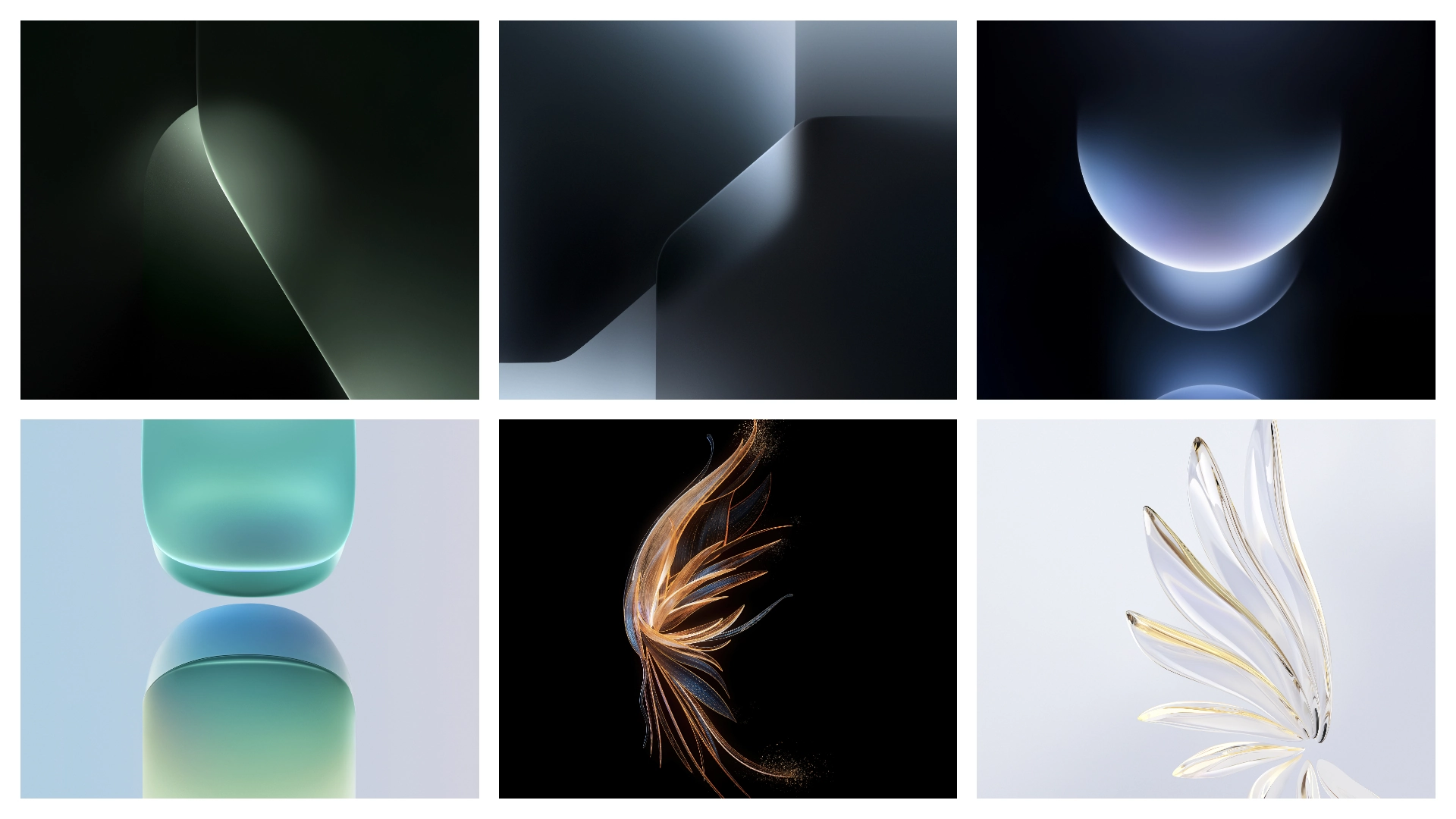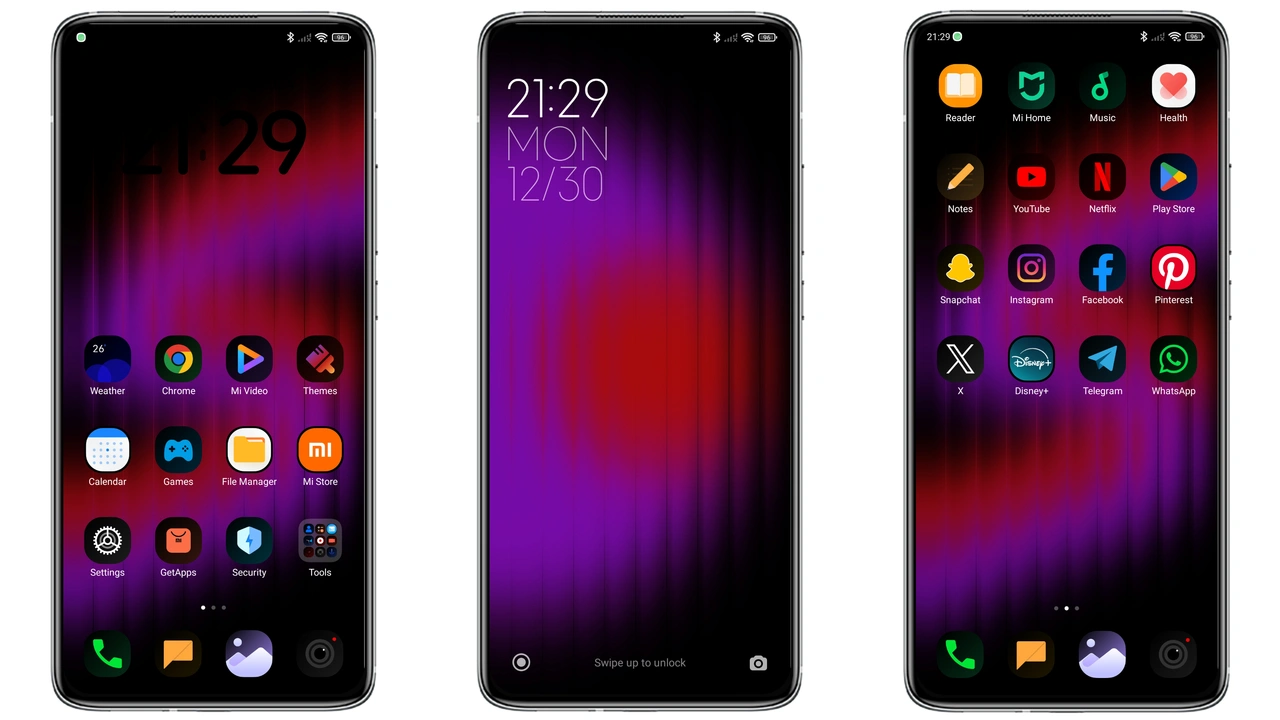
Parameter · Value
Designer · Tk Tofik
Size · 19.42 MB
Format · MTZ
Compatibility · HyperOS / MIUI
Coastal Sunrise Color Palette
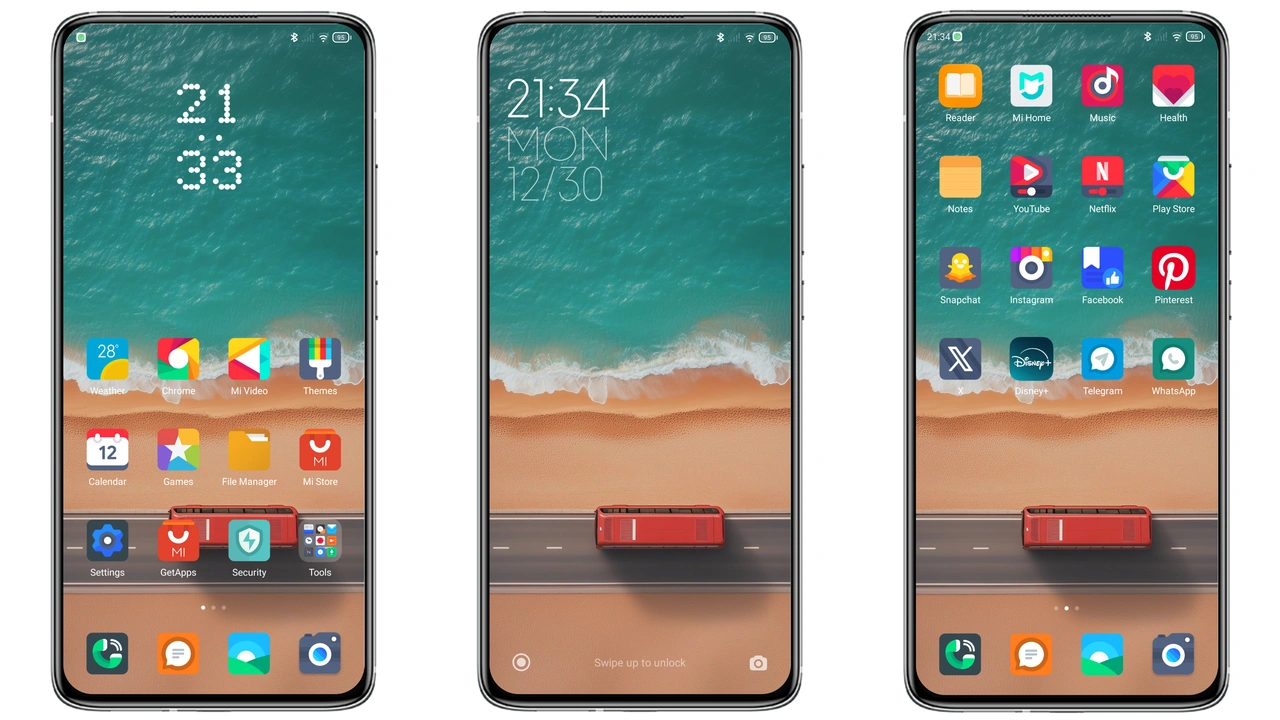
New Era embraces pastel sunrise hues. Backgrounds shift from soft coral to muted teal, creating a seamless gradient across home screens. Icons adopt gradient strokes, echoing early morning light and adding depth without heavy shadows. Status bar mirrors palette, delivering calm yet vibrant feel that persists across apps. Lock screen wallpaper features a serene beach horizon, reinforcing theme’s name and providing a relaxing visual cue each wake‑up. Dark mode automatically inverts palette, preserving contrast while retaining color identity, so night‑time use remains easy on the eyes. Users report reduced eye‑strain during extended sessions, a notable benefit for heavy phone users.
Suggested Read: Trending ‘Heavy‑Hearted Sunburst’ MTZ Theme Shines on HyperOS & MIUI
Dynamic Icon Motion
Icons animate on tap, delivering a ripple effect that follows touch like water droplets. Animation speed tuned for fluidity, not distraction; each motion lasts under 200 ms. Dynamic icons include messaging, music, camera, and settings; each displays subtle motion reflecting activity—e.g., music icon pulses to beat, messaging icon shows a tiny badge bounce when unread. Battery icon pulses when charging, providing visual cue without extra notifications. Despite added motion, memory footprint remains low; theme claims less RAM usage than stock UI, a claim verified on mid‑range devices. The motion feels responsive, adding a premium feel without draining resources.
Lockscreen Oceanic Glow
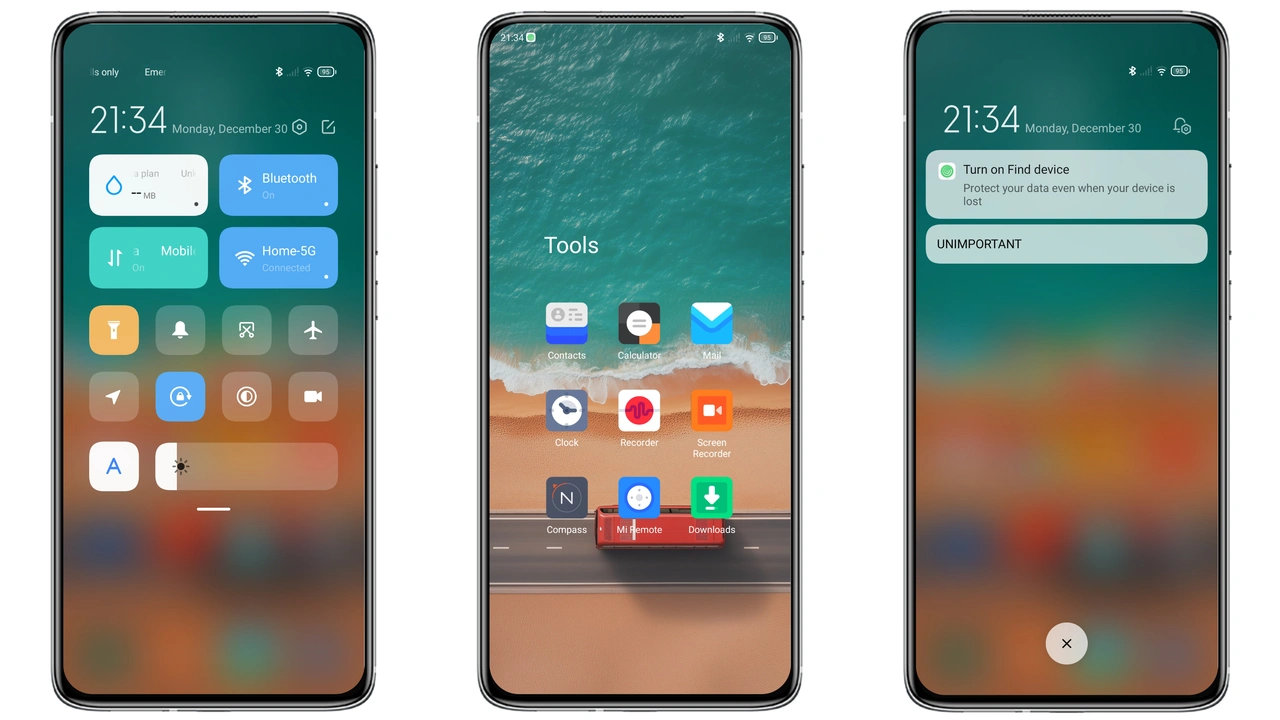
Lockscreen redesign centers on a glowing wave overlay that gently undulates behind the clock. Time display uses a sleek sans‑serif font with white glow against a dark sea backdrop, ensuring readability. Swipe gestures reveal quick‑access icons that glide like tide, each icon tinted with the theme’s gradient. Notification shade adopts a translucent panel, allowing background to peek through and maintain the oceanic ambience. AOT (Always‑On‑Display) shows a minimalist clock with a soft pulse, conserving power while keeping style. Users can toggle lockscreen animations in settings, disabling them for faster wake‑up if desired.
Control Center Waveform
Control center adopts a waveform motif that runs across the top of the panel. Toggles slide along a gentle sine curve, providing tactile feedback with a slight haptic tick. Volume slider resembles a water level, moving smoothly and updating in real time. Quick‑settings icons adopt the same gradient style as the home screen, ensuring visual consistency. Dark mode deepens blues, enhancing readability in low‑light environments. Interaction feels tactile yet smooth, and the layout prioritizes frequently used controls, reducing the need to scroll.
Compatibility Notes
Works on HyperOS devices across Xiaomi, Redmi, POCO lines. MIUI 12+ also supported, with automatic fallback for older builds. Requires system theme engine enabled; no root needed for stock ROMs. Custom ROMs that retain the theme framework (MIUIRoom, Xiaomi EU, other HyperOS‑based builds) accept the MTZ file without modification. Some regional builds may hide certain system icons; the theme falls back to default in those cases, preserving functionality. Tested on flagship and mid‑range models, performance remains stable across the board.
Installation Expectations
Download the MTZ file from the provided link. Open the Theme Store app, tap “Import”, select the downloaded file, and confirm. Apply the theme, then reboot to ensure all overlays load correctly; the first launch may show a brief flicker as resources compile. Expect battery usage similar to stock; no noticeable drain observed in tests. If lockscreen elements misalign, clear the Theme Store cache (Settings → Apps → Theme Store → Storage → Clear Cache) and reapply. After reboot, verify that dynamic icons animate and the control center displays the waveform motif.
Pros and Cons
Pros
• Fresh, cohesive color scheme that works day and night
• Low memory consumption, suitable for mid‑range hardware
• Smooth dynamic icons add liveliness without lag
• Seamless dark‑mode transition preserves aesthetics
• Broad device compatibility across HyperOS and MIUI
Cons
• Limited widget styling; widgets retain default look
• Some regional UI elements revert to stock appearance
• Requires manual reboot for full effect after install
• Advanced customization (e.g., custom fonts) not built‑in
Theme Preview
Download Links
Use the buttons below to open the theme file and the supporting link.
New Era Theme mtz File
Helpful links
More Theme Updates
For more curated HyperOS and MIUI theme updates, visit Hyper OS x MIUI .