Parameter · Value
Designer · agit77
Size · 8.09 MB
Format · .mtz
Compatibility · HyperOS / MIUI
Midnight Minimalist UI
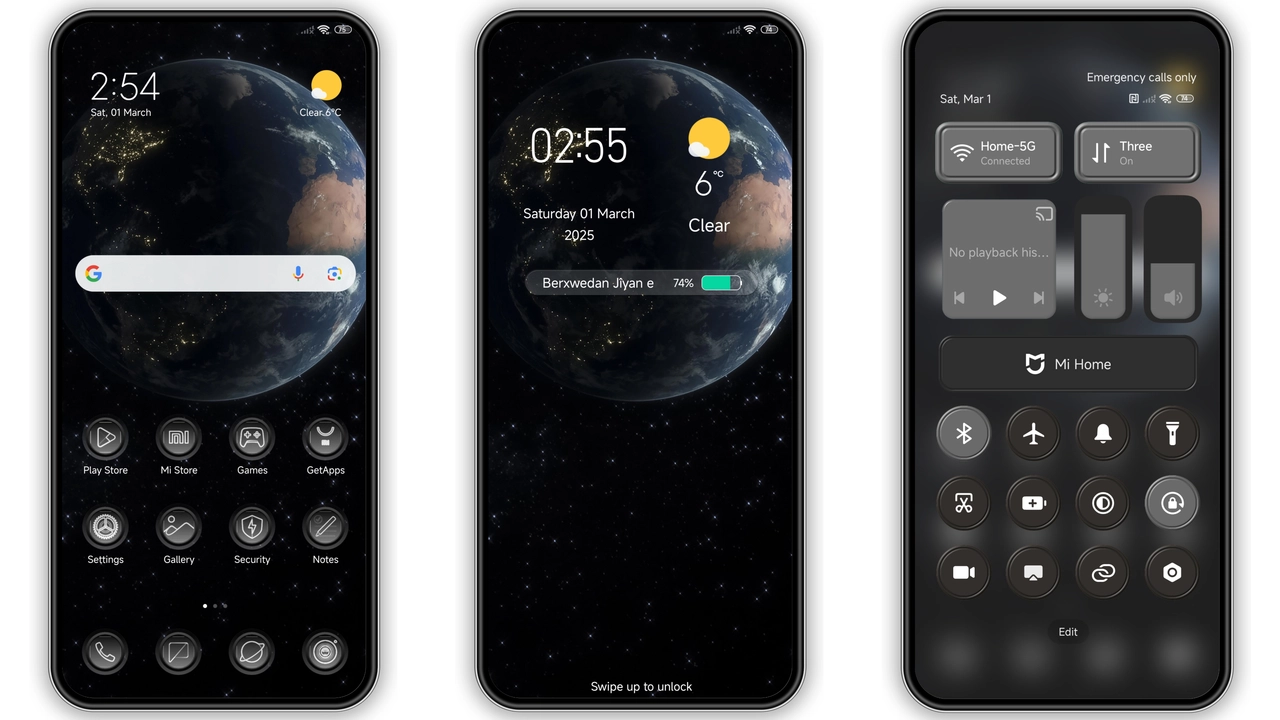
Pure black canvas. Contrast spikes. Status bar recedes. Navigation icons adopt thin strokes. Font weight stays regular, ensuring readability. No neon accents; only subtle shadows. Battery indicator glows amber only when low. Overall feel: understated power. Works on any screen size, from compact Mi A2 to large POCO X5.
Suggested Read: Frost Peak Star vs Morandi Star: Dark Mountain Theme Showdown
Dynamic Lock Screen & AOD Glow
Lock screen animates on swipe. Background shifts between deep charcoal and faint nebula pattern. Clock uses sleek sans‑serif, large digits. Notification icons appear with soft fade. Always‑on‑display mirrors lock screen palette, dimming to 15% brightness to save battery. Dynamic elements pause on low‑power mode.
Icon Pack Revamp & Wallpaper Cohesion
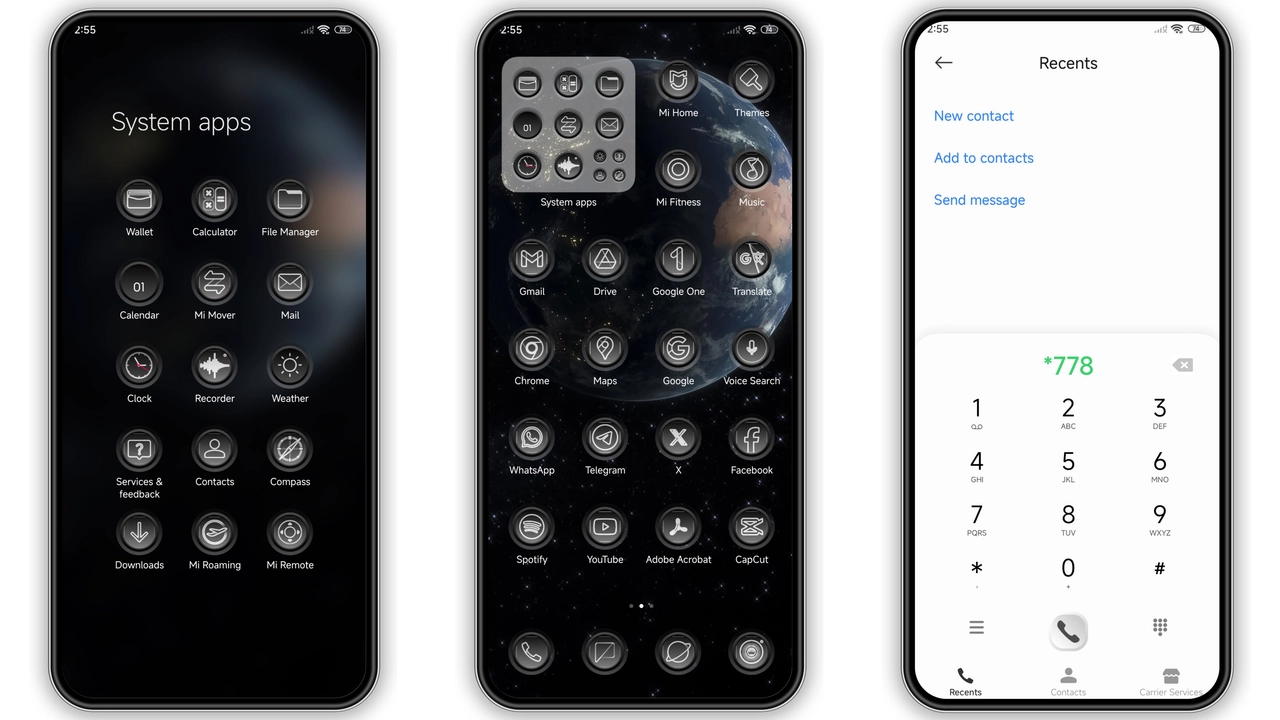
All system icons rebuilt. Folder icons adopt rounded squares with inner glow. App icons retain original glyphs but receive matte finish. New wallpaper set includes five high‑resolution images: city nightscape, starfield, abstract grid, calm lake at dusk, and minimalist gradient. Wallpapers match icon tones, creating visual harmony.
Installation Flow & Expectation
Download .mtz file from provided link. Open Theme Store app. Tap "Import" at bottom. Select downloaded file. Theme appears in "My Themes". Apply. Device restarts UI layer; takes 10‑15 seconds. First launch may show brief flicker—normal. Verify icons, lock screen, AOD. If any element misaligned, clear cache in Settings → Themes → Clear Data and reapply.
Pros and Cons
Pros
• True HyperOS compatibility
• Cohesive dark aesthetic
• Dynamic lock screen adds flair
• Lightweight (8 MB) ensures fast load
• High‑resolution wallpapers included
Cons
• No light‑mode variant
• Limited customization beyond default pack
• AOD may slightly reduce standby time on older batteries
• Requires Theme Store import; no direct OTA update
Theme Preview
Download Links
Use the buttons below to open the theme file and the supporting link.
Jiyan Black Theme mtz File
Helpful links
More Theme Updates
For more curated HyperOS and MIUI theme updates, visit Hyper OS x MIUI .


