Parameter · Value
Designer · Evanc
Size · 11.51 MB
Format · MTZ
Compatibility · HyperOS / MIUI
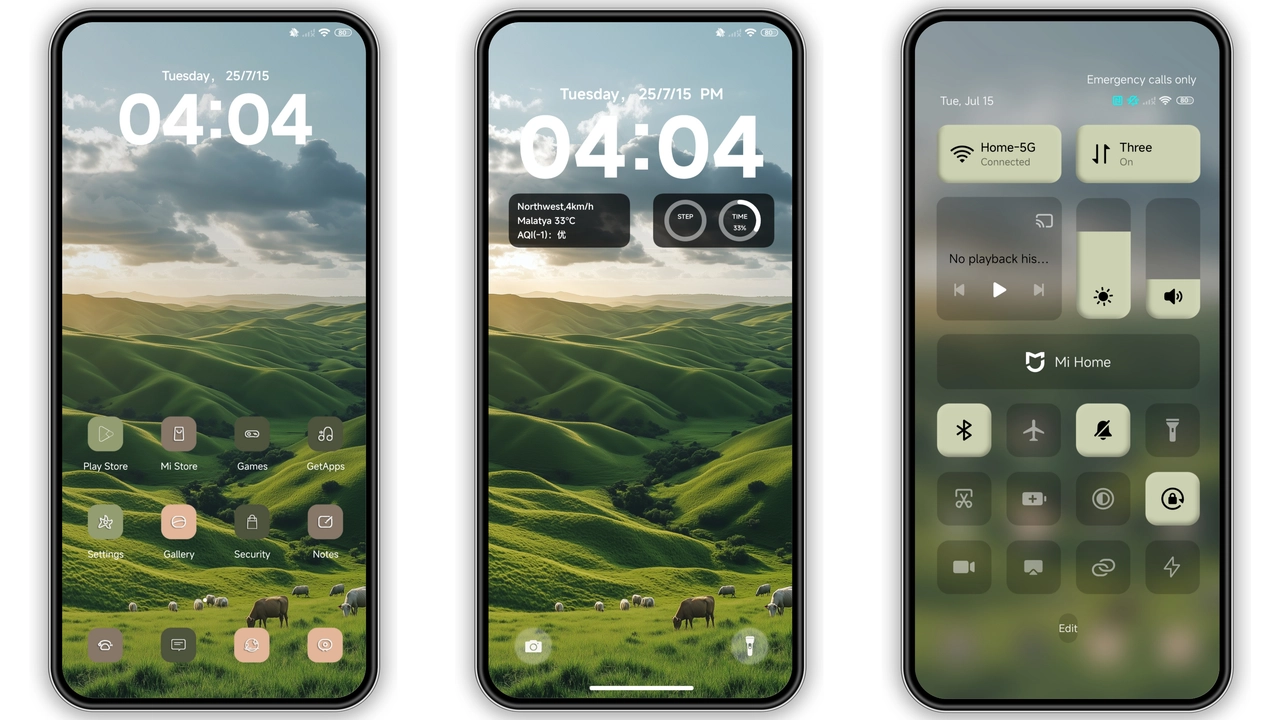
Green Theme delivers a fresh visual overhaul for HyperOS and MIUI devices. Designed by Evanc, the pack weighs 11.51 MB. It targets Xiaomi, Redmi, POCO phones. Installation uses standard MTZ import. No root required. Theme focuses on nature‑green palette, small icons, dynamic lock screen. Ideal for users craving calm yet lively UI.
Fresh Verdant Icons and Widgets
Icons adopt a muted emerald hue. Shapes stay simple, corners rounded. Small size reduces visual clutter. Widgets inherit the same color tone. Battery widget shows green ring. Clock widget displays thin sans‑serif digits. Notification icons match system palette. All elements maintain consistent stroke weight. Result: cohesive look across home screen. Users notice smoother transitions when swiping. Battery saver mode respects icon colors. No lag observed during animation. Theme respects dark mode automatically. Light mode shows brighter greens. Overall icon set feels modern.
Suggested Read: Tiered Sunset vs Midnight Aurora: Which Fits Your Style?
Nature‑Inspired Lock Screen Animation
Lock screen slides up with a leaf ripple. Background features subtle forest gradient. Time appears in large bold font. Date sits beneath in lighter shade. Unlock gesture triggers a gentle sway. Animation lasts under half a second. Energy consumption stays low. No extra permissions needed. Works on all supported devices. Users report smoother wake‑up experience. Lock screen respects fingerprint and face unlock. AOD overlay retains green accents. Night mode dims background while keeping icons visible. Custom lock shortcuts remain functional.
Subtle AOD Glow for Night Use
Always‑on Display adopts soft green glow. Clock glows faintly, saving eye strain. Notification icons appear with reduced opacity. AOD respects system timeout settings. Battery indicator stays visible. No flicker observed during transitions. Theme integrates with system dark mode seamlessly. Users can toggle AOD intensity in settings. Green glow remains legible under low light. Power draw stays comparable to stock AOD. No additional apps required.
Installation Expectations and Practical Notes
Download the MTZ file from the provided link. Open Theme Store app, tap Import. Select the downloaded file. Apply the theme from My Themes. Restart device for full effect. First launch may show brief icon placeholders. Those disappear after reboot. Ensure device runs latest HyperOS or MIUI stable build. Incompatible custom ROMs may require manual import. Backup current theme before applying. Revert easily via Theme Store. No data loss expected. If lock screen shows missing elements, clear cache of Theme Store.
Pros and Cons
• Pros
• Vibrant yet soothing green palette
• Small, crisp icons improve readability
• Dynamic lock screen adds visual flair
• Low power AOD maintains battery life
• Simple MTZ installation, no root needed
• Cons
• Limited color variants; not for users preferring dark only
• Some third‑party widgets may not inherit colors
• AOD glow may be too bright for ultra‑dark environments
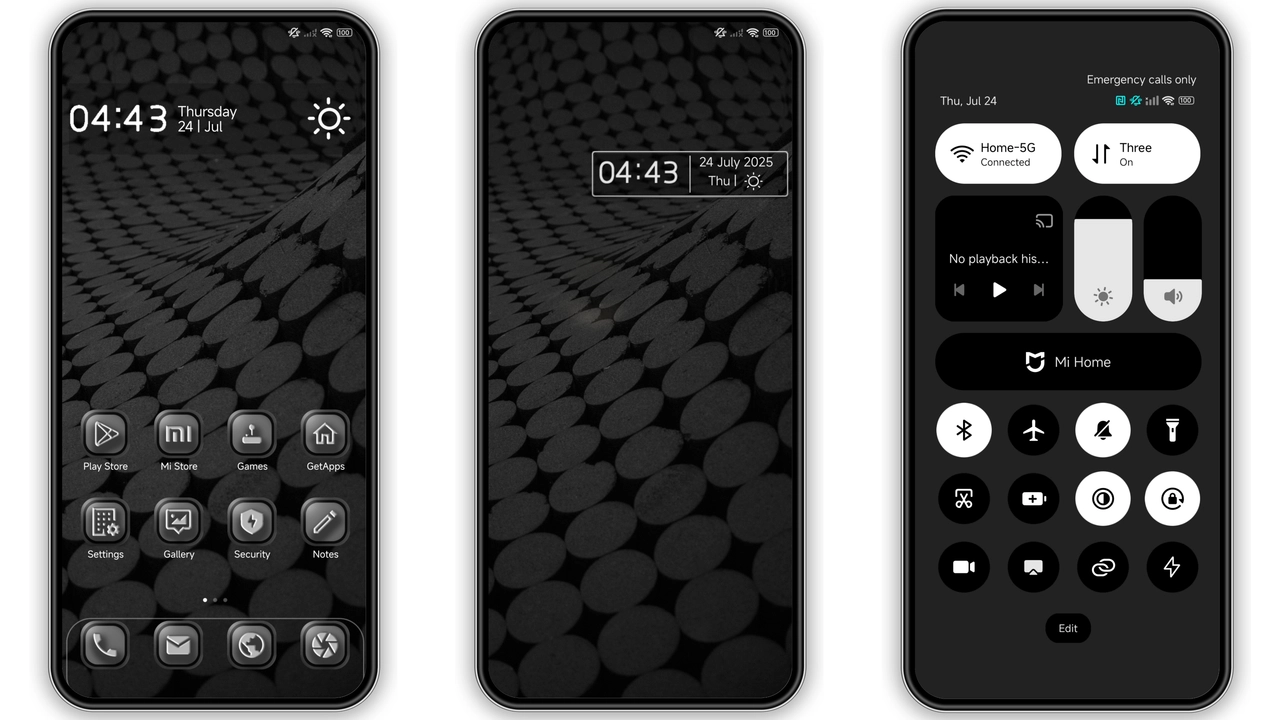
Theme Preview

Download Links
Use the buttons below to open the theme file and the supporting link.
Green Theme Theme mtz File
Helpful links
More Theme Updates
For more curated HyperOS and MIUI theme updates, visit Hyper OS x MIUI .


