Parameter · Value
Designer · —
Size · Varies (HD, Full‑HD, 4K)
Format · PNG, JPG
Compatibility · HyperOS / MIUI
Vibrant Color Palette & Dynamic Depth
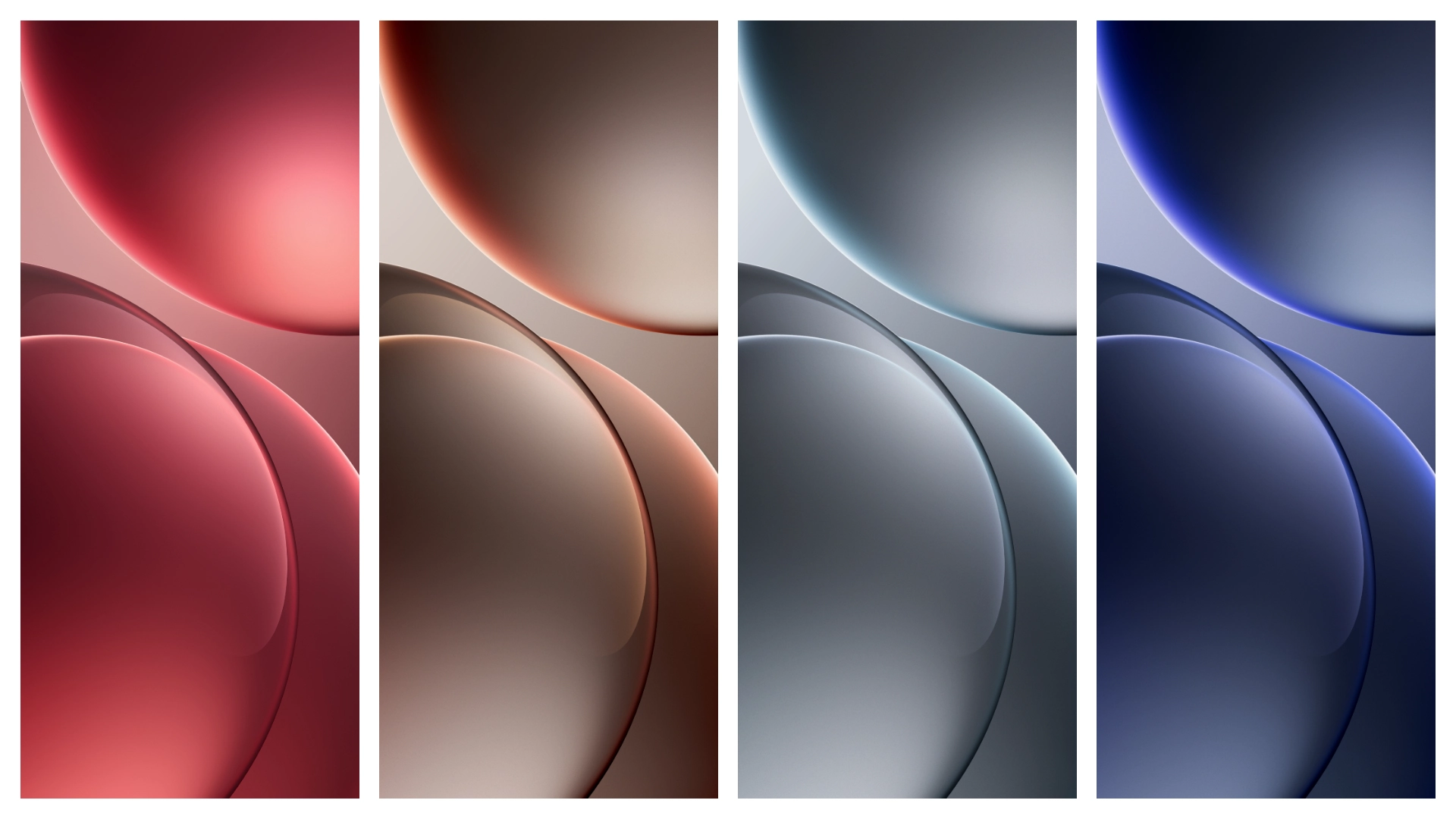
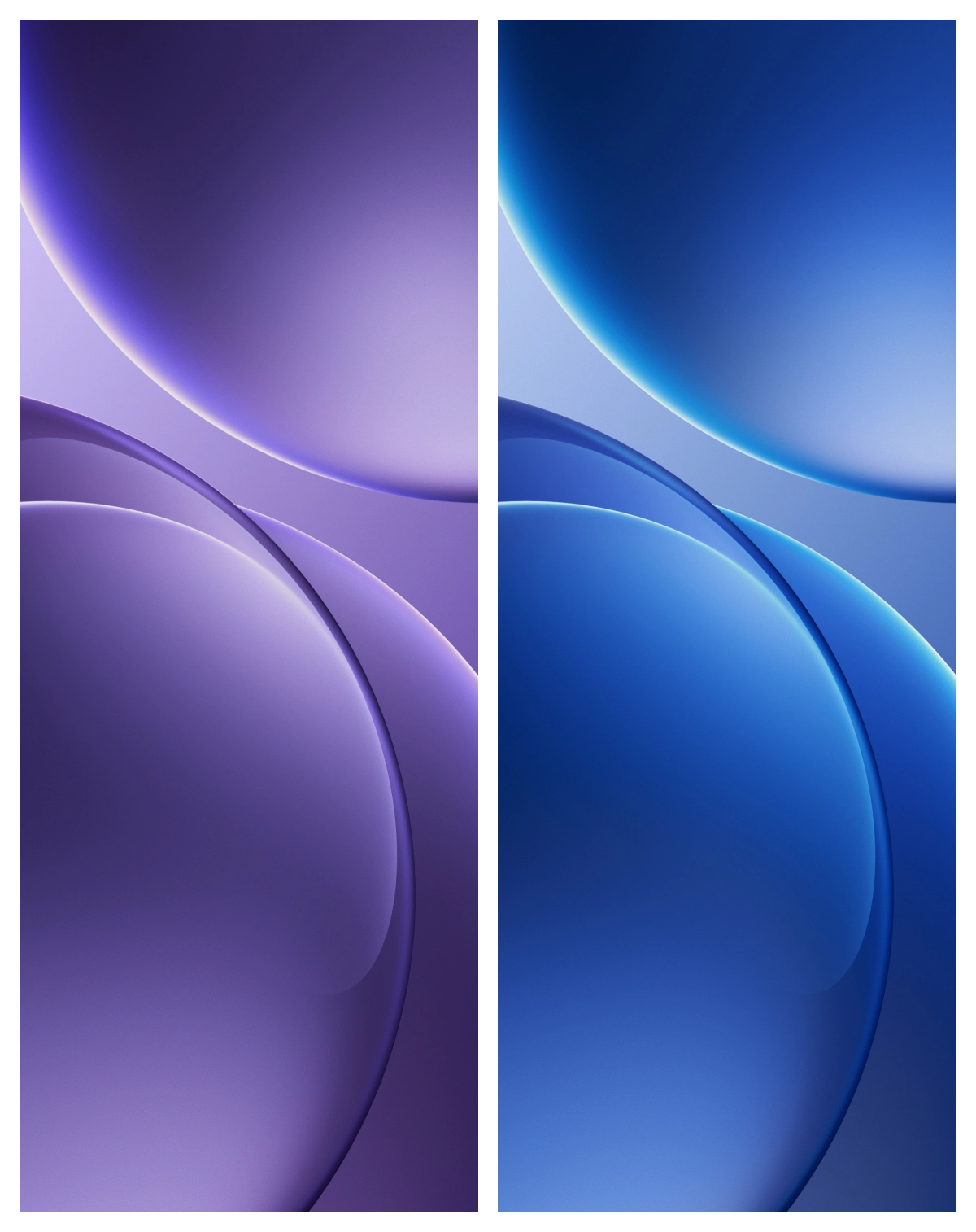
The Find X9 collection leans into the brand’s signature neon‑blue accents while introducing warm coral highlights that echo the device’s camera module. Each wallpaper balances high contrast with subtle gradients, ensuring icons remain legible on both dark and light UI skins. Live variants animate the background subtly—think slow‑moving light trails that never distract from notifications. Static images retain crisp detail at 4K, making the pack future‑proof for high‑density displays.
Suggested Read: Prism Weave Dream: Tema HyperOS yang Lagi Viral di Xiaomi & Redmi
Who’ll Love This Flagship‑Level Pack
Power users who prize visual fidelity will feel right at home. The set appeals to:
• Android enthusiasts who run HyperOS on Xiaomi or Redmi devices and want a premium feel.
• Fans of Oppo’s design language who miss the brand’s aesthetic after switching to a different OEM.
• Creators who need high‑resolution backdrops for screenshots, social media posts, or video overlays.
If you prefer minimalist monochrome themes, this pack may feel too busy. Conversely, if you enjoy bold, camera‑inspired art, the Find X9 wallpapers will instantly elevate the home screen.
Installation Flow on HyperOS & MIUI
1. Copy files – Use a file manager to move the downloaded folder to Internal Storage/Wallpapers/FindX9.
2. Open Settings – Navigate to Display → Wallpaper.
3. Select source – Choose My wallpapers and locate the new folder.
4. Apply – Pick a static or live option, set it for the lock screen, home screen, or both, then confirm.
The process mirrors the standard MIUI workflow, so no extra apps are required. On HyperOS, the same steps apply; the only difference is the naming of the wallpaper picker, which now lives under Personalisation.
Pros and Cons
• Pros
• Ultra‑sharp textures up to 4K
• Cohesive color story matching Find X9 hardware
• Live variants optimized for low power draw
• Simple install, no third‑party launcher needed
• Cons
• Large file size (~250 MB total)
• Live wallpapers limited to 30 fps
• No built‑in dark‑mode toggle; you must pick a dark‑tinted static image
Enjoy the flagship vibe on any HyperOS or MIUI device. The Find X9 wallpapers bring the same visual punch you’d expect from Oppo’s premium phones, without the need to own the hardware.
Theme Preview
Download Links
Use the buttons below to open the theme file and the supporting link.
Download Oppo Find X9 Stock Wallpaper
Helpful links
More Theme Updates
For more curated HyperOS and MIUI theme updates, visit Hyper OS x MIUI .


