Parameter · Value
Designer · –
Size · Various
Format · PNG
Compatibility · HyperOS, MIUI
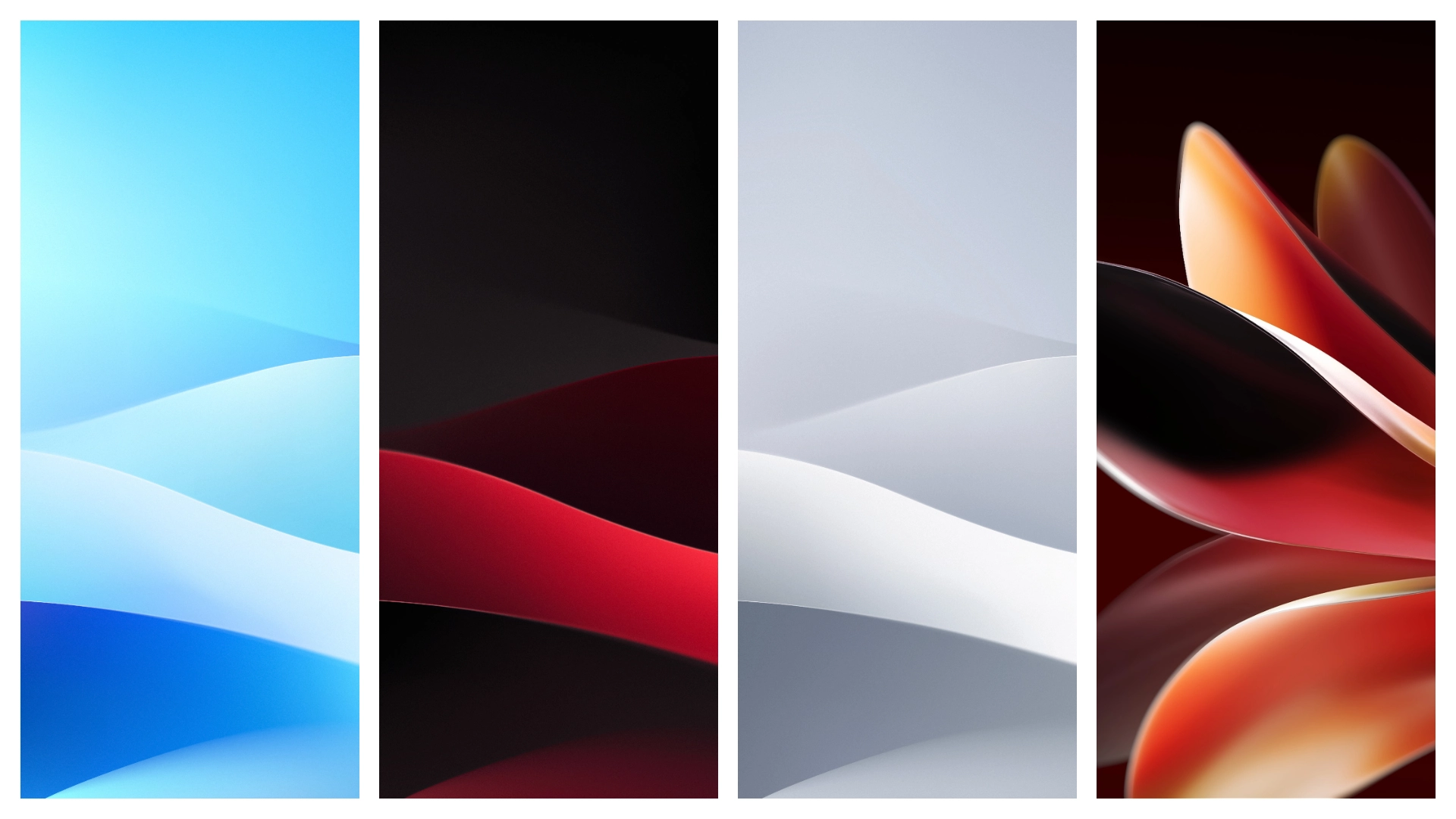
High‑Res Dark Elegance
Pack delivers deep‑black gradients, subtle teal accents, sharp device silhouettes. Images match the phone’s OLED peak, retain true blacks. Colors stay consistent across brightness levels. Each wallpaper fills the 1080×2400 canvas without stretching. Margins align with status‑bar, navigation‑bar, AI‑button cutout. Result: immersive look, no distortion.
Suggested Read: Kawaii Gloom Kitty vs Neon Pulse: Which Theme Wins on HyperOS & MIUI
Pixel‑Perfect Fit for HyperOS
HyperOS reads wallpaper dimensions, scales automatically. No manual cropping needed. Theme engine respects dynamic accent extraction, syncs UI hues. MIUI overlay preserves icons, retains legibility. Compatibility list confirms both platforms load files natively. Users experience seamless transition from stock to custom.
Ideal for Minimalist Fans
Design philosophy strips excess, focuses on silhouette. Fans of clean UI gravitate to this set. Dark palette reduces eye‑strain, saves battery on OLED. Minimalist aesthetic complements gesture‑based navigation. Pair with monochrome icon packs for cohesive look.
Installation Tips and Gotchas
Download zip from the provided link. Extract to a known folder. Open Settings → Wallpaper → Choose new wallpaper. Browse to extracted folder, select desired image. Confirm preview, apply to home screen and lock screen. Some devices cache previous wallpaper; clear cache if image appears fuzzy. Ensure file name contains only ASCII characters to avoid loading errors. Do not rename extensions; keep .png.
Pros and Cons
• Pros
• Ultra‑high resolution, no pixelation
• Perfectly sized for Note 16 Pro display
• Dark theme saves battery on OLED
• Seamless integration with HyperOS accent extraction
• Cons
• Limited to dark color scheme, bright‑theme lovers may miss variety
• No vector versions, scaling beyond native size reduces quality
• Designer unknown, no official support channel
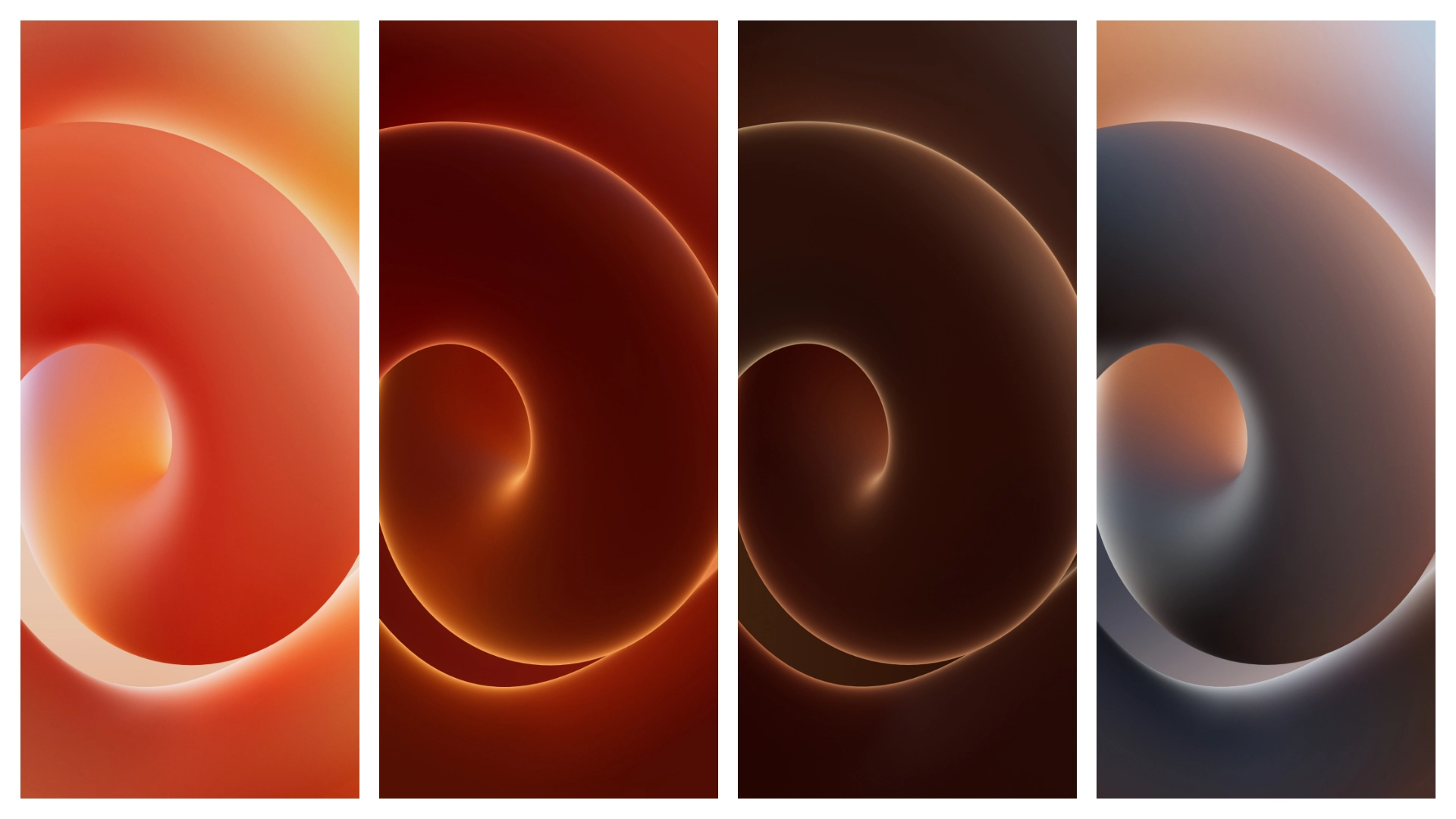
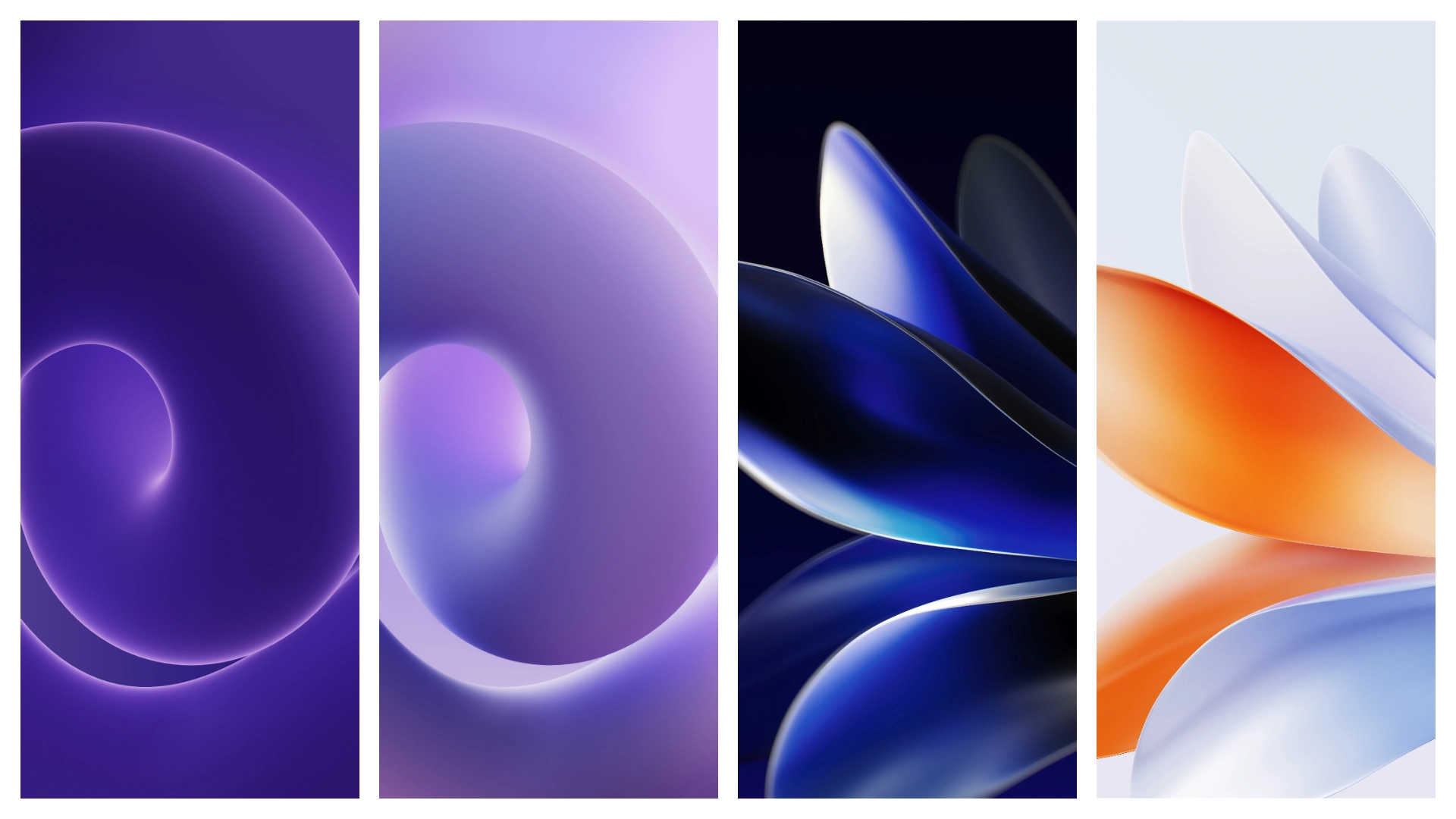
Theme Preview
Download Links
Use the buttons below to open the theme file and the supporting link.
Download Meizu Note 16 (Pro) Stock Wallpaper
Helpful links
More Theme Updates
For more curated HyperOS and MIUI theme updates, visit Hyper OS x MIUI .


