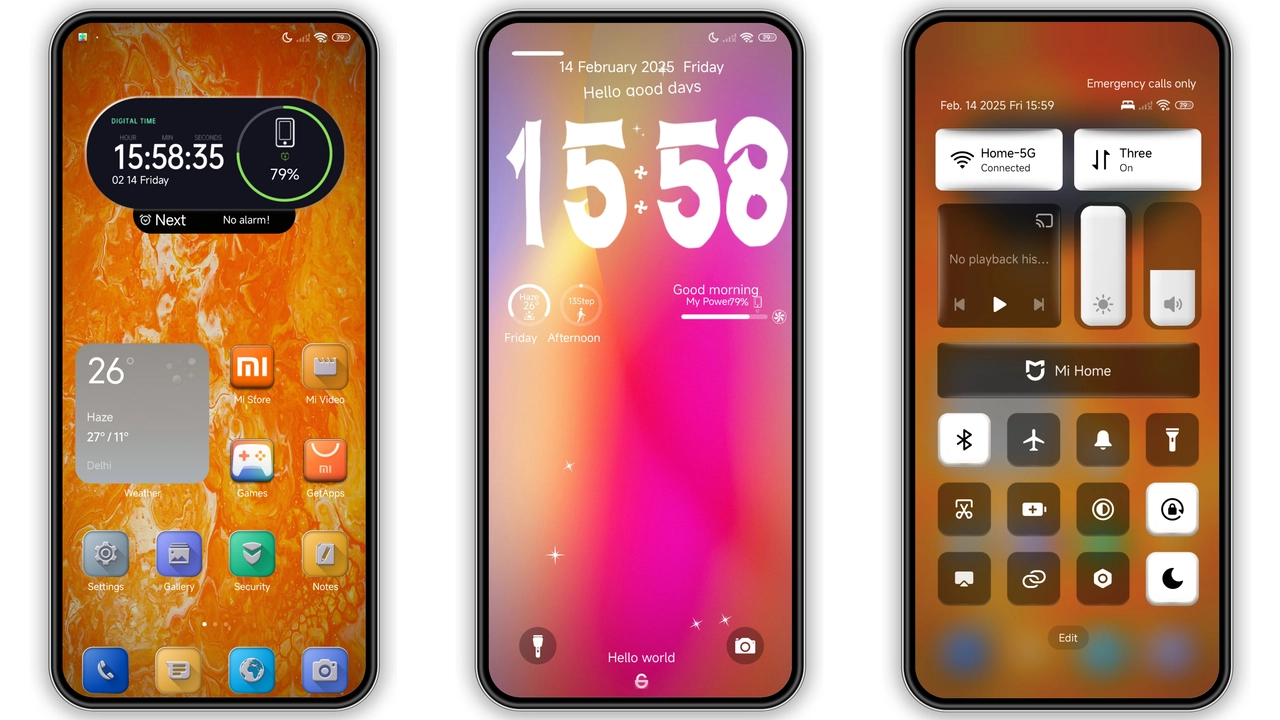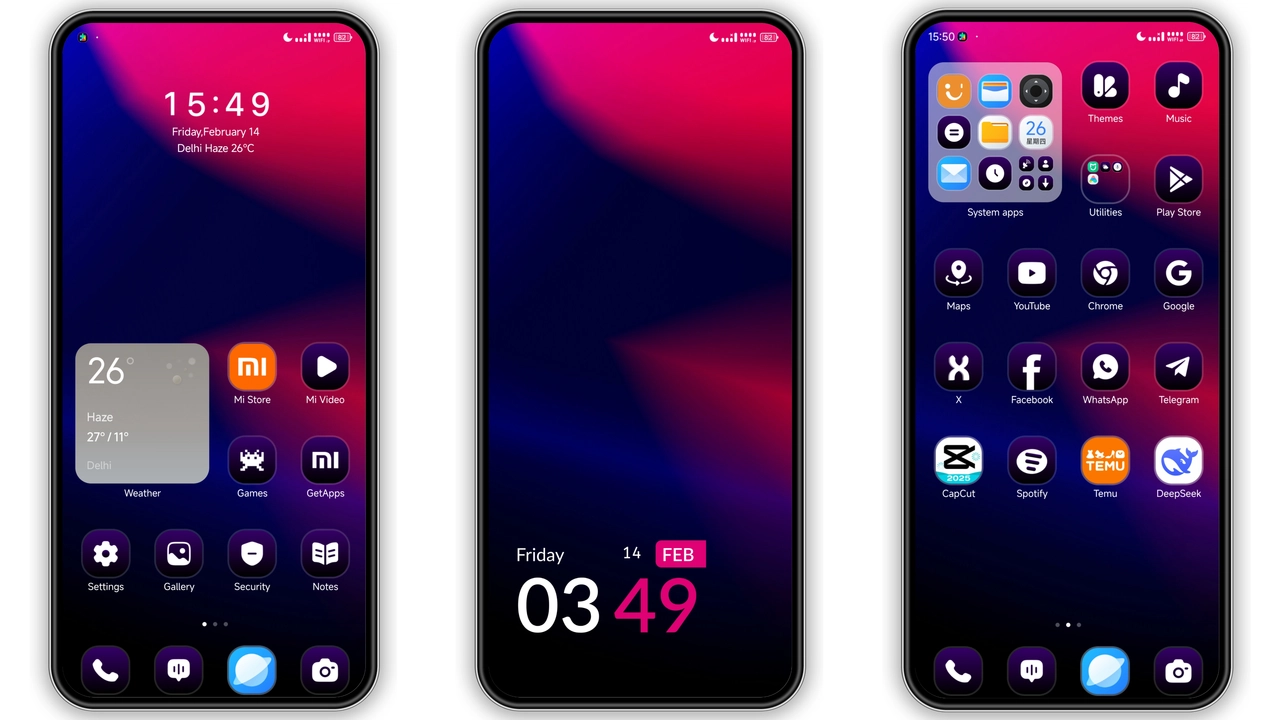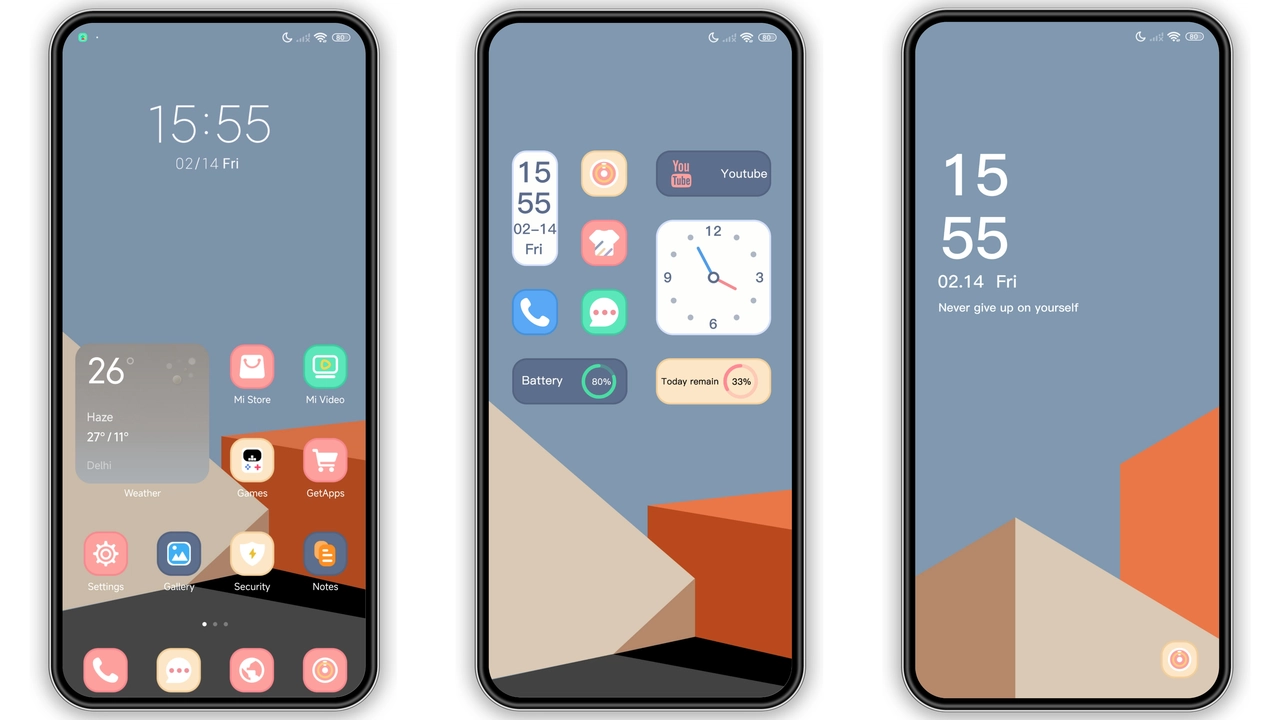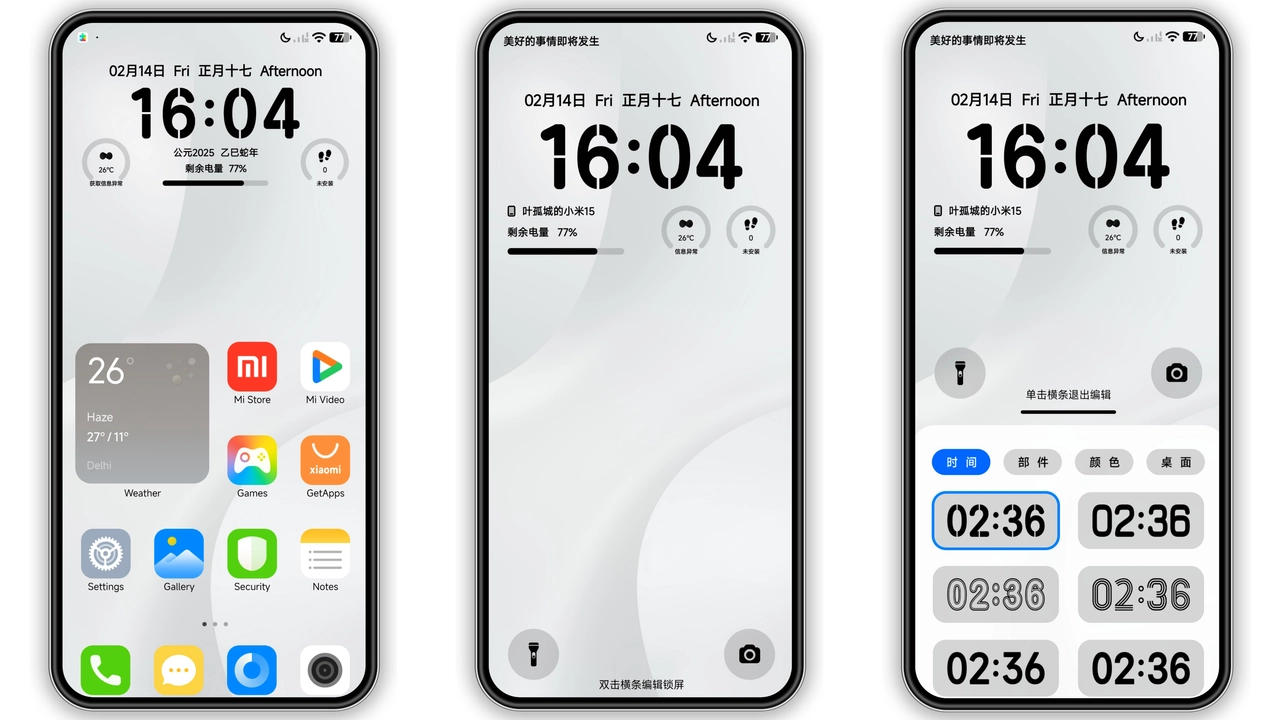
Parameter · Value
Designer · Yegucheng
Size · 12.08 MB
Format · MTZ
Compatibility · HyperOS, MIUI 12‑5, 13, 14
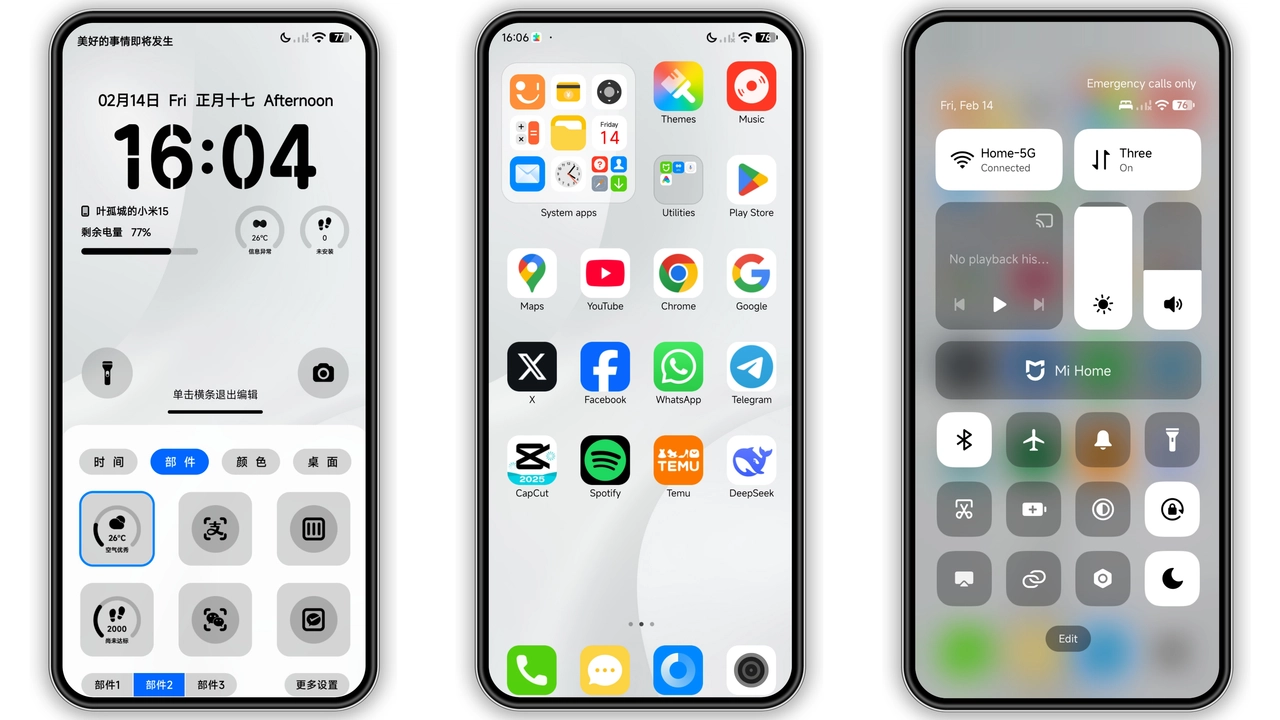
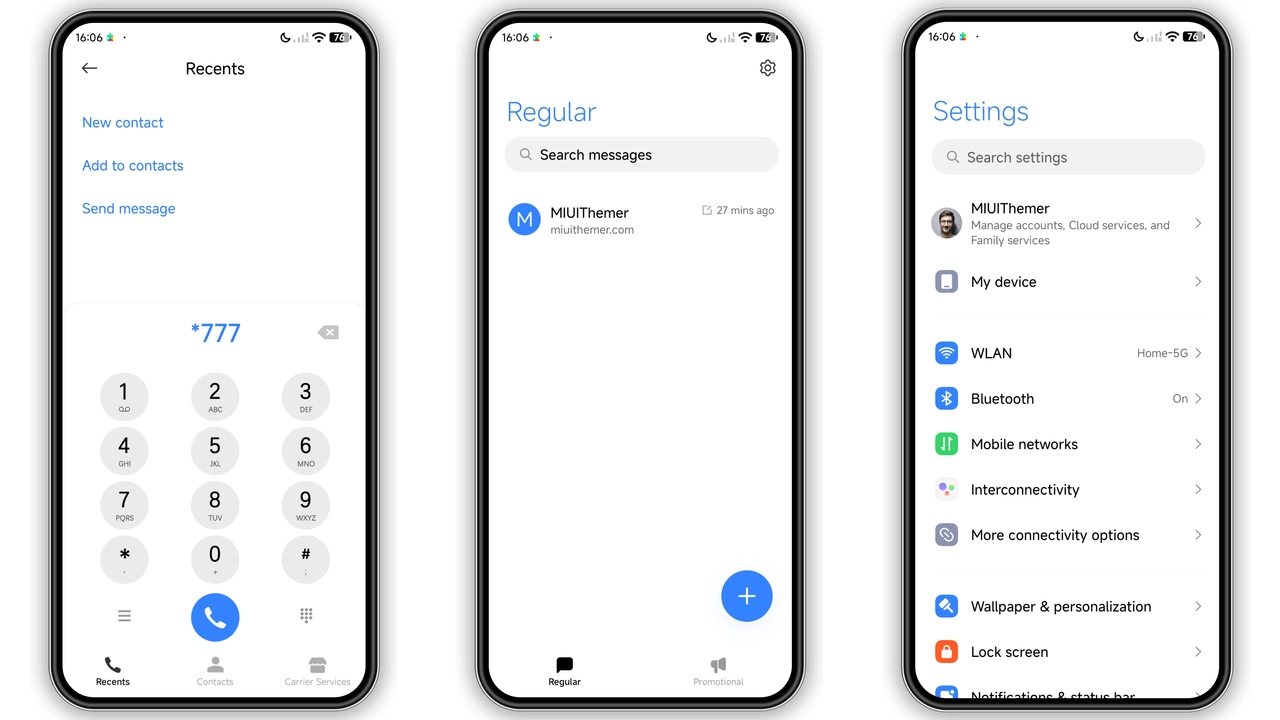
Airy Icon Set Redefines Home Screen
Icons replace stock set. Shapes stay simple. Lines stay thin. Contrast stays high. White backdrop highlights each glyph. Users notice instant clarity. Battery icon gains subtle glow. Signal bars turn crisp. App folders adopt muted borders. Navigation bar icons shrink slightly. Consistency spans launcher and settings. No visual noise. Icons respect adaptive layout. Grid density remains unchanged. Touch feedback stays snappy. Overall feel becomes airy.
Suggested Read: Khusus Redmi Note: Cute Cat Healing Theme Review
Minimalist Wallpapers Elevate Every Swipe
Wallpapers feature soft gradients. Colors stay pastel. Hues avoid saturation. Each screen transitions smoothly. No abrupt jumps. Images load quickly. Memory usage stays low. Lock screen mirrors home wallpaper. AOD displays dimmed version. Users report calmer eyes. Light theme suits daytime. Dark mode optional via system.
Seamless Lock Screen & AOD Experience
Lock screen redesign adds subtle shadow. Time font switches to thin sans. Date appears below centered. Notification icons adopt white tint. Swipe gestures remain unchanged. AOD shows battery percentage. Icons on AOD stay minimal. No lag observed. System animations keep original speed. Security patterns unaffected. Face unlock works normally. Fingerprint sensor response unchanged.
Installation Flow & Download Tips
Download MTZ file from provided link. Save to internal storage. Open Theme Store app. Tap "Import" at bottom. Select downloaded MTZ. Confirm import. Apply theme from My Themes. Restart device for full effect. Expect initial load of icons. Watch for brief flicker. If flicker persists, clear cache. Compatibility check runs automatically. No manual patch needed. Theme works on Xiaomi, Redmi, POCO. Supports HyperOS and MIUI 12‑5 onward. No root required. No additional apps needed. Keep device charged above 30% during install.
Pros and Cons
• Pros
• Light, clean aesthetic
• Fresh icon design
• Smooth lock screen
• Wide device compatibility
• Small file size
• Cons
• No dark variant
• Limited customization beyond defaults
• AOD icons lack animation
Theme Preview
Download Links
Use the buttons below to open the theme file and the supporting link.
White Mere Theme mtz File
White Mere Theme mtz File
Helpful links
More Theme Updates
For more curated HyperOS and MIUI theme updates, visit Hyper OS x MIUI .