Parameter · Value
Designer · moscreen
Size · 3.62 MB
Format · MTZ
Compatibility · HyperOS / MIUI
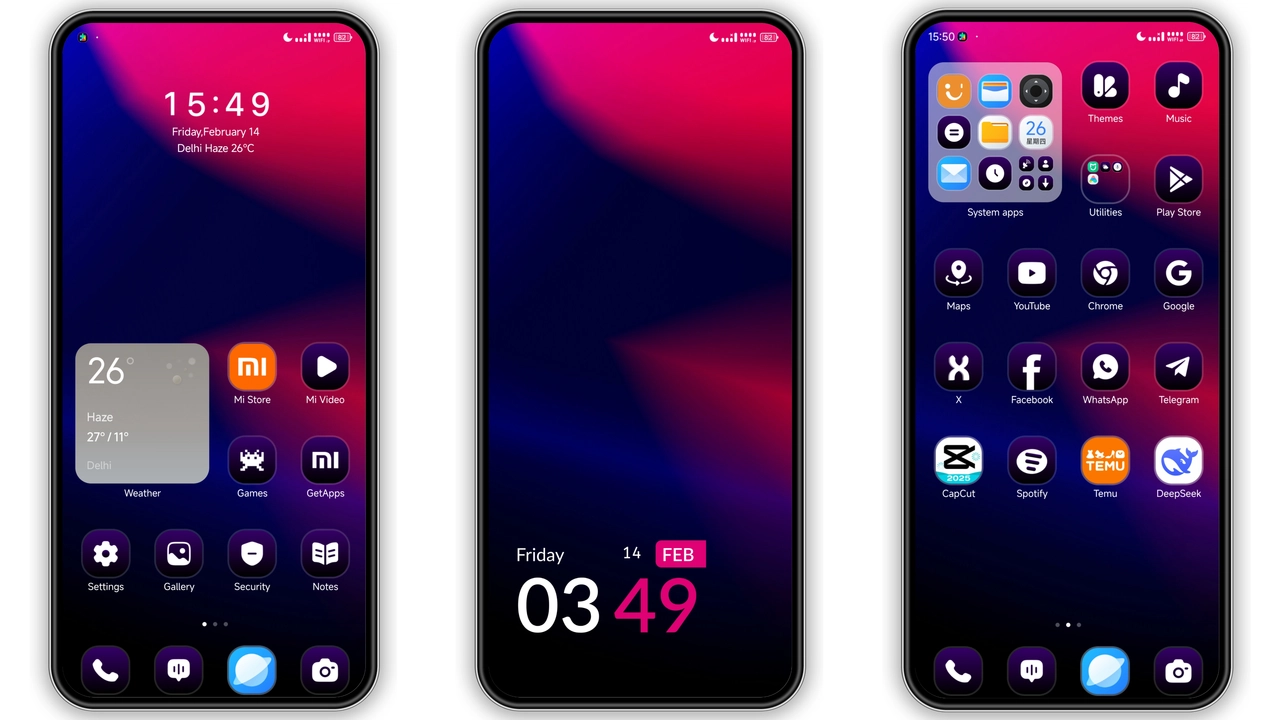
Bold Geometry Meets Everyday UI
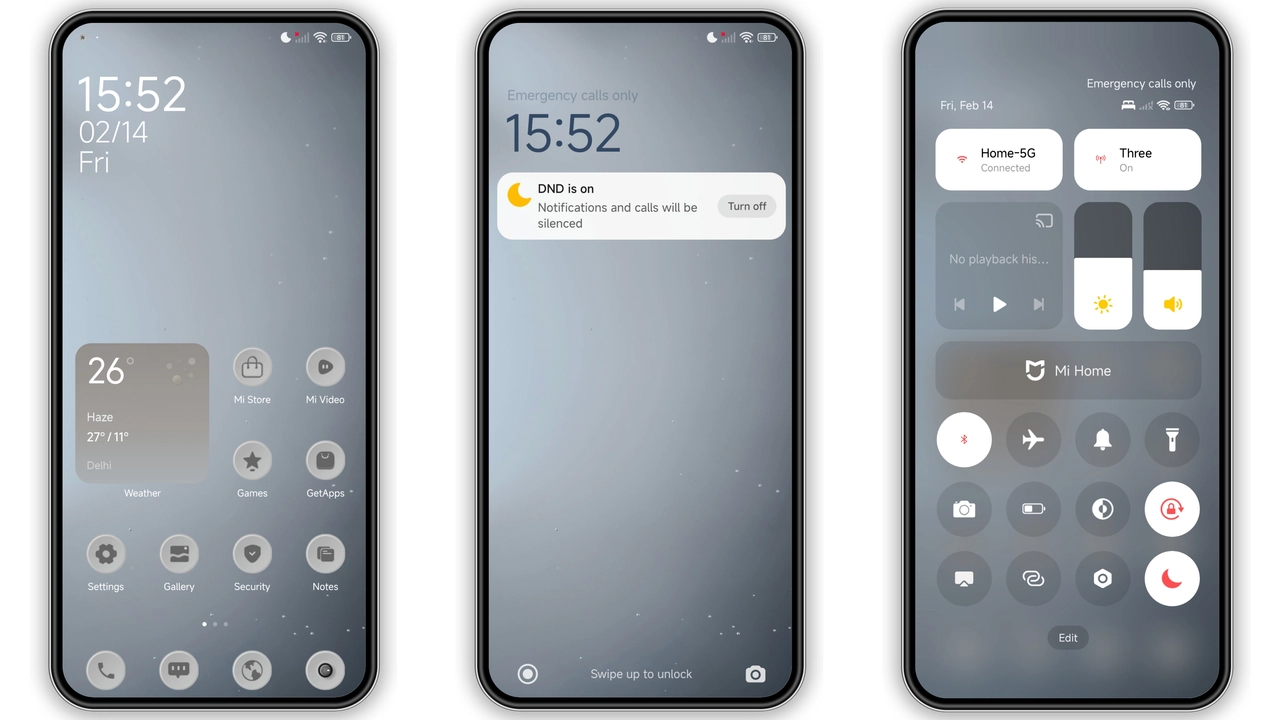
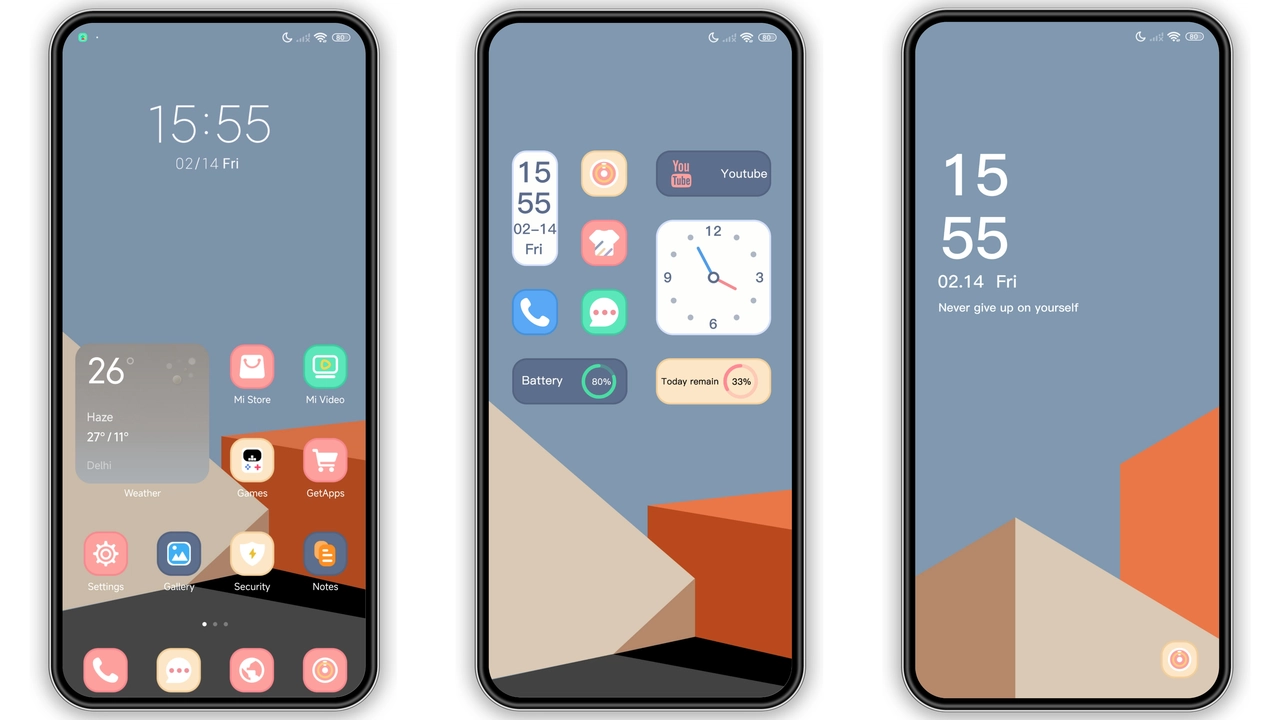
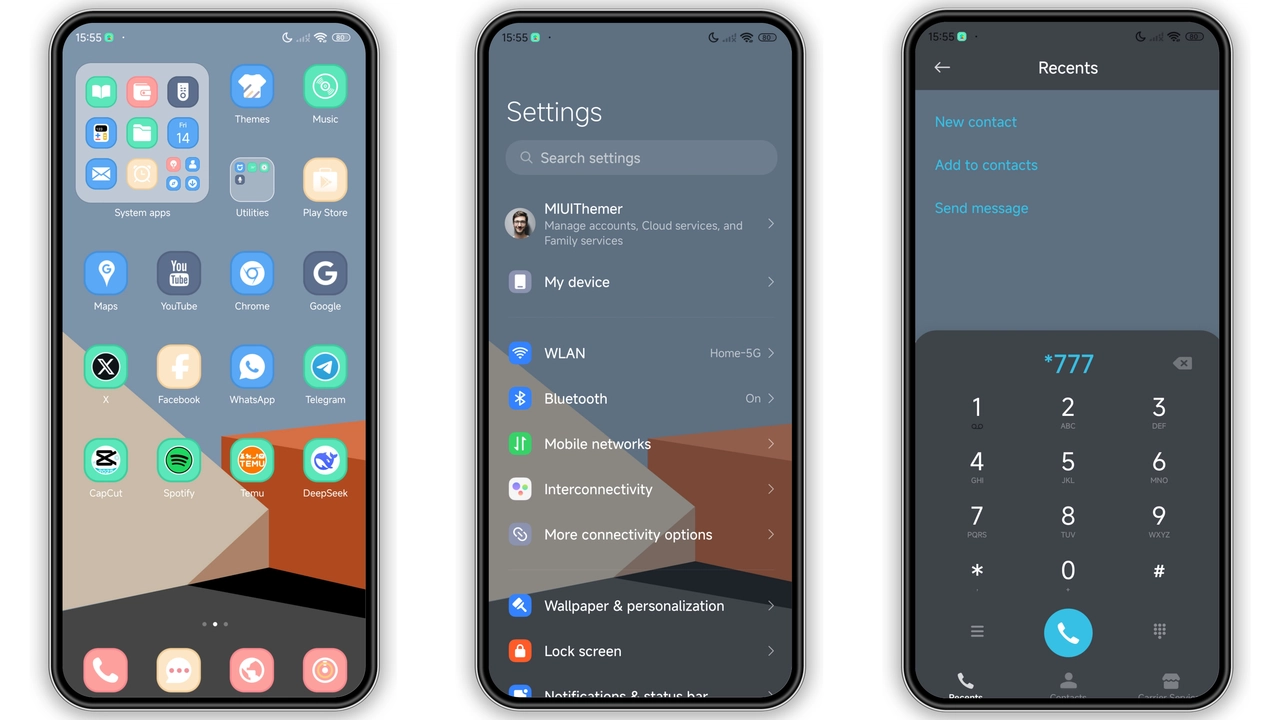
Variable Shapes takes a geometric approach, swapping traditional rounded icons for angular, slightly asymmetrical forms. The result feels modern without abandoning familiarity. Wallpapers lean toward high‑contrast purples and subtle gradients, giving depth to the home screen. Status bar icons adopt the same angular language, creating a cohesive visual rhythm. Even the lock screen adopts a dynamic, slide‑to‑unlock animation that mirrors the theme’s sharp aesthetic, turning a routine unlock into a brief visual treat.
Suggested Read: Cyan Glass vs Super18 Dark: Which HyperOS or MIUI Theme Wins?
Who’ll Feel at Home with Variable Shapes
Fans of minimalist yet expressive design gravitate toward this theme. Users who enjoy a touch of futurism—think cyber‑edge without neon overload—will appreciate the balanced palette. It suits professionals who want a clean workspace, as the icons remain legible while adding personality. Gamers who customize their devices for a cohesive look will also find the theme’s consistent geometry appealing. If you prefer stock MIUI looks, this theme offers a subtle upgrade rather than a radical overhaul.
Step‑by‑Step Installation on Stock and Custom ROMs
1. Locate the MTZ file from the download section of the theme page. 2. On a stock HyperOS or MIUI device, open the Theme Store app, tap the three‑dot menu, choose Import, and select the MTZ file. 3. Confirm installation, then apply. 4. For custom ROMs, the same import process works—just ensure the Theme Store app is present. 5. Reboot after applying; this clears any residual cache and guarantees icons render correctly. The whole process takes under five minutes on a typical device.
Pros and Cons
Pros
• Cohesive geometric icon set
• Fresh, high‑contrast wallpapers
• Seamless lock‑screen animation
• Low file size, quick install
• Full compatibility with HyperOS and MIUI
Cons
• No built‑in dark‑mode variant
• Limited color‑scheme options
• Requires Theme Store app for import
• Minor UI scaling quirks on older devices
Overall, Variable Shapes delivers a polished, modern look without sacrificing performance. Its modest size and straightforward installation make it a solid choice for anyone looking to personalize their Xiaomi, Redmi, or POCO device.
Theme Preview
Download Links
Use the buttons below to open the theme file and the supporting link.
Variable shapes Theme mtz File
Helpful links
More Theme Updates
For more curated HyperOS and MIUI theme updates, visit Hyper OS x MIUI .