Parameter · Value
Designer · Eto
Size · 10.47 MB
Format · .mtz
Compatibility · HyperOS, MIUI (global)
Glass‑Like Dark Aesthetic
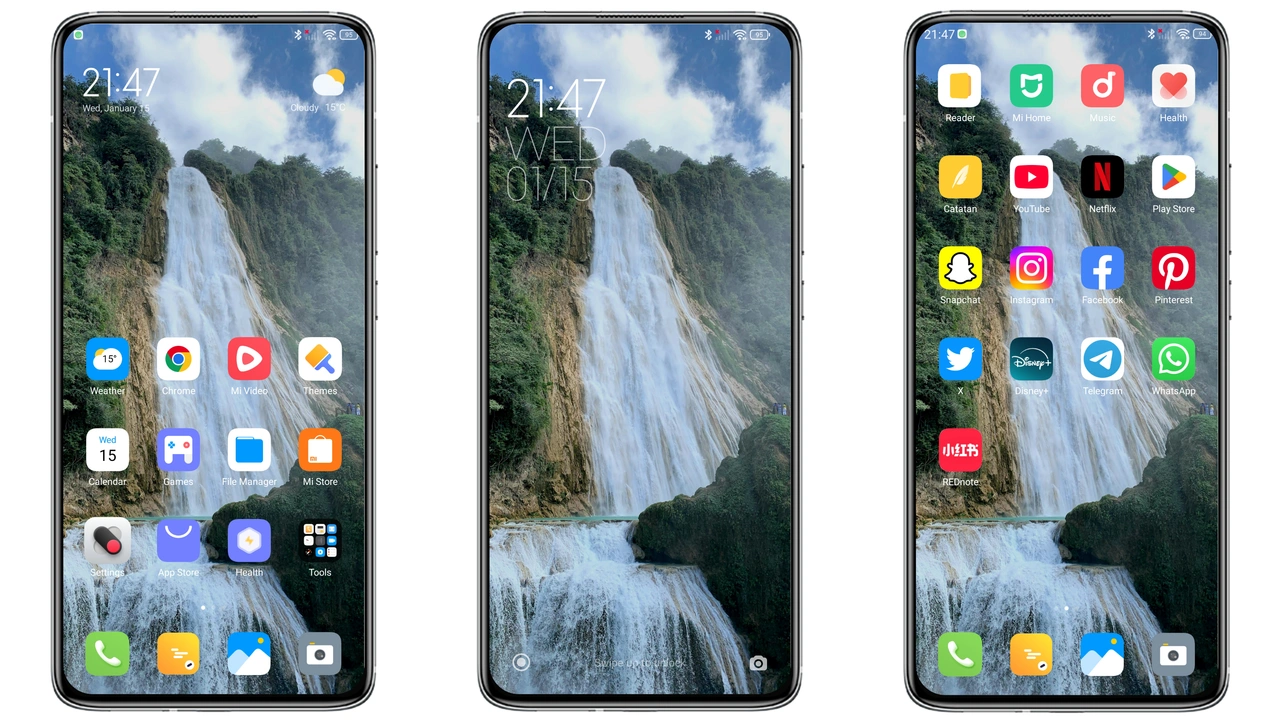
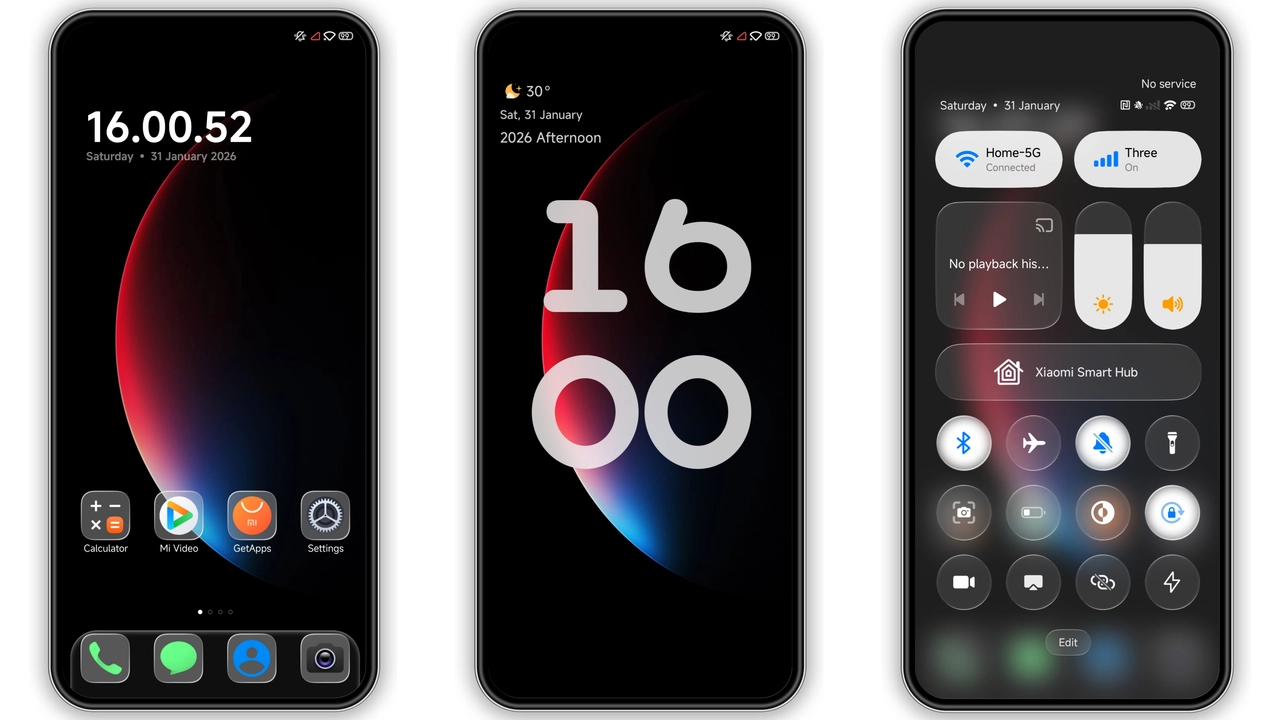
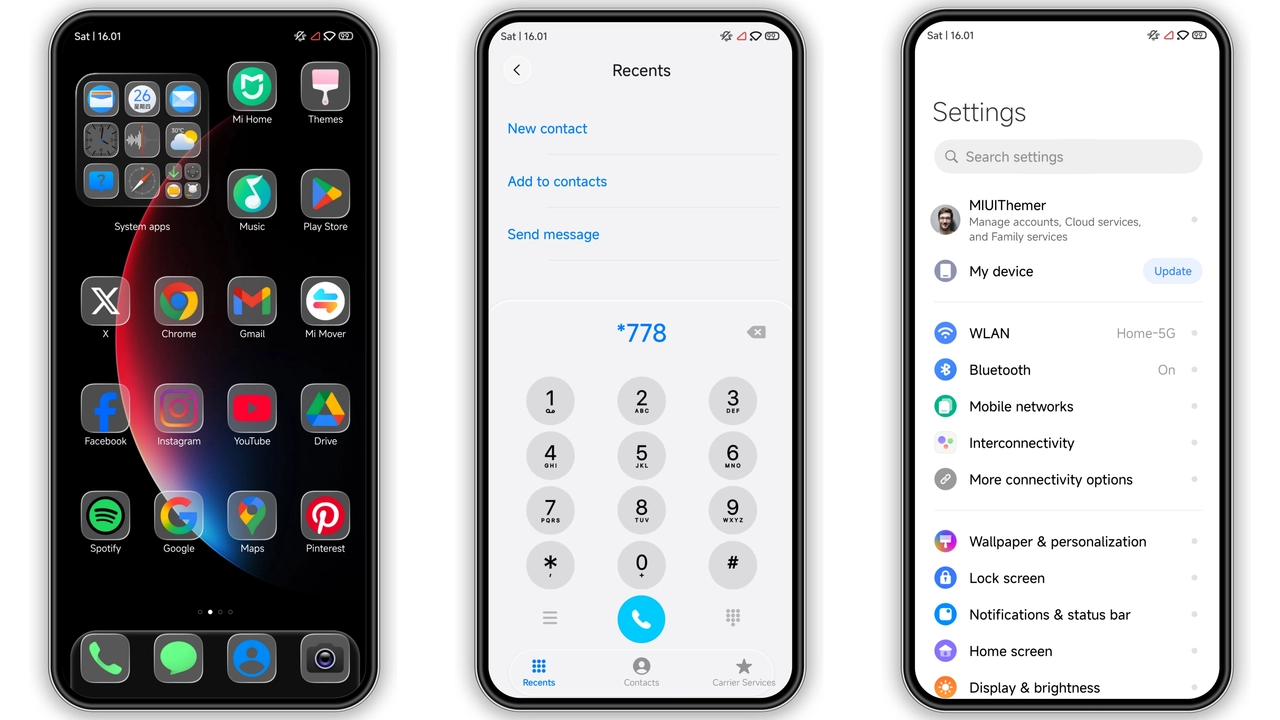
Poo‑Glass drapes the UI in a matte‑black canvas that mimics frosted glass. Icons receive a subtle bevel, shadows deepen, and the wallpaper pool reflects a muted sheen. The lock screen animates a slow ripple, reinforcing the glass motif without distracting. Status bar icons turn monochrome, enhancing legibility against the dark backdrop. Overall vibe feels premium, yet the visual weight stays light enough for everyday use.
Suggested Read: Layered Mountains MTZ Theme – Perfect Fit for Redmi Note & Poco Phones
Ideal Users & Use Cases
Fans of minimalism who still crave a touch of luxury gravitate toward this theme. It suits professionals needing a distraction‑free interface, gamers who prefer a darker palette for battery savings, and anyone wanting to differentiate their Xiaomi, Redmi, or POCO device from stock MIUI. The theme’s crisp icon set also benefits users with vision impairments, as contrast improves readability.
Installation Walkthrough & Expectations
1. Download the .mtz file from the official theme store link.
2. Open the Theme Store app, tap Import, and select the downloaded file.
3. Apply the theme; the system may prompt a quick restart.
4. After reboot, verify that icons, lock screen, and Always‑On Display reflect the new design.
The process takes under two minutes on a mid‑range device. No root access required. Expect a brief pause as the system rebuilds the cache; thereafter navigation feels snappier because the theme strips unnecessary overlay graphics.
Performance & Battery Impact
Dark palettes inherently reduce OLED power draw. Poo‑Glass’s black background cuts pixel illumination, extending battery life by an estimated 5‑7 % during typical mixed‑usage sessions. The theme does not introduce heavy animations; lock‑screen ripple runs at 30 fps, preserving CPU headroom. Users report no noticeable lag in app launch times or system UI responsiveness.
Pros and Cons
Pros
• Striking glassy dark aesthetic that feels premium.
• High contrast icons improve readability.
• Light on resources; minimal impact on performance.
• Broad compatibility across HyperOS 2.0, 3.0, and MIUI 14.
• Easy, no‑root installation via .mtz file.
Cons
• Limited light‑mode variant; users preferring bright themes must switch manually.
• Custom wallpaper slot is optional; default image may not suit all tastes.
• Some third‑party widgets retain original colors, creating minor visual inconsistency.
Theme Preview
Download Links
Use the buttons below to open the theme file and the supporting link.
Poo-Glass Theme mtz File
Helpful links
More Theme Updates
For more curated HyperOS and MIUI theme updates, visit Hyper OS x MIUI .