Parameter · Value
Designer · maidul
Size · 41 MB
Format · MTZ
Compatibility · HyperOS 3.0 / MIUI
Midnight Neon Icons That Pop
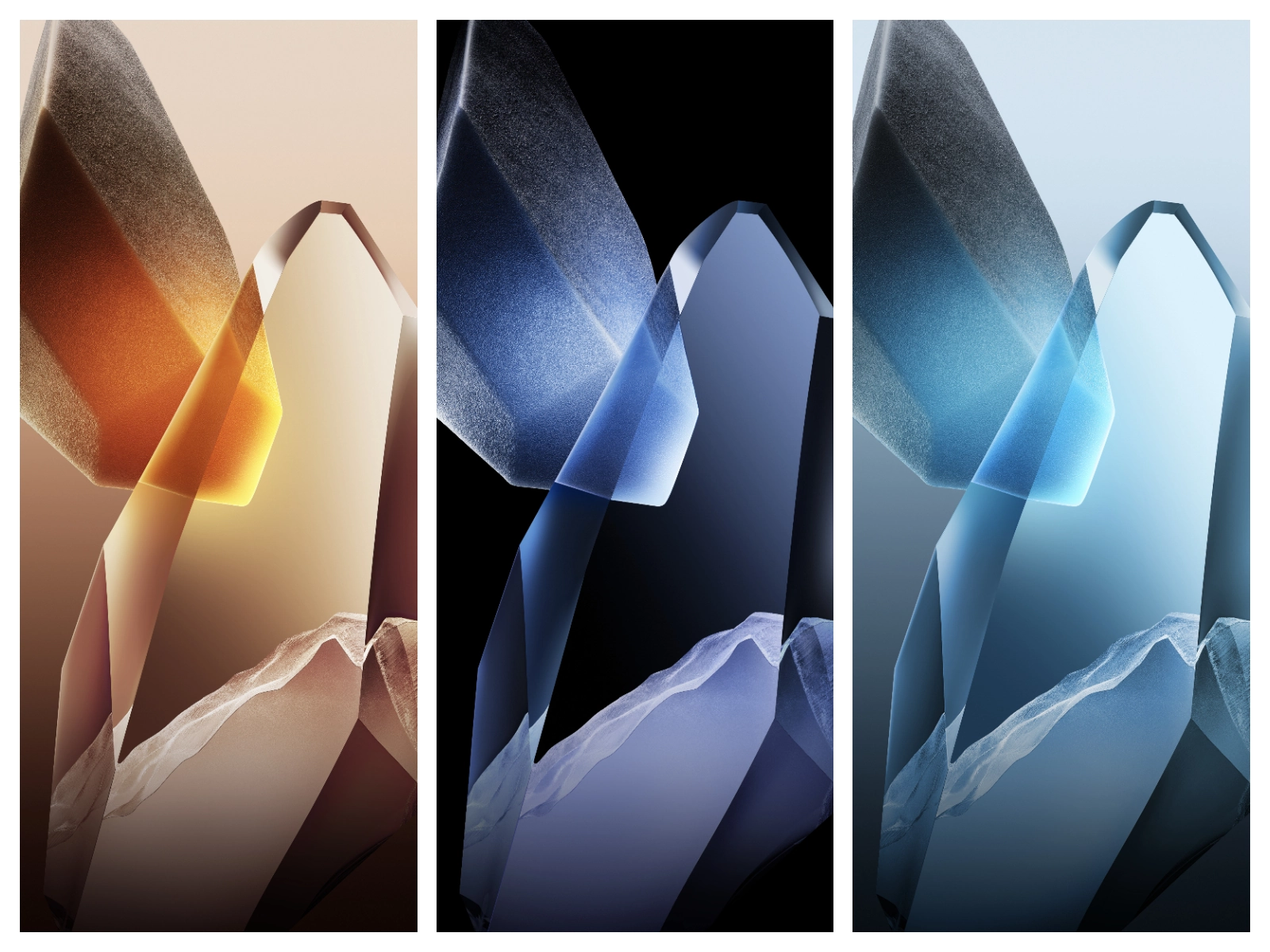
OPBNB leans into a deep‑charcoal canvas, letting its neon‑tinged icons cut through the gloom. Each app icon receives a custom glyph, brushed with subtle gradients that shift when you tap. The result feels like a cyber‑punk UI stripped of clutter—sharp, recognizable, and instantly satisfying. The icon set stays consistent across the launcher, settings, and notification shade, so you never encounter a stray stock graphic.
Suggested Read: Khusus Redmi Note: Cute Cat Healing Theme Review
Animated Lock Screen with Depth
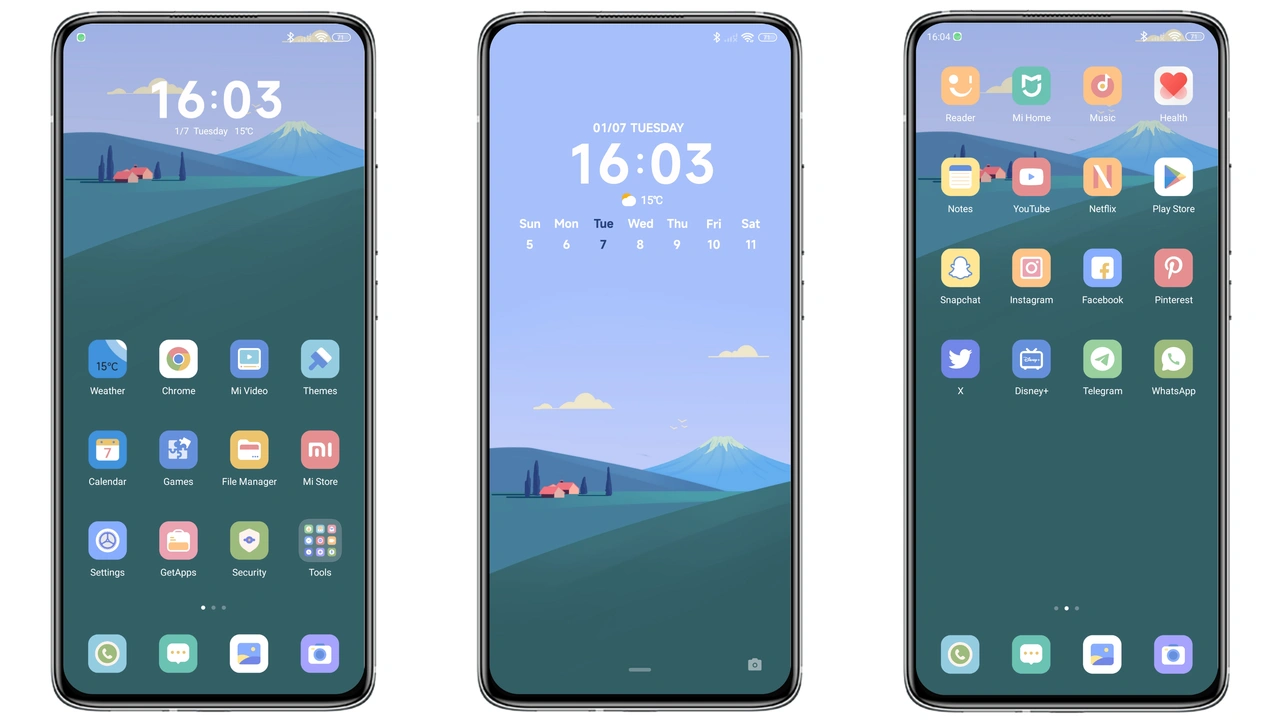
The lock screen isn’t just a static wallpaper. OPBNB adds a layered animation where the clock glides over a faint, moving backdrop that reacts to ambient light. Swipe gestures trigger a soft ripple effect, giving the illusion of depth without draining the battery. This animation respects the system’s power‑saving mode, pausing when the device enters low‑power state.
Widget Suite That Redefines Home
Beyond visuals, OPBNB ships a trio of widgets: a digital clock with bold numerals, a weather widget that mirrors the neon palette, and a music controller that expands into a mini‑player on tap. All widgets inherit the theme’s rounded corners and dark translucency, making them feel native rather than bolted on. The widgets also respect the new HyperOS Control Center, so toggles stay in sync.
Seamless Integration Across System Apps
OPBNB rewrites the look of core apps—Dialer, Messages, Settings, and the Control Center. The dialer adopts a minimalist keypad with glowing outlines, while Messages gains a dark chat bubble that contrasts nicely with light text. Settings receive a clean list view, highlighted with accent colors that match the icons. The theme’s UI tweaks are applied system‑wide, so you never see a jarring stock element.
Who Should Grab This Theme?
If you love dark aesthetics, enjoy a dash of neon, and want a cohesive look that touches every corner of the OS, OPBNB is a natural fit. It appeals to:
• Power users who customize lock screens and widgets.
• Fans of cyber‑punk or futuristic UI design.
• Redmi, Xiaomi, and Poco owners seeking a fresh look without flashing custom ROMs.
• Anyone who prefers a theme that works out‑of‑the‑box on HyperOS 3.0 and MIUI.
Compatibility Notes & Install Expectations
OPBNB declares compatibility with HyperOS 3.0 and MIUI, meaning it runs on global stable ROMs and most custom ROMs that retain the Theme Store framework. On a stock HyperOS device, simply tap the “Official Theme Store” button in the download section; the Theme Store app will open, and you can install with one tap. For custom ROM users, download the MTZ file, open the Theme Store, hit Import, locate the file, and apply.
Installation is swift—under a minute on most devices. After applying, a quick reboot is recommended to ensure all system UI elements refresh correctly. Users have reported no crashes or performance hits; the theme’s assets are optimized for the 41 MB package size.
Pros and Cons
Pros
• Cohesive dark aesthetic with neon accents.
• Custom icons for every major app.
• Animated lock screen adds visual flair.
• Widget suite integrates seamlessly.
• Works on both stock HyperOS and custom ROMs.
Cons
• No light‑mode variant; dark‑only design.
• Slightly larger size (41 MB) compared to minimalist themes.
• Requires a reboot for full UI refresh.
Overall, OPBNB delivers a bold, futuristic makeover that feels native to HyperOS while giving your Redmi or Xiaomi a distinct personality. Install it, reboot, and watch your device transform into a sleek, neon‑lit canvas ready for daily use.
Theme Preview


Download Links
Use the buttons below to open the theme file and the supporting link.
Download OPBNB MTZ File
Helpful links
More Theme Updates
For more curated HyperOS and MIUI theme updates, visit Hyper OS x MIUI .