Parameter · Value
Designer · LIUI
Size · 73.13 MB
Format · MTZ & ZIP
Compatibility · HyperOS 2.0+, HyperOS 3.0, MIUI 14
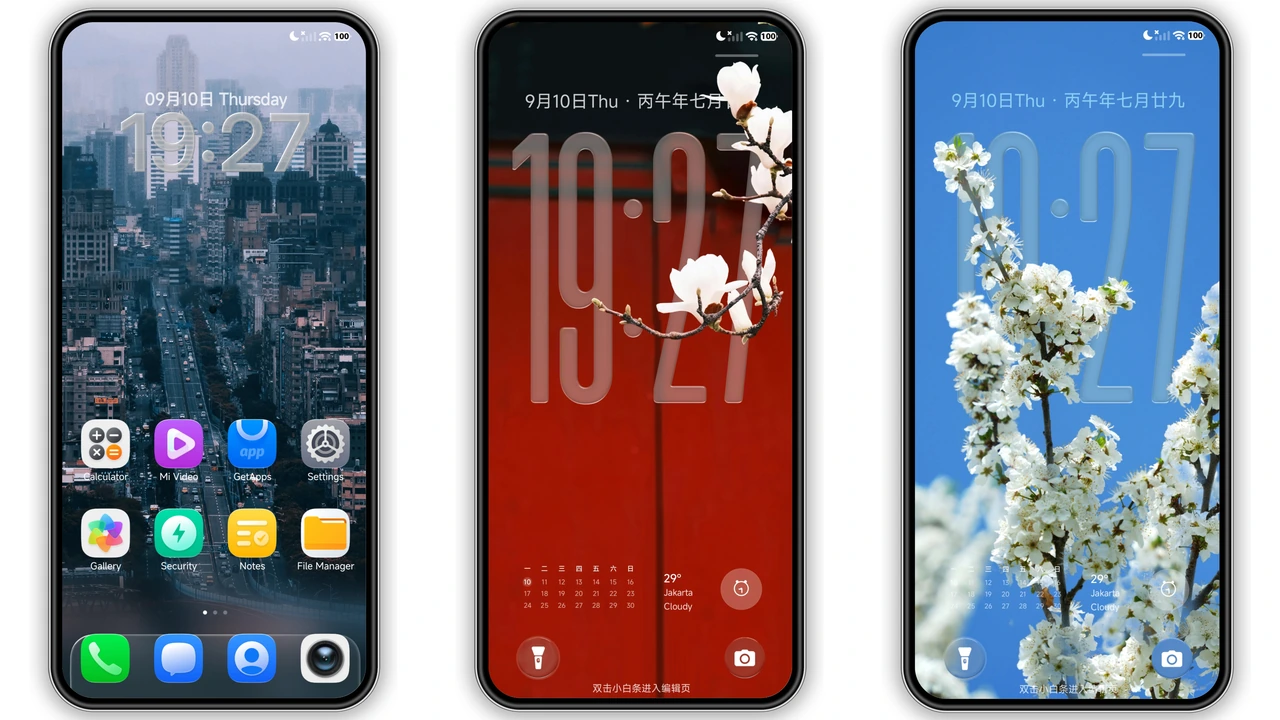
Glass‑Clock Lock Screen with Real‑Time Textures
Theme adds glass clock. Clock shows real‑time shadows. Clock uses translucent blur. Clock blends with wallpaper. Clock respects dark mode. Clock reacts to gestures. Double‑tap bottom opens edit. Long‑press shortcut toggles widget. Bottom calendar appears. Calendar shows events. Calendar updates live. Lock screen feels premium. Lock screen feels immersive. Lock screen respects notch. Lock screen respects cutout. Lock screen works portrait. Lock screen works landscape.
Suggested Read: Water Porcupine Probe MTZ Theme vs Minimalist Dark: Which Fits Your HyperOS?
Super‑Depth‑of‑Field Wallpapers That Pop
Theme ships 150+ wallpapers. Wallpapers use depth‑of‑field. Wallpapers layer foreground and background. Wallpapers shift with parallax. Wallpapers stay crisp on AMOLED. Wallpapers adapt to dark mode. Wallpapers keep colors vibrant. Wallpapers avoid banding. Wallpapers load quickly. Wallpapers occupy minimal RAM. Wallpapers respect battery. Wallpapers enhance UI depth. Wallpapers create glassy feel. Wallpapers feel like 3D.
iOS‑Style Icon Pack Over 1500 Apps
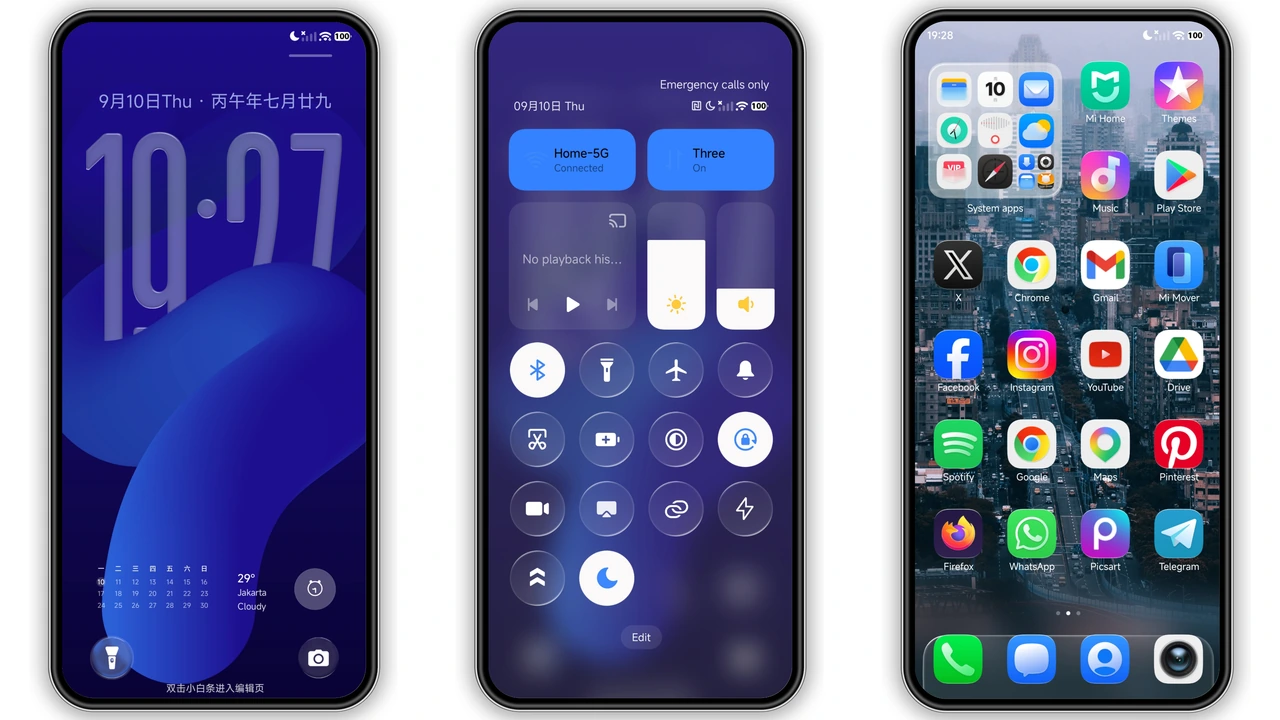
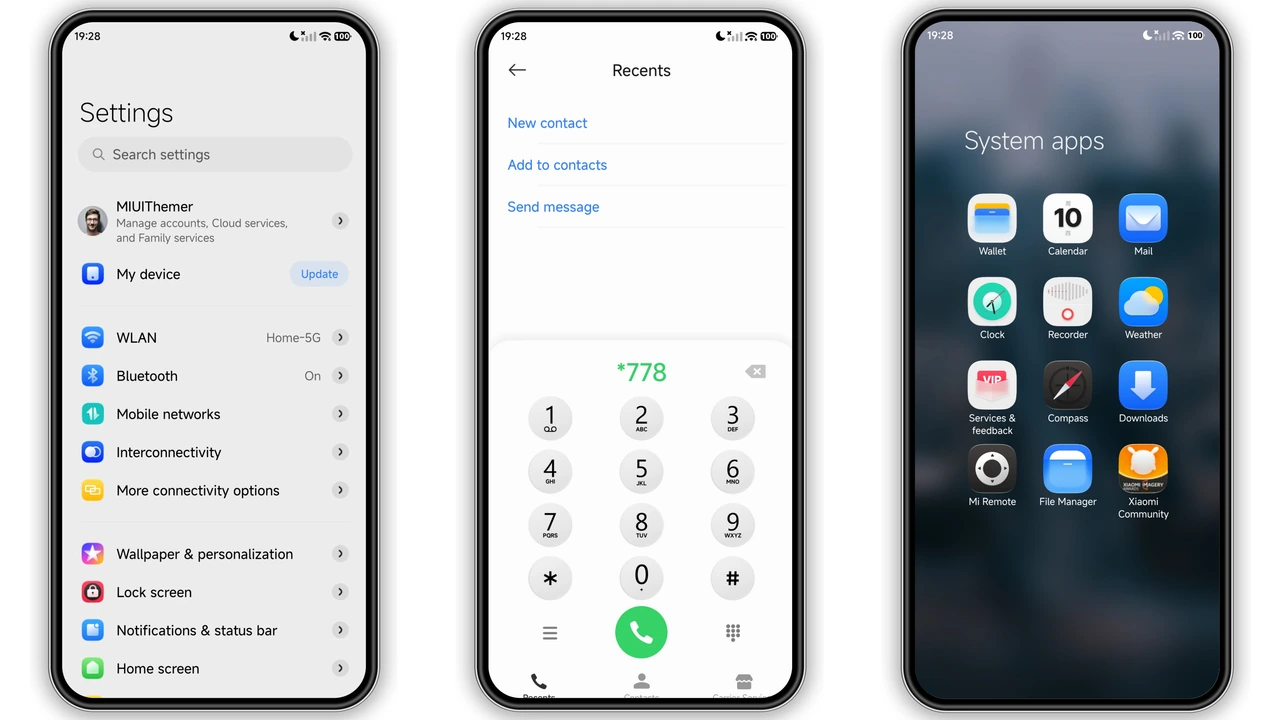
Icon pack covers 1500 apps. Icons mimic iOS design. Icons use rounded squares. Icons keep badge counts. Icons support dynamic colors. Icons look sharp on high‑res screens. Icons replace stock assets. Icons respect adaptive shapes. Icons integrate with shortcuts. Icons work on POCO. Icons work on Redmi. Icons work on Xiaomi. Icons stay consistent across themes. Icons avoid visual clash.
Installation Flow and Compatibility Checklist
Download MTZ file. Download backup ZIP. Open Theme Store app. Tap "Import". Select downloaded MTZ. Confirm install. Restart device. Verify lock screen changes. Verify icon swap. Verify wallpaper rotation. Ensure HyperOS 2.0+ installed. Ensure MIUI 14+ installed. Ensure enough storage. Ensure internet connection. No root required. No flashing needed. No custom recoveries. No extra permissions. No ads bundled. No tracking code. No data collection.
Pros and Cons
Pros
• Premium glass clock
• Super depth‑of‑field wallpapers
• Over 1500 iOS‑style icons
• Seamless HyperOS & MIUI support
• Light on battery and storage
• Easy import via Theme Store
• No root or flashing required
Cons
• Requires HyperOS 2.0+ or MIUI 14
• Large MTZ (73 MB) may need space
• Limited to Xiaomi ecosystem
• No built‑in dark‑mode toggle for icons
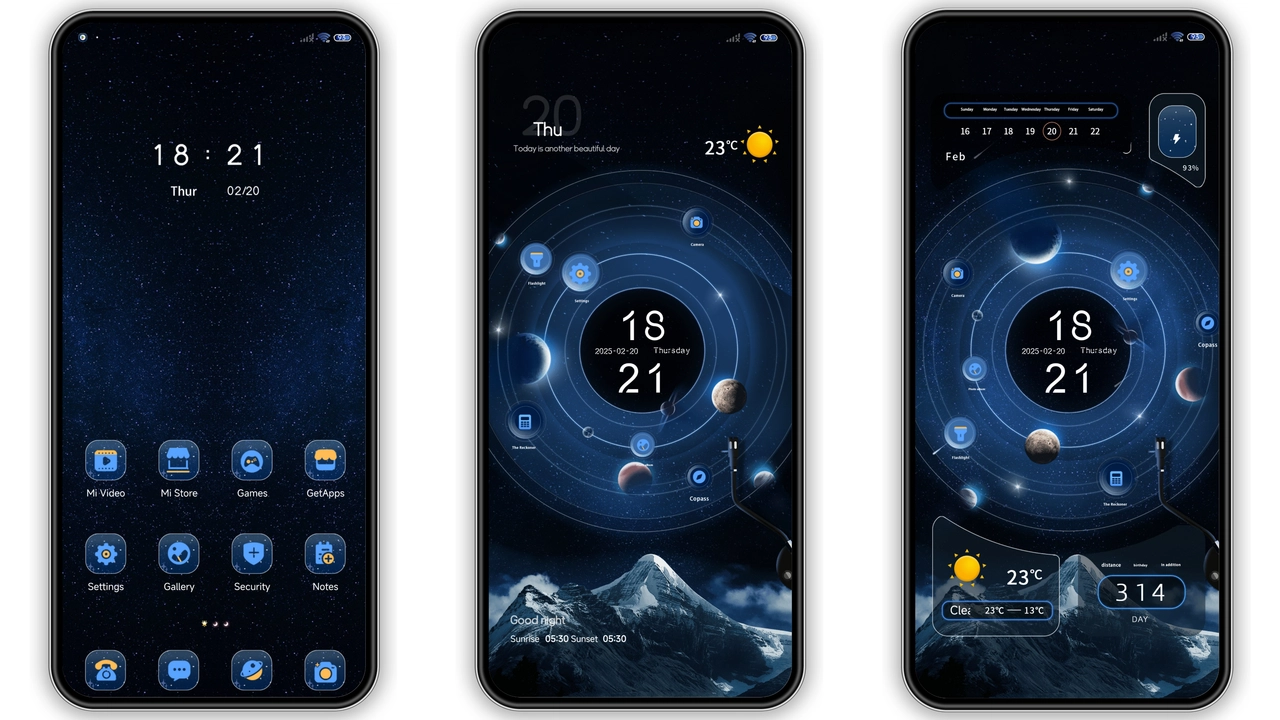
Theme Preview
Download Links
Use the buttons below to open the theme file and the supporting link.
LIUI Extreme Theme mtz File
LIUI Extreme Theme Backup File
Helpful links
More Theme Updates
For more curated HyperOS and MIUI theme updates, visit Hyper OS x MIUI .