Metadata
Parameter · Value
Designer · Zico Edo
Size · ~5 MB
Format · MTZ
Compatibility · HyperOS, MIUI
Turbocharged Dark Luxury Aesthetic
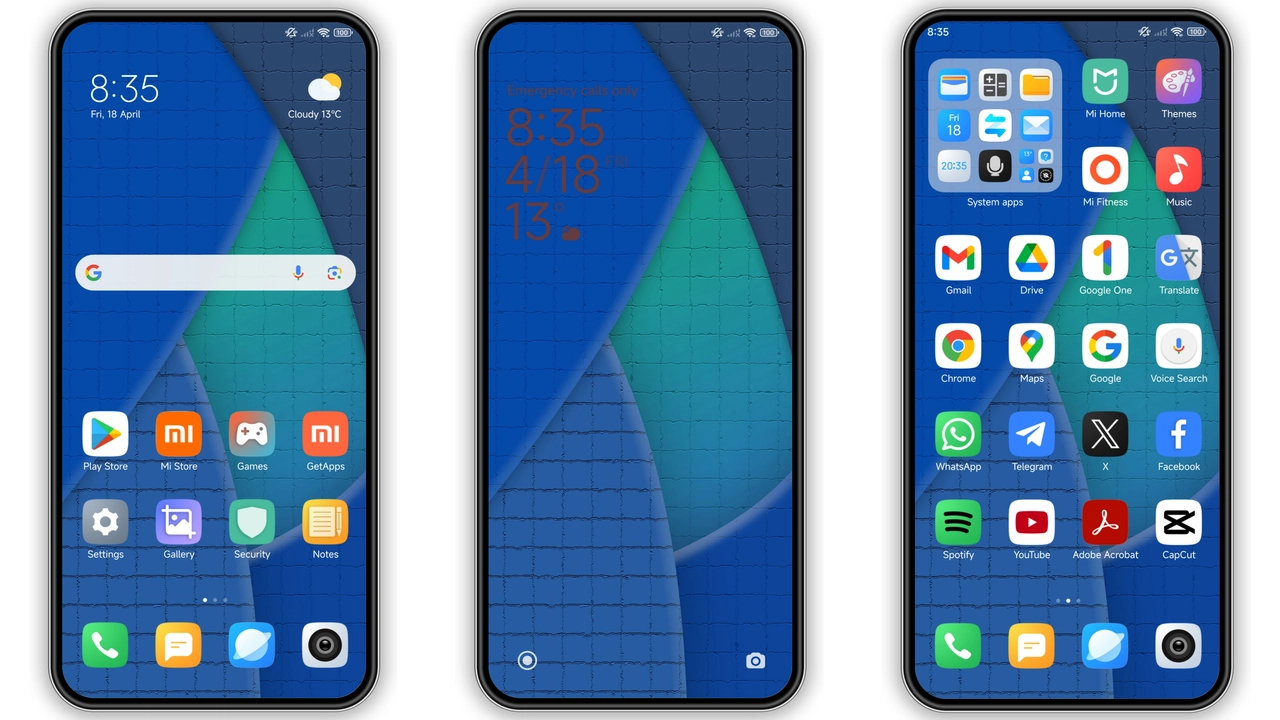
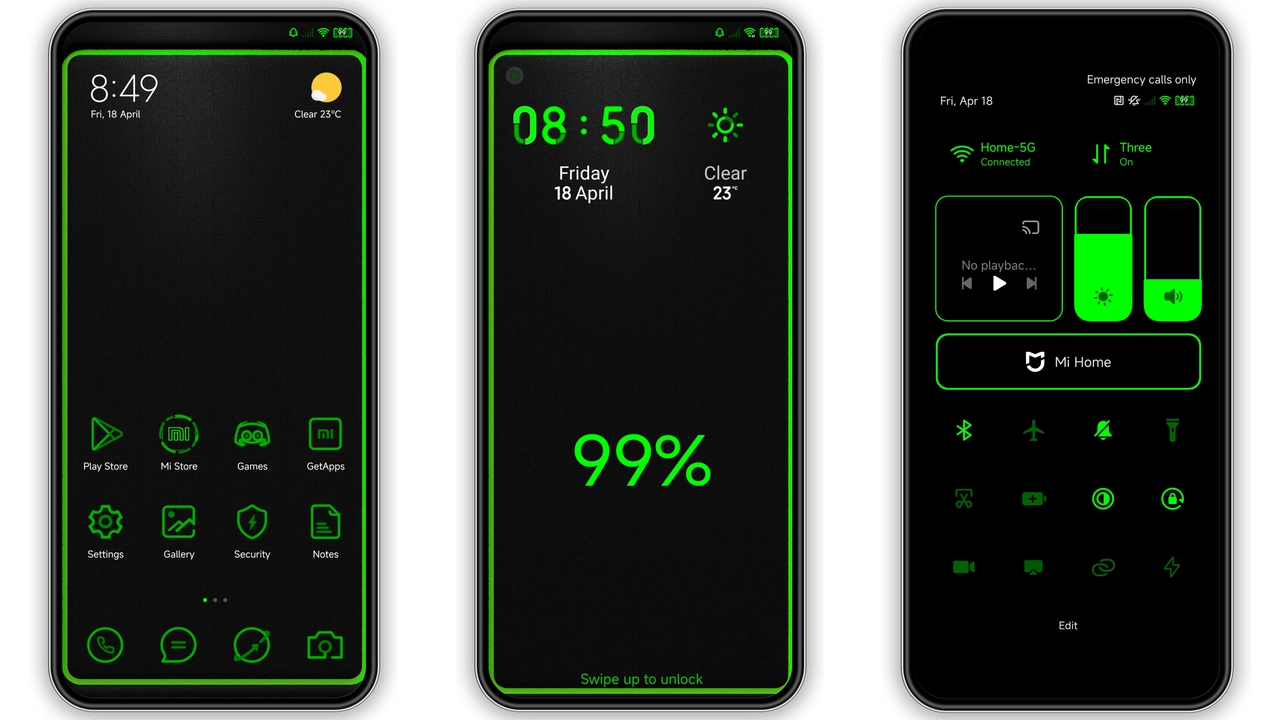
Lambo Luxx MTZ Icons deliver a glossy, carbon‑fiber sheen that mimics high‑end automotive interiors. Each glyph boasts a reflective chrome edge, deep‑black backdrop, and subtle neon accents that pop on dark wallpapers. The icon set covers system apps, popular third‑party tools, and a full suite of shortcuts, ensuring a cohesive look across the home screen, quick settings, and app drawer. Gradient shading adds depth, while minimal label text preserves a clean silhouette. The result feels like a dashboard redesign for your phone—sleek, powerful, and unmistakably premium.
Suggested Read: Trending: Coloful 19 HyperOS Theme untuk Redmi
Who’ll Rev Up Their Devices?
Enthusiasts who love performance cars will gravitate toward this pack. It appeals to users seeking a bold, high‑contrast theme without sacrificing readability. Fans of dark mode, minimalist layouts, and automotive branding will find the design resonates with their aesthetic. The pack also suits power users who appreciate a unified icon language that reduces visual clutter. If you enjoy customizing your device to reflect personal passions—especially luxury vehicles—Lambo Luxx MTZ Icons will feel like a natural extension of your style.
Compatibility Checklist & Performance Impact
The theme declares compatibility with HyperOS and MIUI, covering the latest releases of both platforms. It runs smoothly on devices with at least 2 GB RAM and a Snapdragon 660‑class processor or equivalent. Because the pack is an MTZ file, the system unpacks icons at install time, meaning no runtime rendering overhead. Users report negligible battery impact and unchanged app launch speeds. However, older devices with limited storage may need to clear cache before installation to avoid temporary space constraints. Ensure your device is running the official HyperOS or MIUI skin, as custom ROMs can sometimes conflict with MTZ parsing.
Step‑by‑Step Installation Walkthrough
1. Prepare the download – Locate the "Download File" button on the theme page and tap it. The file saves as Lambo_Luxx+...+ICONS.mtz in your Downloads folder.
2. Verify integrity – Open the file manager, long‑press the MTZ, and select "Properties". Confirm the size matches the listed ~5 MB.
3. Launch the Theme Installer – On HyperOS/MIUI, go to Settings → Themes → My Themes → Import Theme. Choose the MTZ file.
4. Preview the icons – The installer shows a preview grid. Swipe through to ensure all icons render correctly on your current wallpaper.
5. Apply the theme – Tap "Apply". The system will refresh the UI; this may take a few seconds.
6. Fine‑tune – After installation, navigate to Settings → Display → Icon Style. Adjust icon size or toggle the neon accent if desired.
7. Reboot (optional) – For a clean transition, restart your device. All apps will now display the Lambo Luxx icons.
Practical download notes: The MTZ file is hosted on a fast CDN, so download speeds are typically high. Avoid using a VPN that throttles large files, as the installer may time out. If the download fails, clear the download manager cache and retry. The theme does not require additional assets; everything needed is bundled within the MTZ package.
Pros and Cons
• Pros
• High‑gloss finish mimics premium car interiors
• Full system coverage, including shortcuts
• Low performance overhead, stable on mid‑range devices
• Dark mode optimized, neon accents enhance readability
• Cons
• Large icon size may feel bulky on small screens
• Limited customization beyond the neon accent toggle
• Requires at least 2 GB RAM for smooth operation
• No official support for custom ROMs or older MIUI versions
Enjoy the roar of a Lamborghini on your lock screen. Install Lambo Luxx MTZ Icons and let every tap feel like shifting gears in a supercar.
Download Links
Use the buttons below to open the theme file and the supporting link.
Download File
Helpful links
More Theme Updates
For more curated HyperOS and MIUI theme updates, visit Hyper OS x MIUI .