Parameter · Value
Designer · VH designer
Size · 15.9 MB
Format · MTZ
Compatibility · HyperOS / MIUI
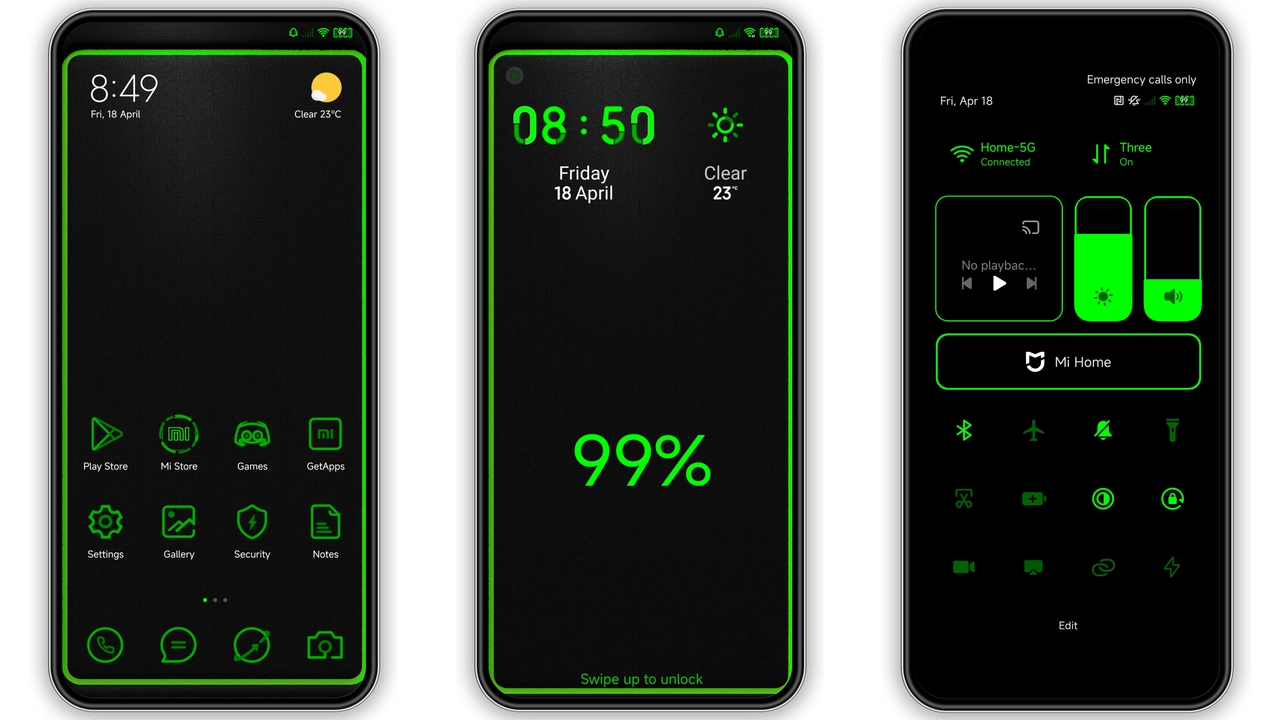
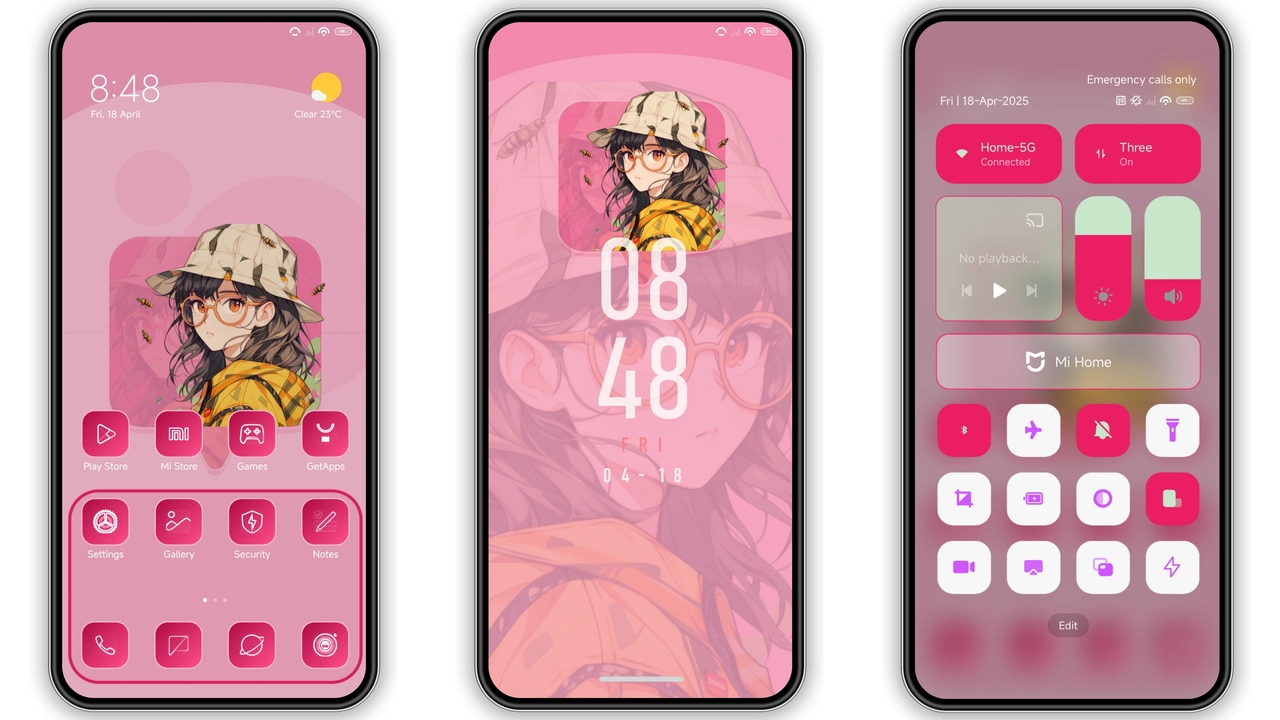
Neon‑Lit Dark Aesthetic That Pops
Deep charcoal base blankets UI. Neon teal highlights trace edges of buttons, toggles, and status icons. Lock‑screen wallpaper blends gradient blues with subtle grid lines, reinforcing cyber‑edge vibe. System apps adopt rounded, low‑poly icons that retain readability in low light.
Suggested Read: Trending: Fresh Light Blue Journal Theme for HyperOS & MIUI
Who’ll Love This High‑Contrast Theme
Night‑owls, gamers, and users craving a visual punch gravitate here. Minimalist fans appreciate clean space; power‑users enjoy quick glance of status due to high contrast. Not suited for those preferring pastel or pastel‑soft palettes.
Installation Flow on Stock & Custom ROMs
Stock HyperOS/MIUI: open Theme Store, search “Ijo lumutan”, tap download, apply, enable Dark Mode, restart. Custom ROMs (Xiaomi.eu, MIUIRoom, etc.): download MTZ file, launch Theme Store → Import → select file → apply → reboot if UI glitches appear.
Pros and Cons
• Pros
• Striking neon accents boost readability.
• Consistent design across lock screen, dialer, settings.
• Lightweight (15.9 MB) loads fast.
• Works on both HyperOS and MIUI.
• Cons
• Dark‑only; no light‑mode variant.
• Neon palette may feel aggressive for some.
• Requires Dark Mode enabled.
• Minor UI overlap on older Redmi models, fixable with reboot.
Theme Preview


Download Links
Use the buttons below to open the theme file and the supporting link.
Download Ijo lumutan MTZ File
Helpful links
More Theme Updates
For more curated HyperOS and MIUI theme updates, visit Hyper OS x MIUI .