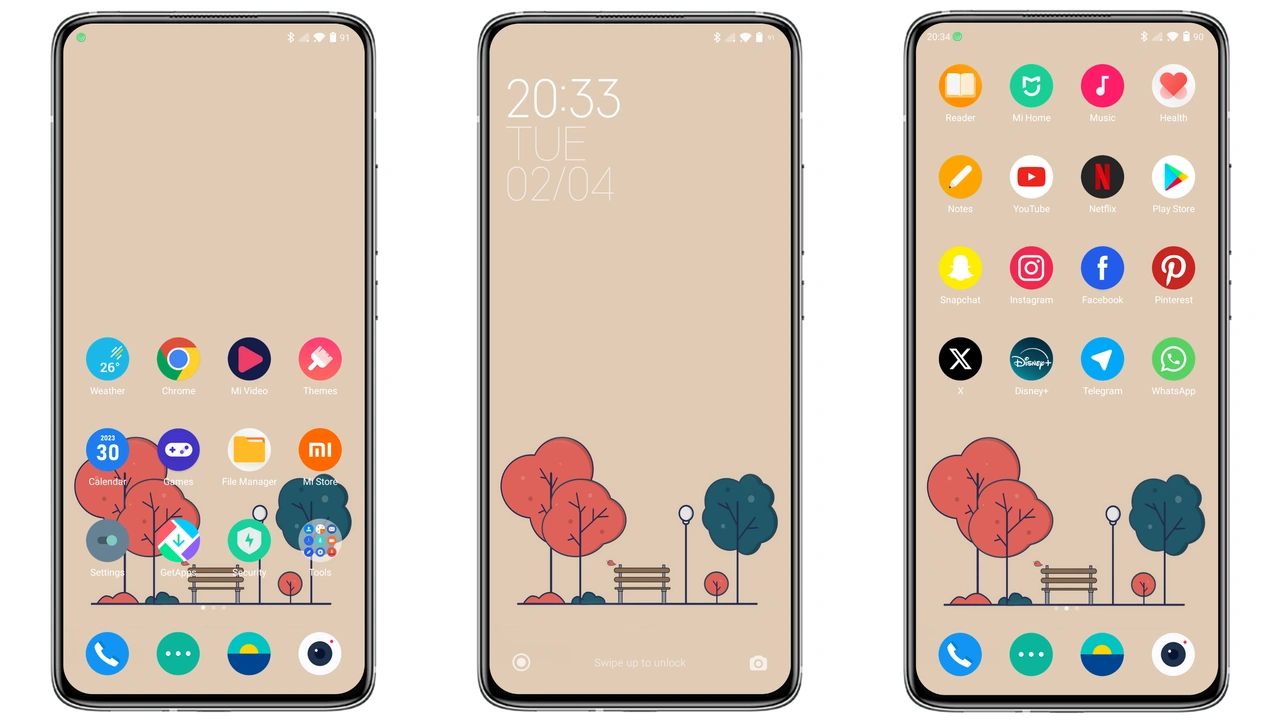
Parameter · Value
Designer · Ivan22
Size · 2.45 MB
Format · MTZ
Compatibility · HyperOS / MIUI
Monochrome Minimalism Meets Daily Use
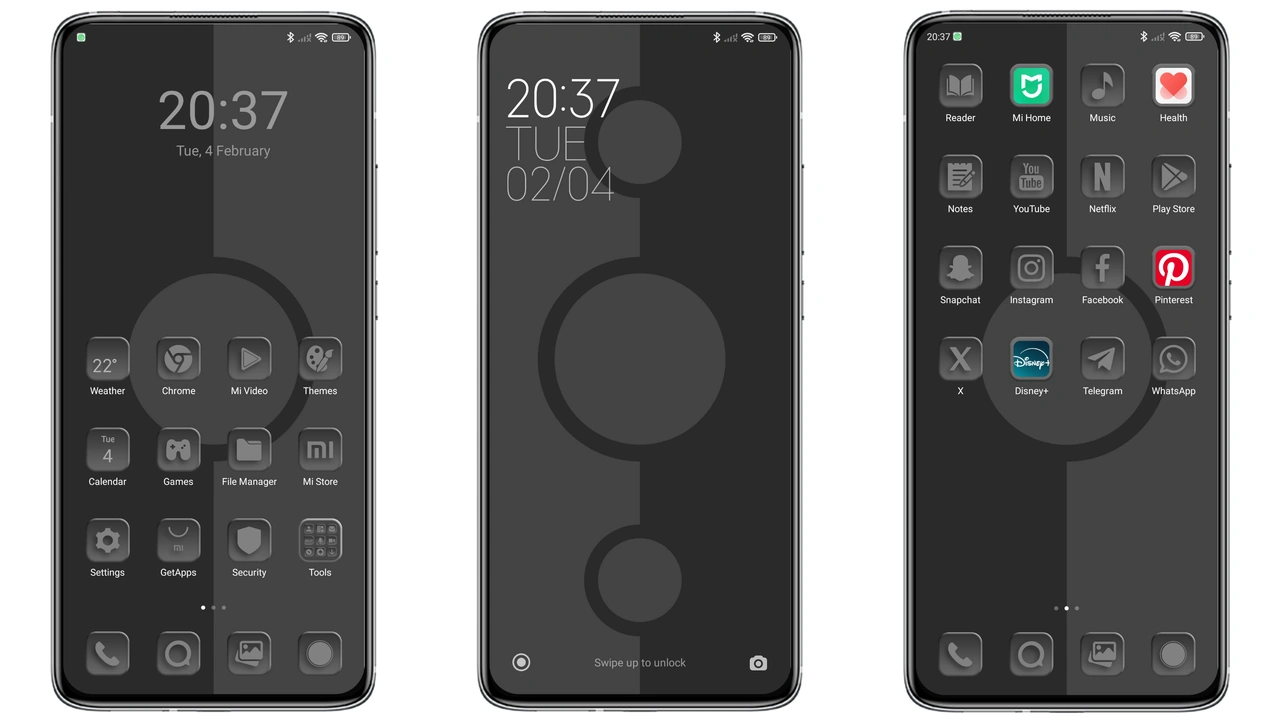
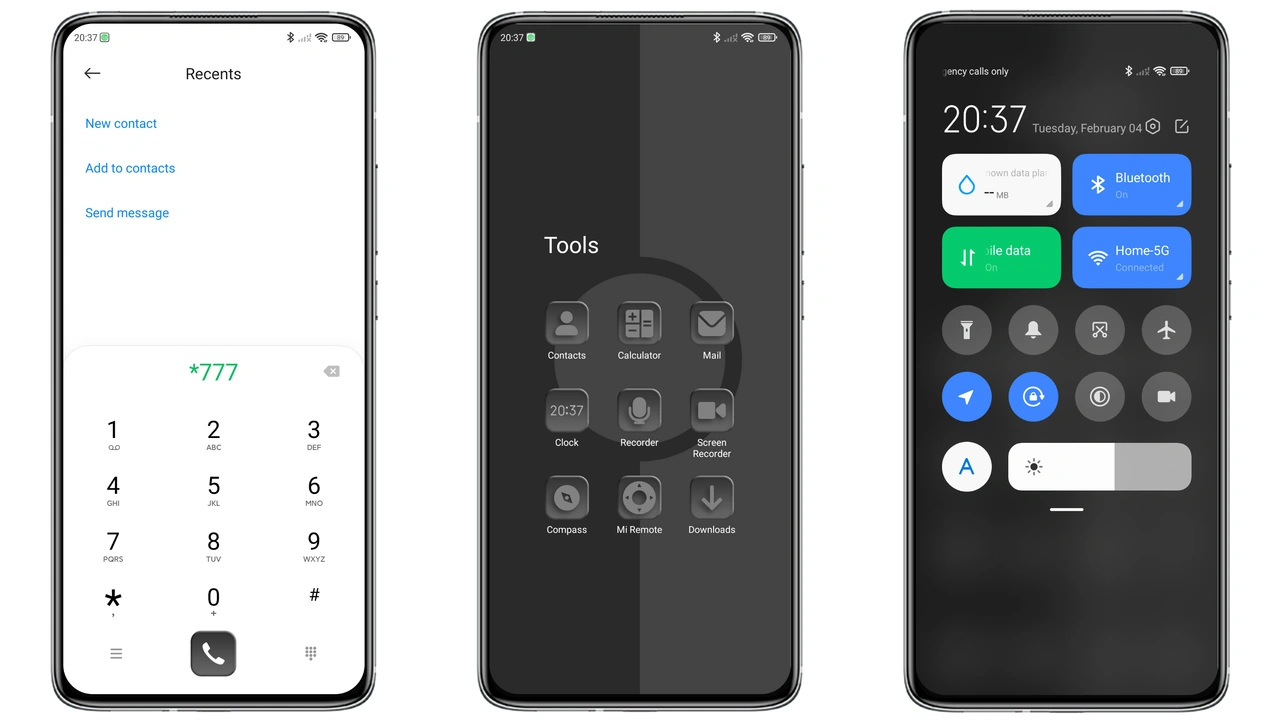
Gray tones dominate every screen area. Backgrounds stay muted, reducing eye strain. Text remains crisp against the soft backdrop. The palette works on bright and dark mode alike. Users who prefer understated aesthetics find instant comfort. Battery impact stays low; fewer bright pixels consume less power. The theme respects native navigation gestures. No hidden overlays disrupt swipes. System fonts stay unchanged, preserving readability. Overall feel: calm, focused, unobtrusive.
Suggested Read: Lagi Viral: Manga‑Style Black‑White Girl Theme Takes Over HyperOS
Icon Pack Revamp and Wallpaper Cohesion
All default icons receive a flat redesign. Corners are subtly rounded, matching modern UI trends. Color accents stay within the gray spectrum, creating harmony. New wallpaper set mirrors the icon style. Landscapes feature misty horizons, reinforcing the muted vibe. Icons scale correctly on both phone and tablet displays. Launcher folders inherit the same border treatment. No third‑party packs required; everything ships inside the MTZ file. Users report consistent icon size across apps.
AOD & Lock Screen Details
Always‑on Display adopts a thin line of gray text. Time appears in a sleek sans‑serif typeface. Notification icons echo the main icon set. Lock screen background fades to a darker shade, preserving battery while staying readable. Swipe gestures remain functional; security shortcuts stay intact. The theme adds a subtle vibration feedback when unlocking. No extra animations slow down the device. AOD updates every minute without lag.
Installation Steps & What to Expect
Open Settings, navigate to Themes. Choose "Import" and locate the MTZ file. Confirm import, then apply. The process takes under a minute on most devices. After applying, a quick reboot clears residual caches. Post‑install, check that status bar icons reflect the new design. If any element appears unchanged, clear theme cache in Settings. The theme works on all HyperOS builds that support MTZ imports. It also functions on MIUI versions that retain the Theme Store compatibility layer. No root access needed.
Pros and Cons
• Pros
• Cohesive gray aesthetic throughout UI
• Fresh icon redesign, no extra packs
• Light AOD, battery‑friendly
• Simple install, no root required
• Small file size, quick download
• Cons
• Limited color variety; not for vibrant‑style fans
• No custom font option
• AOD lacks animated widgets
• May clash with third‑party launchers that enforce their own icon sets
Theme Preview
Download Links
Use the buttons below to open the theme file and the supporting link.
Gray Style Theme mtz File
Helpful links
More Theme Updates
For more curated HyperOS and MIUI theme updates, visit Hyper OS x MIUI .