Parameter · Value
Designer · -
Size · Varies (1080×2400 px, 1440×3120 px)
Format · PNG/JPG
Compatibility · HyperOS, MIUI
Bold Color Burst with Premium Detailing
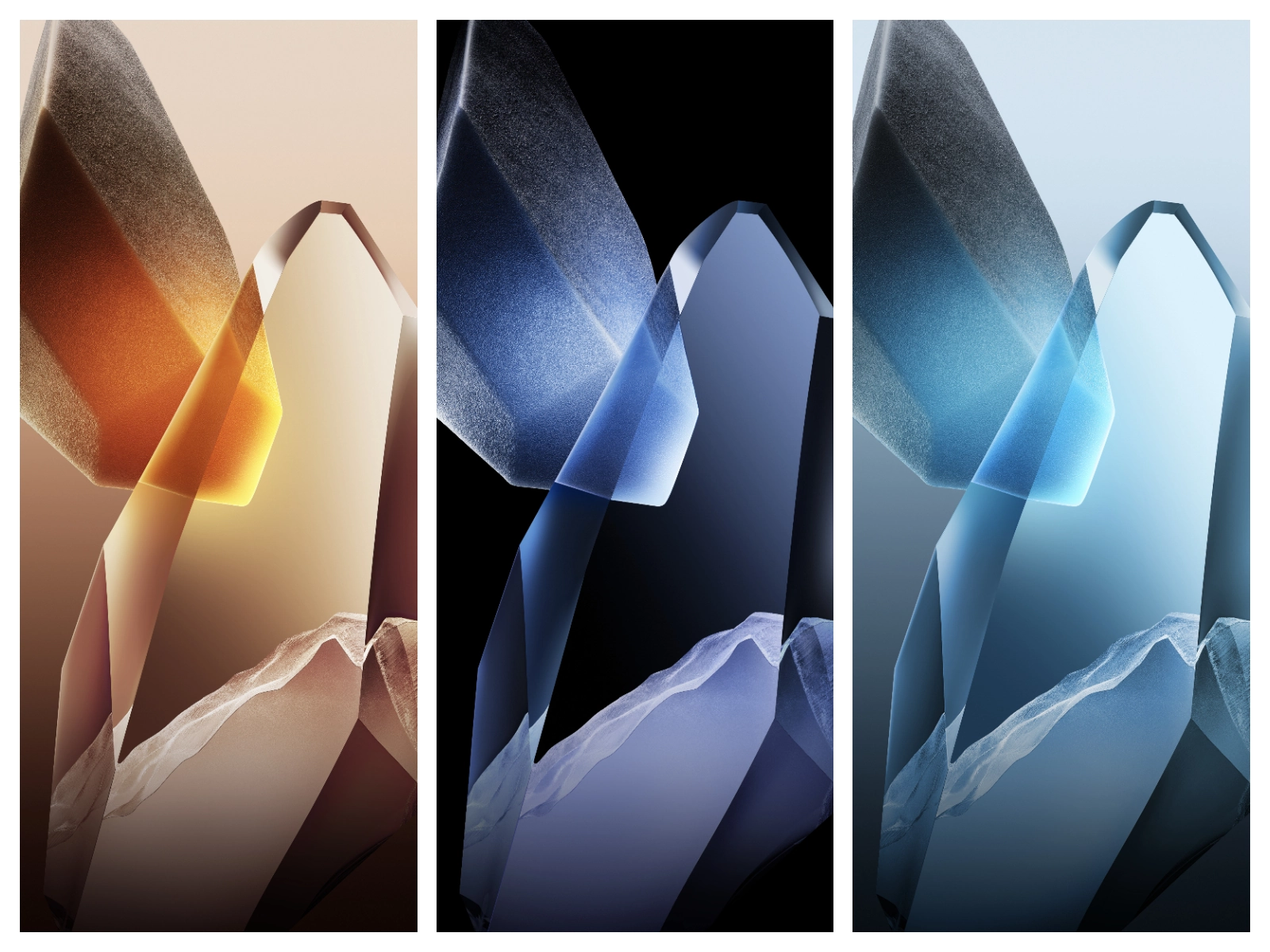
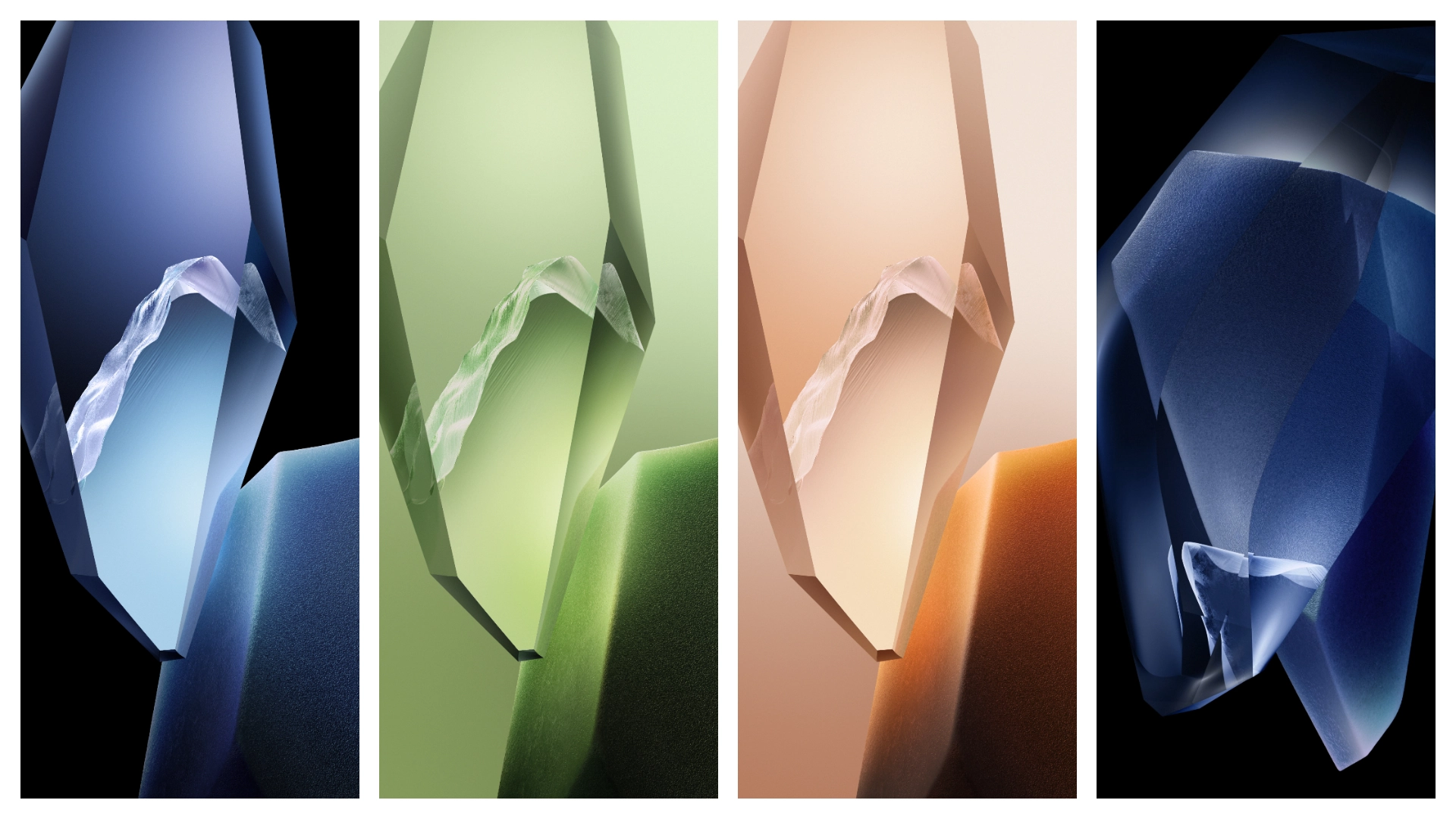
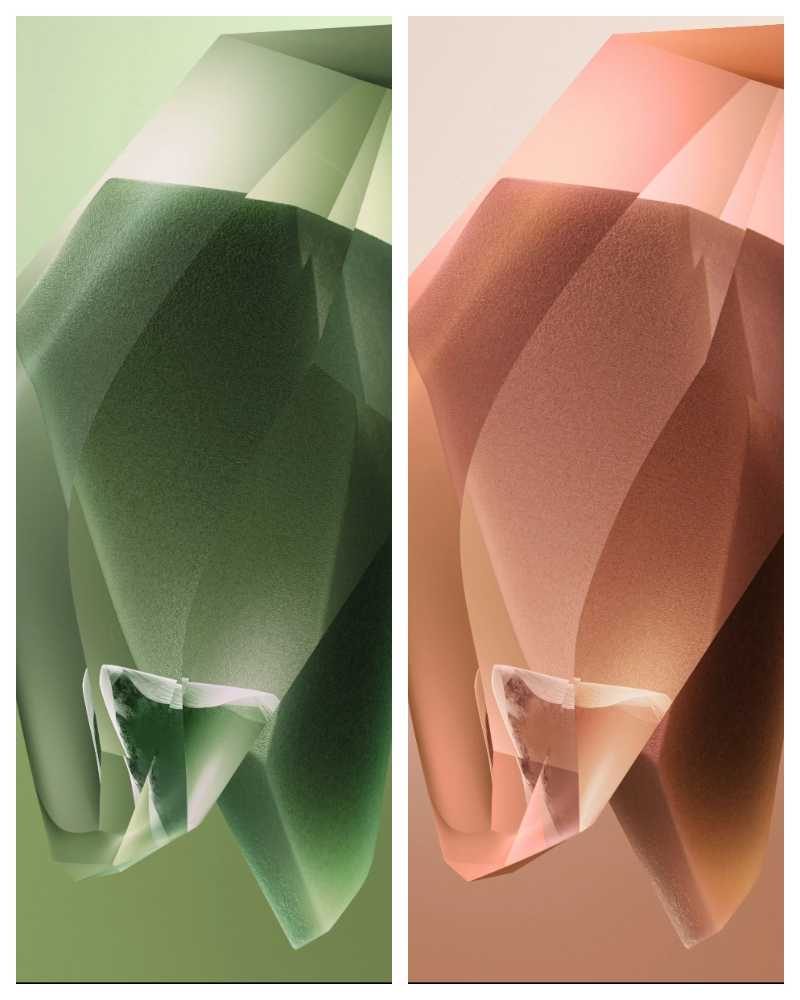
The OnePlus 13 series arrives with a visual language that mixes deep blacks, neon accents, and subtle gradients. Each wallpaper captures the device’s flagship feel: the flagship model leans toward a sleek, midnight‑blue palette, while the 13R opts for a more energetic teal‑green vibe. Textures are crisp, edges clean, and the overall composition feels balanced for both lock‑screen and home‑screen use. The collection includes portrait‑oriented shots of the phones, abstract light‑trails, and minimal‑iconic silhouettes that complement the HyperOS fluid UI.
Suggested Read: Super 26i HyperOS Theme for Xiaomi Redmi and Poco Devices
Who’ll Love This Collection
Early adopters, Android purists, and anyone who enjoys a cohesive aesthetic across device and theme will gravitate toward these wallpapers. The bold contrast works well on OLED panels, making blacks truly black and colors pop. Designers appreciate the high‑resolution assets for mock‑ups. Casual users who simply want a fresh look without tweaking every icon will find the set plug‑and‑play. If you favor muted pastel themes, this pack may feel too intense; otherwise it suits anyone chasing a premium, tech‑forward vibe.
Installation Steps on HyperOS & MIUI
1. Open the Downloads folder on your phone.
2. Locate the desired wallpaper file (PNG or JPG).
3. Long‑press the image → Set as wallpaper.
4. Choose Home screen, Lock screen, or Both.
5. Confirm.
HyperOS also offers a Theme Store shortcut: tap Add to Theme after setting the image to make it appear in the theme manager for quick switching. MIUI users can add the image to My Themes via the Theme app → + → Import.
Pros and Cons
• Pros
• High‑resolution, native‑size assets.
• Consistent visual language across both models.
• Simple one‑tap install on both HyperOS and MIUI.
• No extra apps required.
• Cons
• No dark‑mode‑specific variants (same image used for both themes).
• Limited to portrait orientation; landscape users must rotate manually.
• No built‑in animation or live‑wallpaper support.
Theme Preview
Download Links
Use the buttons below to open the theme file and the supporting link.
Download OnePlus 13 Stock Wallpaper
Download OnePlus 13R Stock Wallpaper
Helpful links
More Theme Updates
For more curated HyperOS and MIUI theme updates, visit Hyper OS x MIUI .