Parameter · Value
Designer · -
Size · Various
Format · JPG, PNG
Compatibility · HyperOS / MIUI
Bold, Vibrant Edge 60 Pro Aesthetic
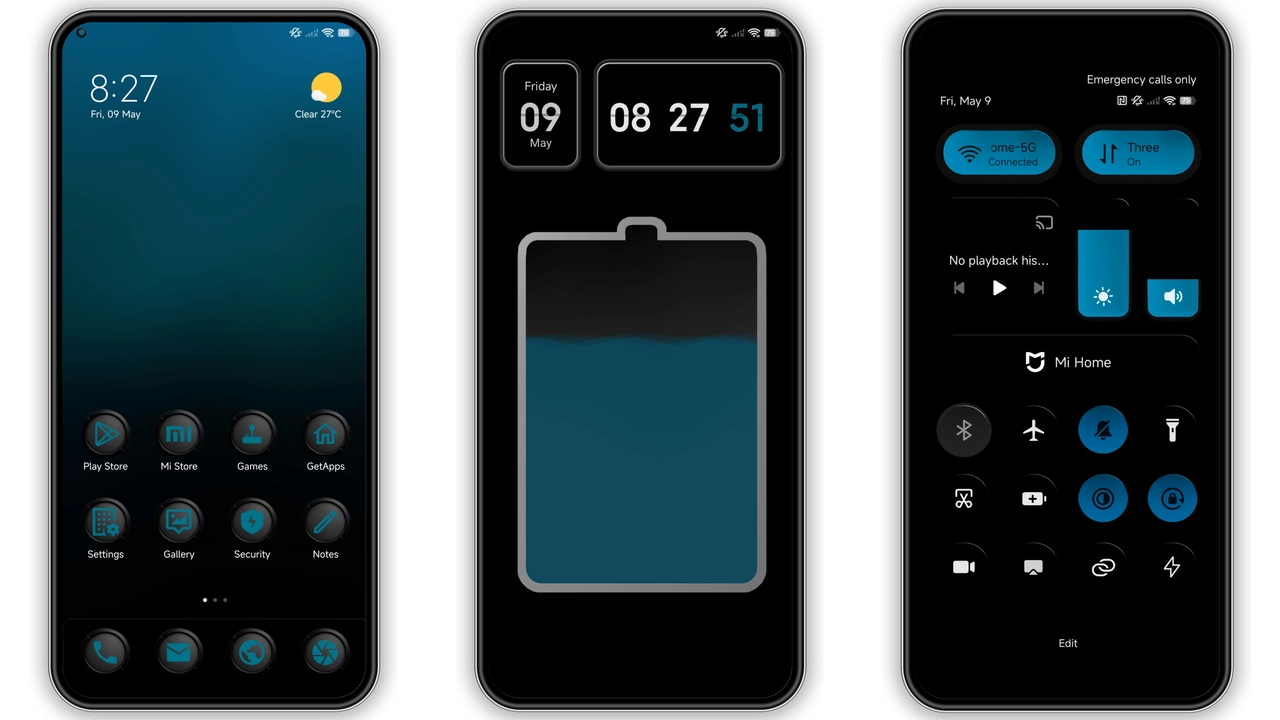
The pack delivers crisp, edge‑to‑edge images taken from the phone’s native lock screen. Colors pop, blacks stay true, and gradients flow naturally across the OLED panel. Each wallpaper respects the device’s aspect ratio, so no stretching or black bars appear. The visual language mixes deep blues, neon accents, and subtle textures, echoing Motorola’s modern design language. Light‑mode variants keep the screen bright without washing out details. Dark‑mode versions preserve contrast, perfect for night‑time browsing.
Suggested Read: A Single Thought Dynamic Theme Review: Fresh HyperOS Look for Redmi Phones
Ideal Users: Fans of Motorola Minimalism
Owners of the Moto Edge 60 Pro instantly recognize the stock look. Users who prefer a clean, brand‑aligned home screen gravitate toward this set. Minimalist enthusiasts appreciate the lack of clutter; icons sit on a neutral backdrop while the wallpaper adds personality. Photographers who need a reliable test image for color grading also benefit. Anyone switching from stock Android to HyperOS will find the familiar aesthetic reassuring.
Compatibility & Installation Expectations
The theme targets HyperOS and MIUI, both built on Android. It works on any device running these skins, provided the screen resolution matches the source files. No extra apps are required; the built‑in wallpaper picker handles JPG/PNG imports. After download, move the files to the Pictures/Wallpapers folder. Open Settings → Wallpaper, select “Choose new wallpaper,” navigate to the folder, and apply. The process takes seconds. No root access needed. If the device uses a custom launcher, the same steps apply; the launcher simply reads the image from storage.
Pros and Cons
• Pros
• Native look, brand consistency
• High‑resolution, no quality loss
• Compatible with both HyperOS and MIUI
• Easy install, no extra tools
• Cons
• Limited to Motorola’s visual palette
• No animated variants
• Size varies; large files may consume storage
Enjoy the fresh look, keep the device feeling new, and let the Edge 60 Pro’s design shine on any HyperOS or MIUI phone.
Theme Preview

Download Links
Use the buttons below to open the theme file and the supporting link.
Download Moto Edge 60 Pro Stock Wallpaper
Helpful links
More Theme Updates
For more curated HyperOS and MIUI theme updates, visit Hyper OS x MIUI .