Parameter · Value
Designer · -
Size · Various (HD)
Format · PNG
Compatibility · HyperOS / MIUI
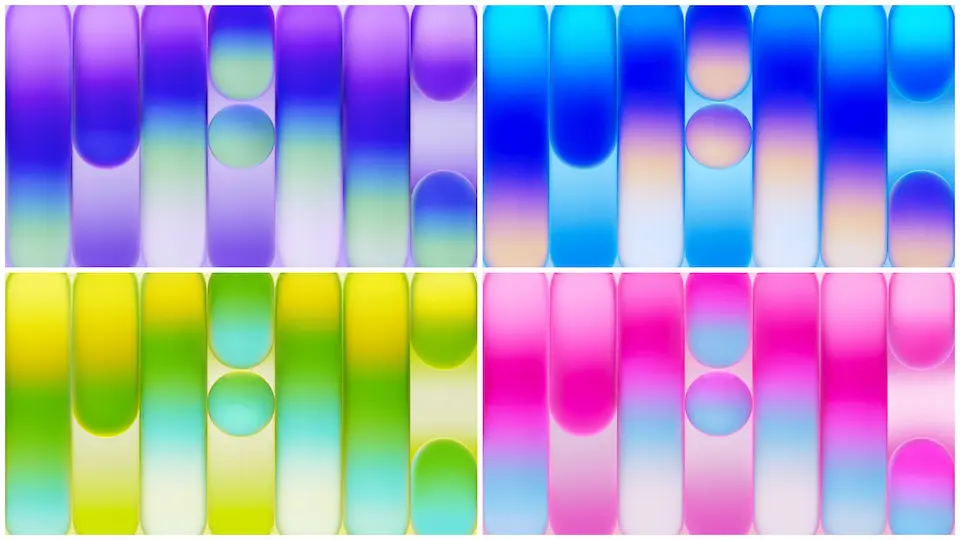
Bold Edge‑to‑Edge Visuals
Stunning colors dominate each frame. Neon blues contrast soft grays. Minimalist icons rest on clean backdrops. Edge‑to‑edge bezels frame every scene. High‑resolution assets preserve detail on retina displays. Subtle gradients soften harsh edges. Each wallpaper mirrors the Neo’s four‑side bezel design. Crisp lines echo the laptop’s aluminum finish. Light reflections simulate the Liquid Retina screen. Color palette shifts between Silver, Blush, Citrus, Indigo. Dynamic contrast adapts to dark mode. Consistent aspect ratios fit most phones. Visuals avoid clutter, focus on elegance. Backgrounds stay unobtrusive behind app icons. Overall aesthetic feels modern, airy, refined.
Suggested Read: Cute Shiba Inu MTZ Theme Trending on HyperOS & MIUI
Who’ll Love the Neo Aesthetic
Design enthusiasts gravitate toward sleek tech. Minimalist fans appreciate clean lines. Apple loyalists enjoy brand continuity. Users seeking fresh looks adopt Neo themes. Professionals who need calm screens benefit. Gamers who dislike busy backdrops welcome simplicity. Students who value readability find it helpful. Creators who showcase content prefer neutral tones. Anyone craving a premium feel on budget devices fits.
Compatibility & Installation Guide
Theme targets HyperOS and MIUI platforms. Files store as PNG, ready for wallpaper apps. No extra binaries required. Ensure device runs HyperOS or MIUI version supporting custom wallpapers. Open Settings → Wallpaper → Choose New Image. Navigate to download folder. Select desired Neo wallpaper. Adjust cropping if needed. Apply to lock screen, home screen, or both. Changes reflect instantly. No reboot necessary. If theme manager offers batch import, use it for speed. Verify resolution matches screen to avoid stretching.
Pros and Cons
• Pros
• Authentic MacBook Neo look
• High‑resolution PNG quality
• Full compatibility with HyperOS & MIUI
• Variety of color schemes
• Easy installation steps
• Cons
• No built‑in theme pack, manual setup required
• Limited to static images, no animated options
• Designer information unavailable
• Size varies, may consume storage on low‑end devices
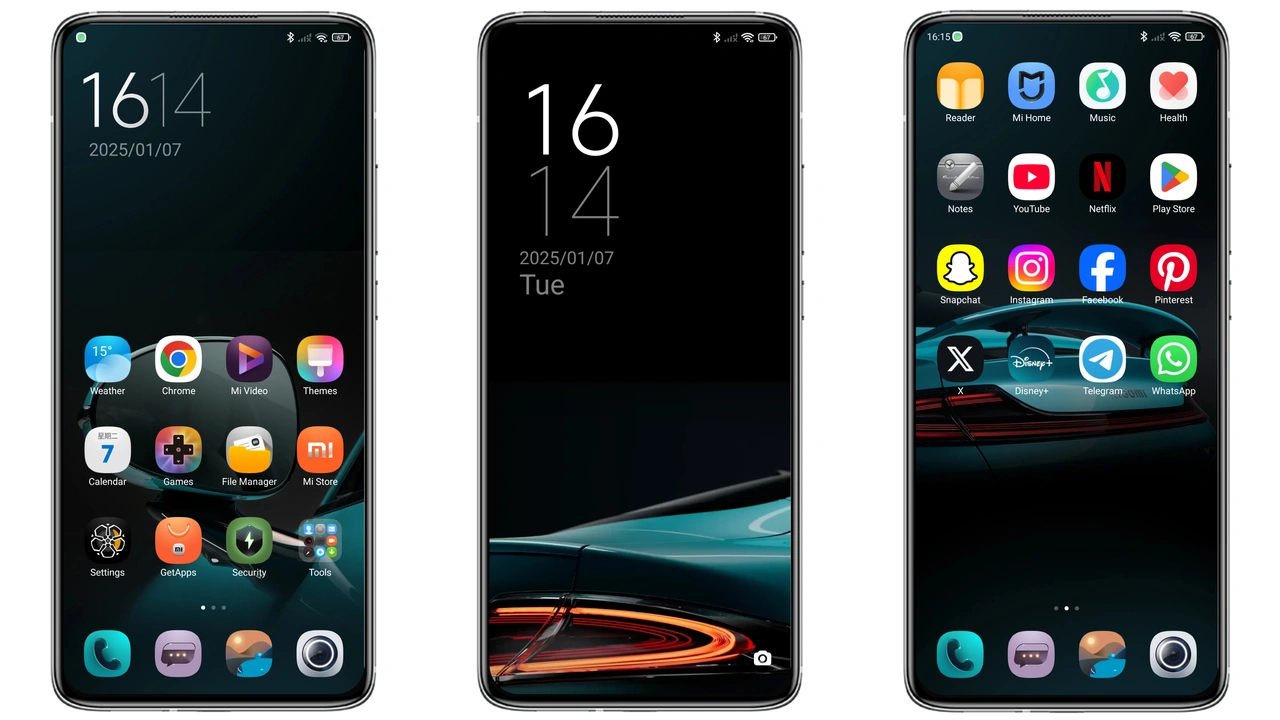
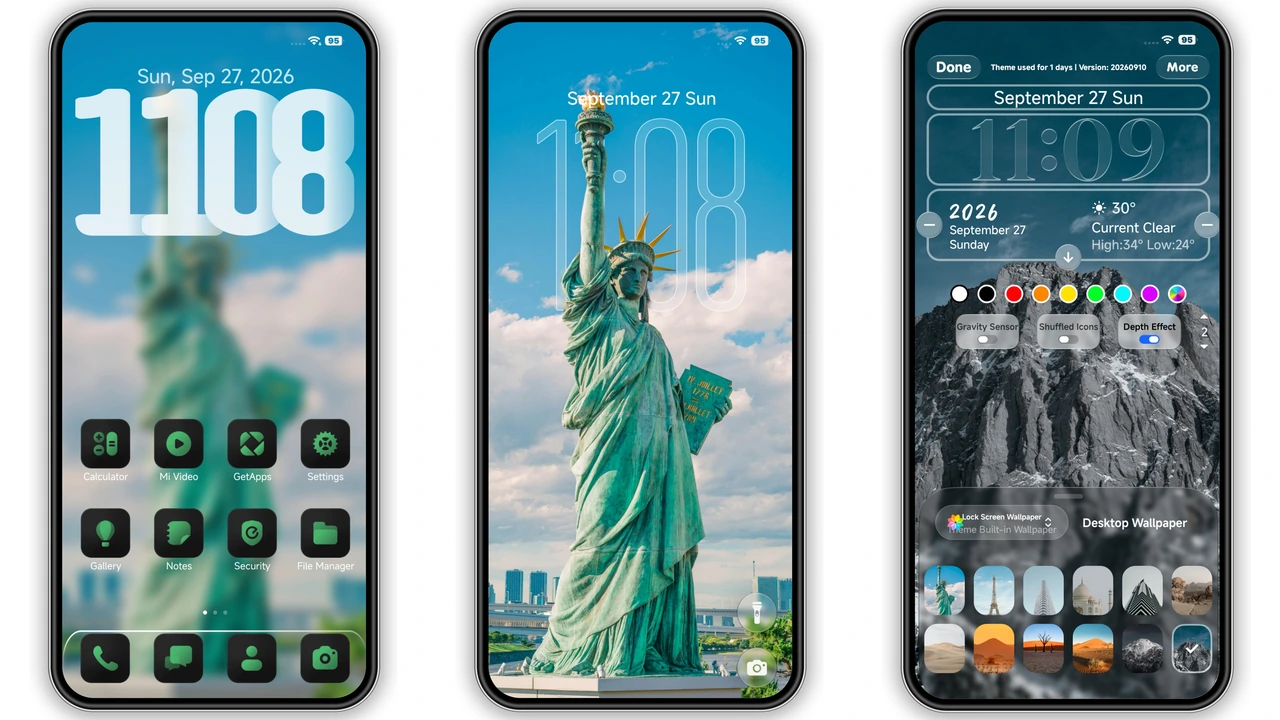
Theme Preview


Download Links
Use the buttons below to open the theme file and the supporting link.
Download Apple MacBook Neo Stock Wallpaper
Helpful links
More Theme Updates
For more curated HyperOS and MIUI theme updates, visit Hyper OS x MIUI .