Parameter · Value
Designer · Nineteen
Size · 6.72 MB
Format · MTZ
Compatibility · HyperOS / MIUI
Airy Blue‑Green Palette & Icon Set
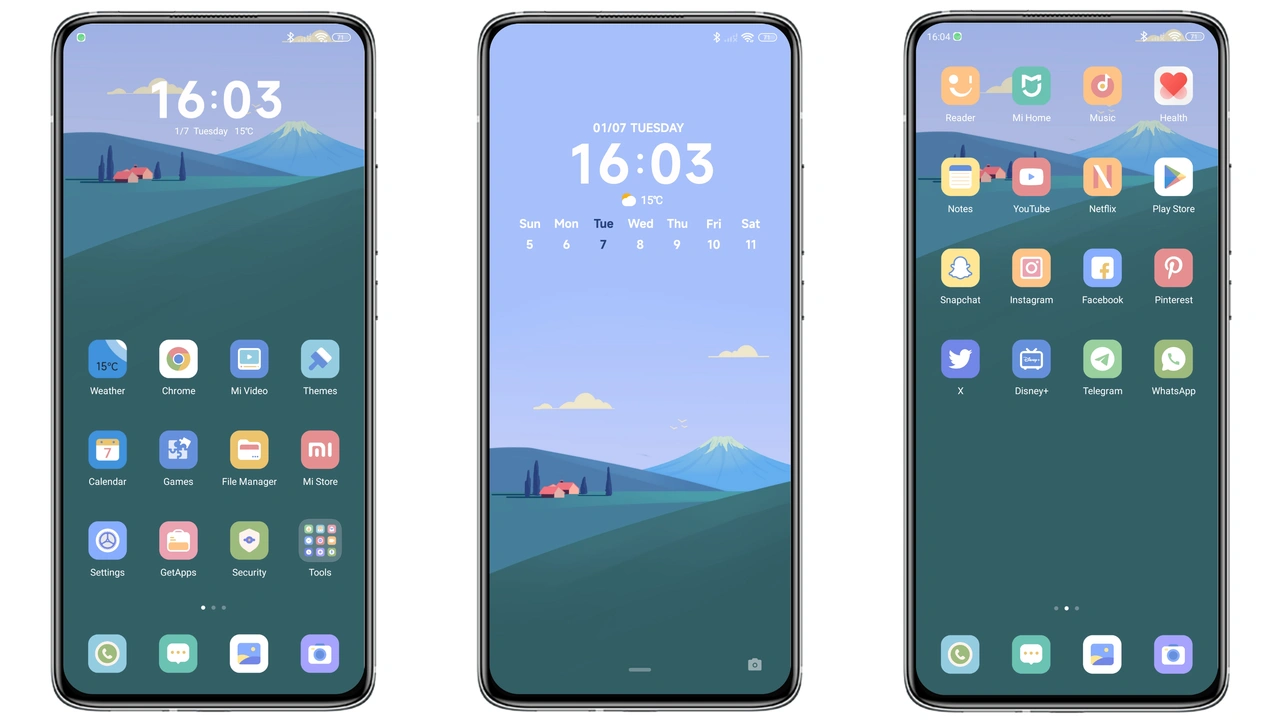
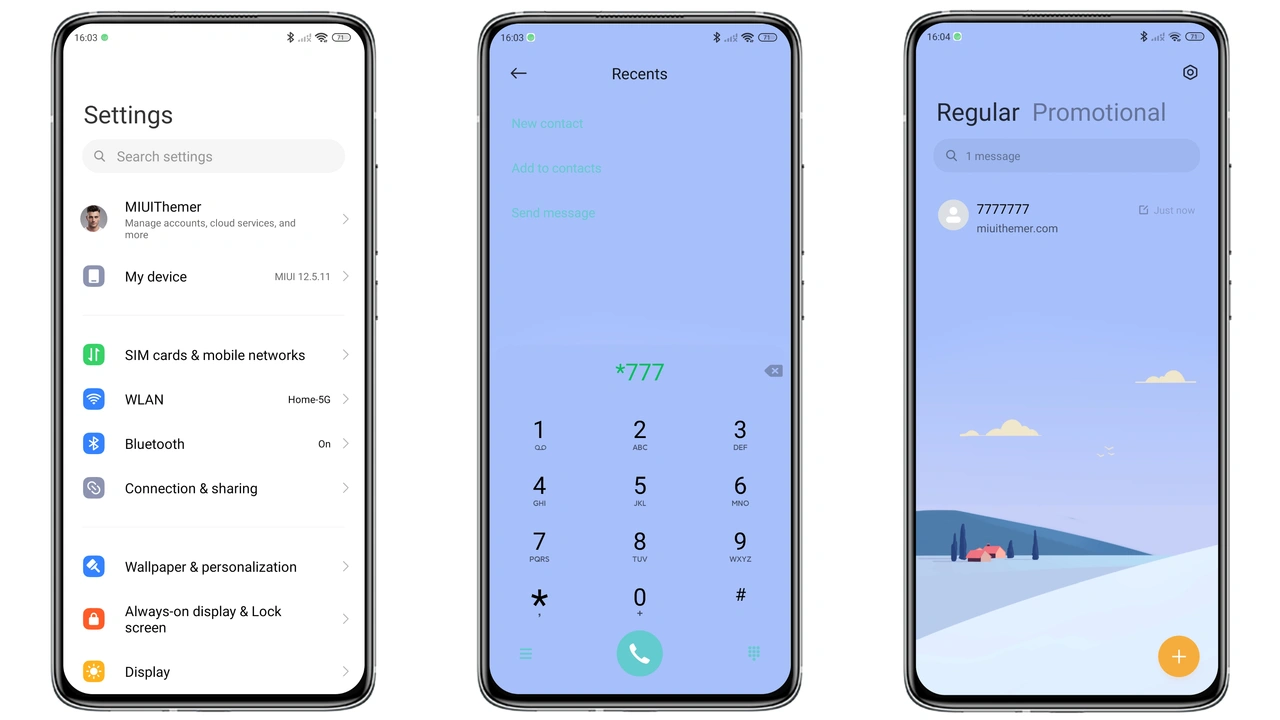
Sky‑inspired hues dominate. Soft blues blend into muted greens. Icons adopt flat silhouettes, rounded corners, subtle shadows. Wallpapers feature calm horizons, light clouds, minimal gradients. Status bar adopts matching tint, icons shift to white for contrast. Lock screen mirrors wallpaper, adds a faint vignette for depth. Always‑on display inherits theme’s color, keeps readability high. No heavy animations, just smooth fades. Battery indicator stays green, aligns with overall tone. Overall visual weight stays under 7 MB, ensuring fast loading.
Suggested Read: HyperGlassV Theme Review: Sleek Glass Look for HyperOS & MIUI
Who’ll Love This Minimalist Landscape Theme
Fans of clean aesthetics gravitate here. Users tired of neon accents find relief. Minimalist lovers appreciate uncluttered layout. Photographers enjoy backdrop that doesn’t compete with content. Professionals seeking subtle professionalism benefit. Younger users who like pastel tech vibes also fit. Device owners of Xiaomi, Redmi, POCO models report satisfaction. Community members who share themes on forums often recommend it for first‑time theme adopters.
Installation Walkthrough on HyperOS & MIUI
Open Settings → Themes. Tap “Import”. Locate the MTZ file saved from the official store page. Confirm import. Theme appears in “My Themes”. Select “Apply”. System prompts restart; confirm. Device reboots, theme loads. If using the built‑in Theme Store, search “Clear Sky”. Tap download, then apply directly. No root required. Ensure device runs the latest HyperOS or MIUI build for smooth rendering. After apply, swipe down to verify status bar color matches. Check lock screen; if wallpaper misaligned, reboot once more. All steps complete within two minutes.
Pros and Cons
• Pros
• Light footprint, quick install.
• Cohesive blue‑green scheme, soothing.
• Fully compatible with HyperOS and MIUI.
• Clear icon set, high readability.
• Minimal animations, battery‑friendly.
• Cons
• Limited dark‑mode variation.
• No animated wallpapers.
• Fewer customization options beyond default set.
Theme Preview
Download Links
Use the buttons below to open the theme file and the supporting link.
Clear Sky Theme mtz File
Helpful links
More Theme Updates
For more curated HyperOS and MIUI theme updates, visit Hyper OS x MIUI .