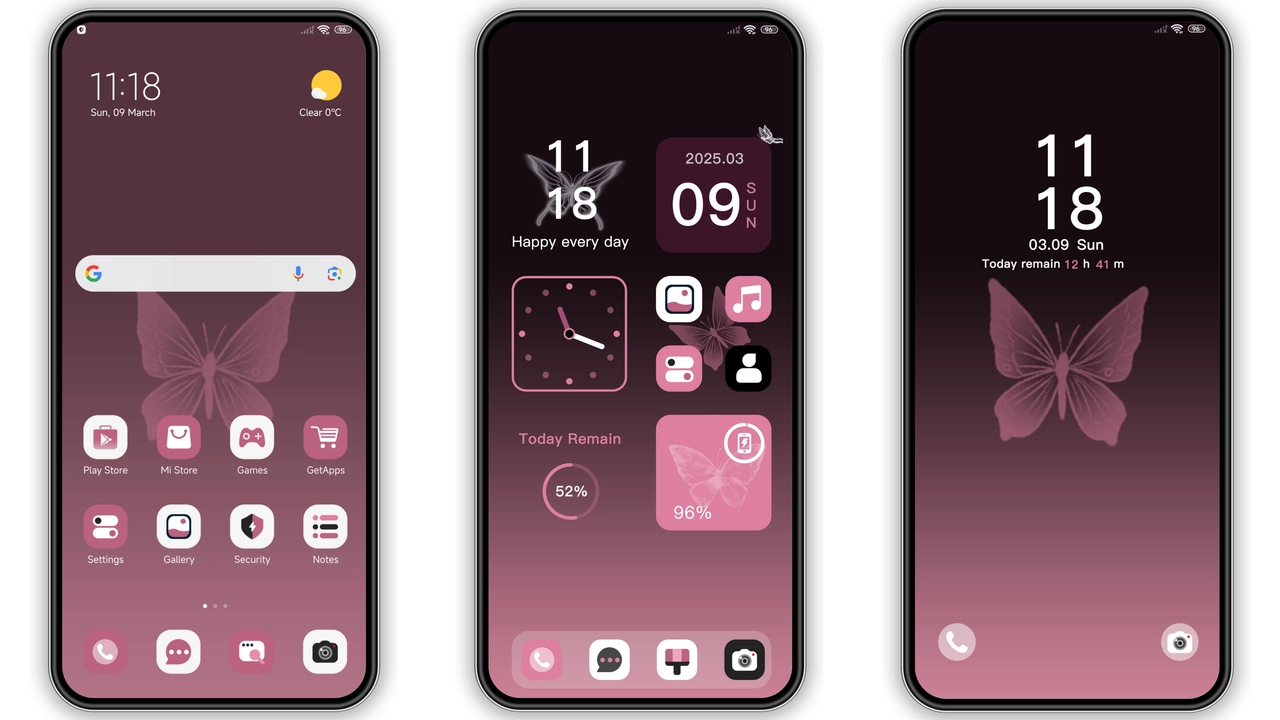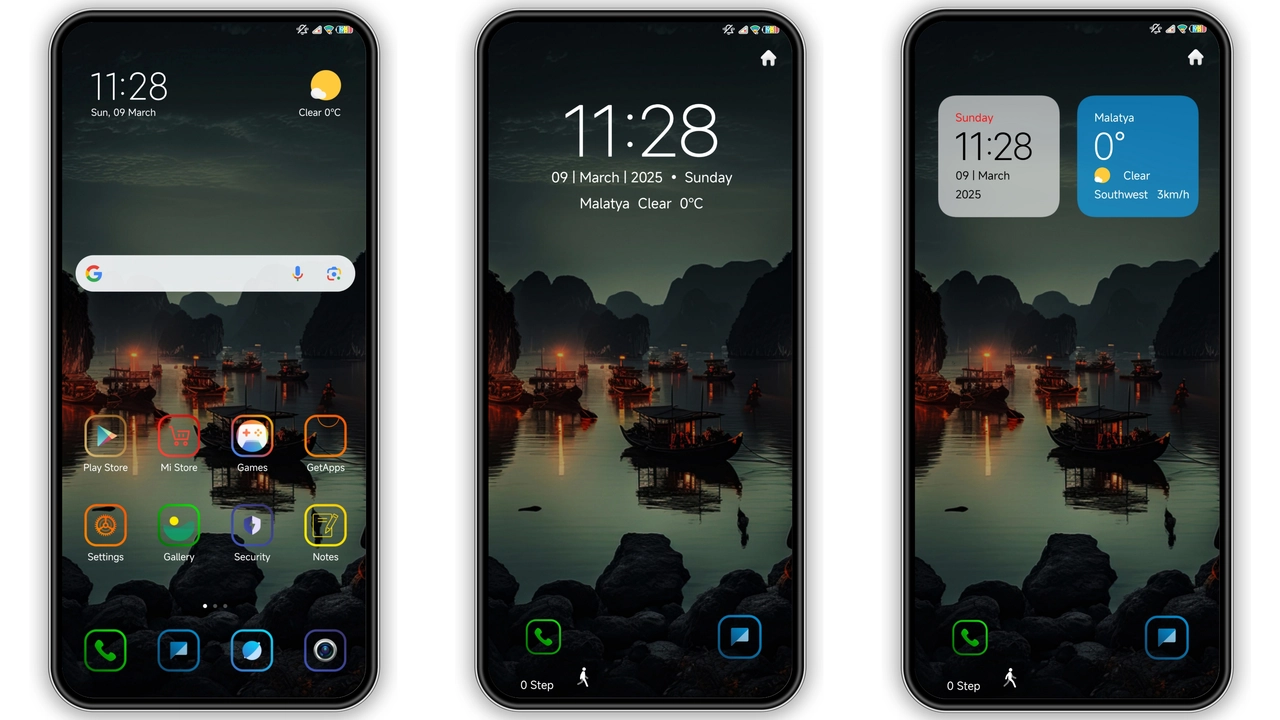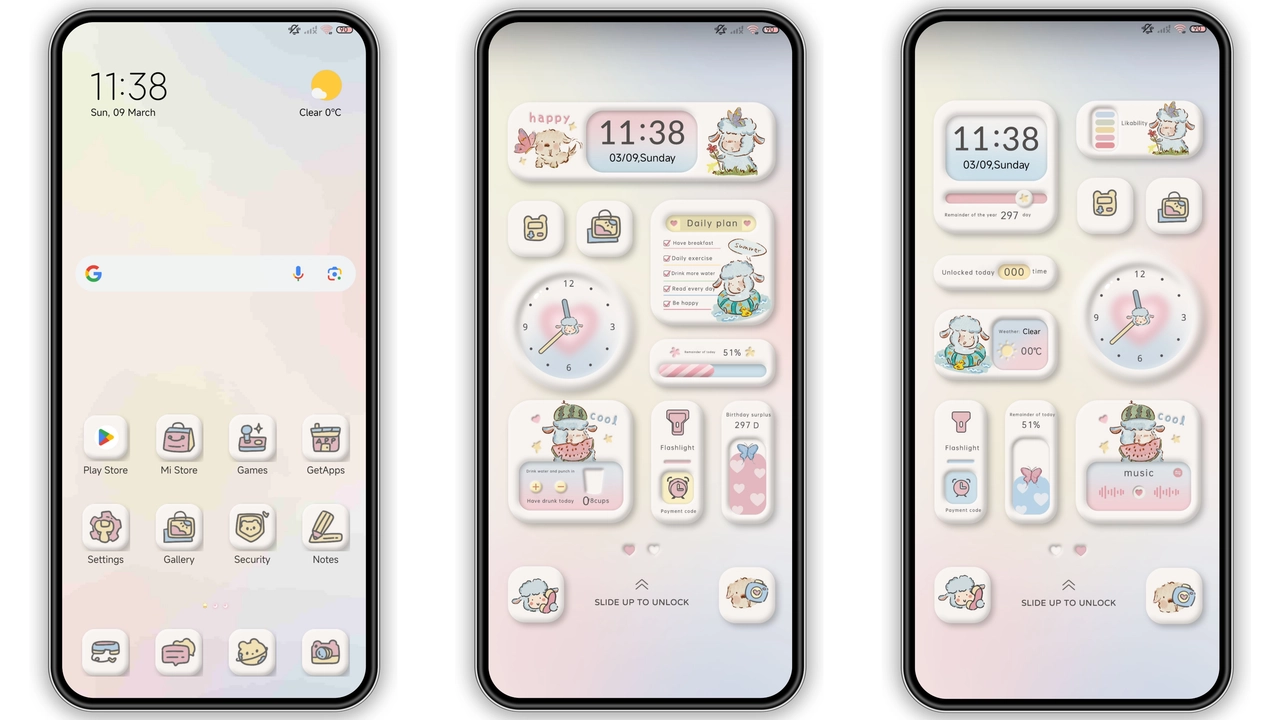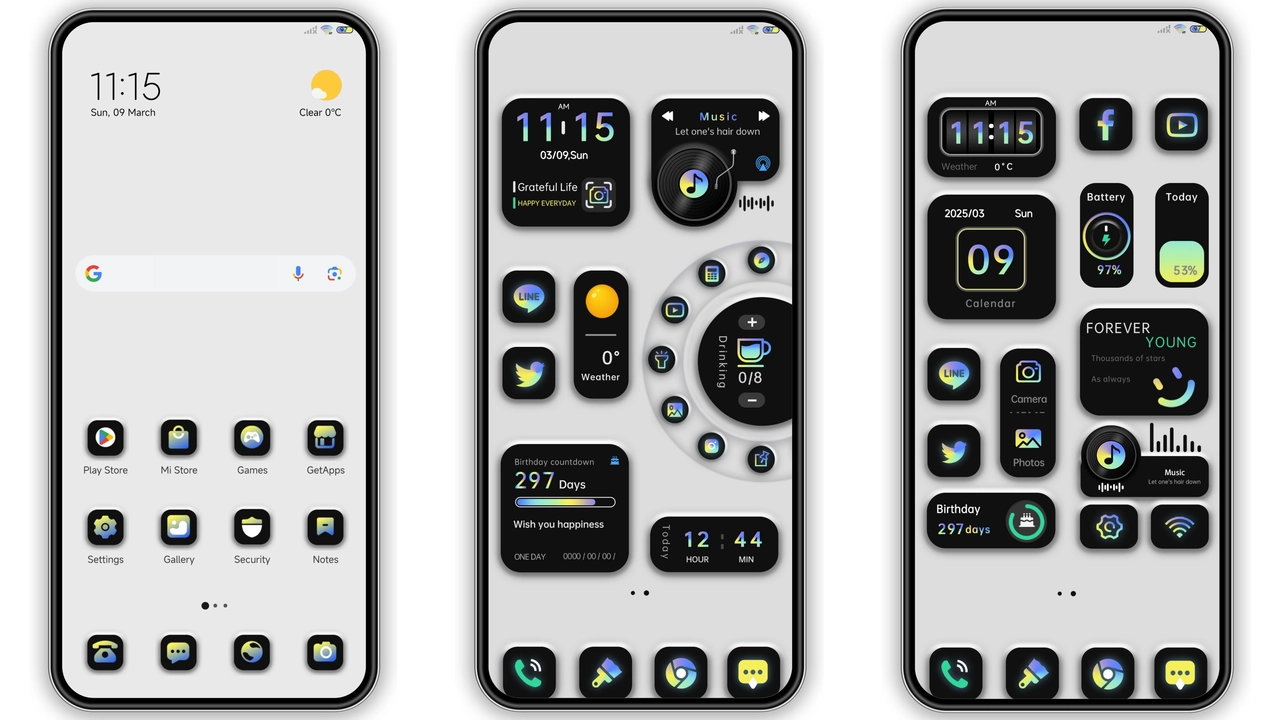
Parameter · Value
Designer · Eva
Size · 7.72 MB
Format · MTZ
Compatibility · HyperOS / MIUI
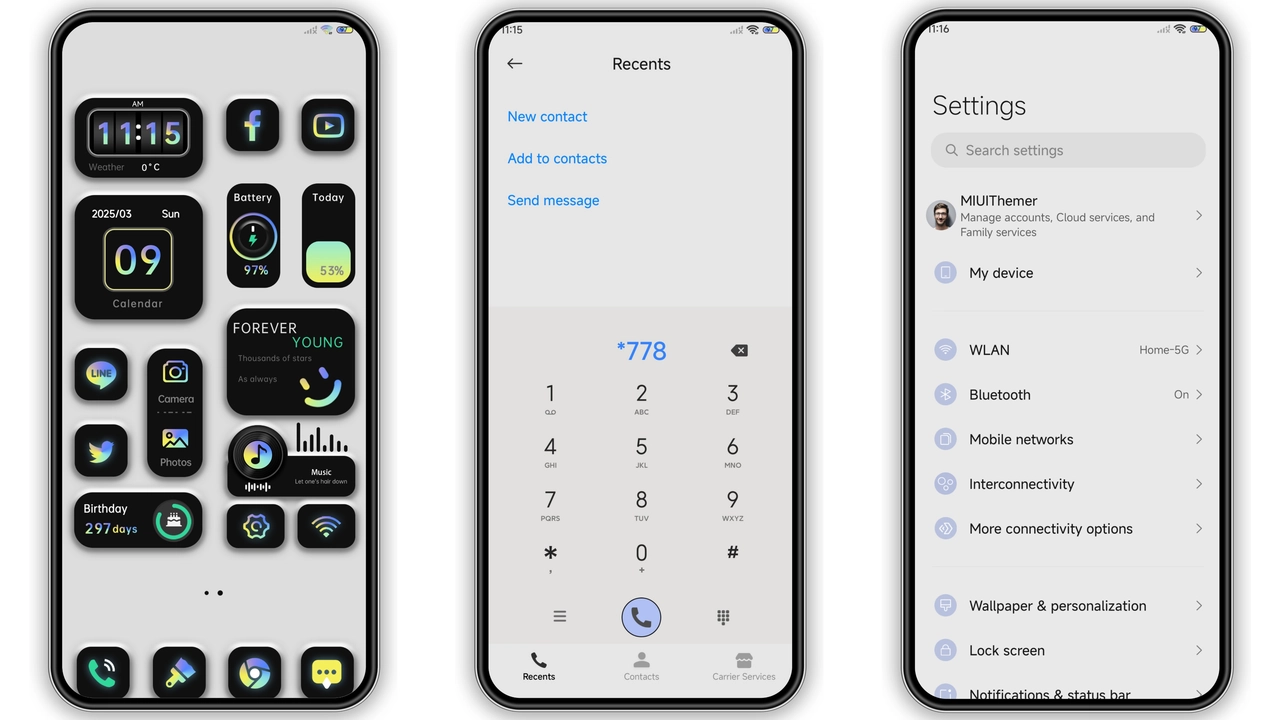
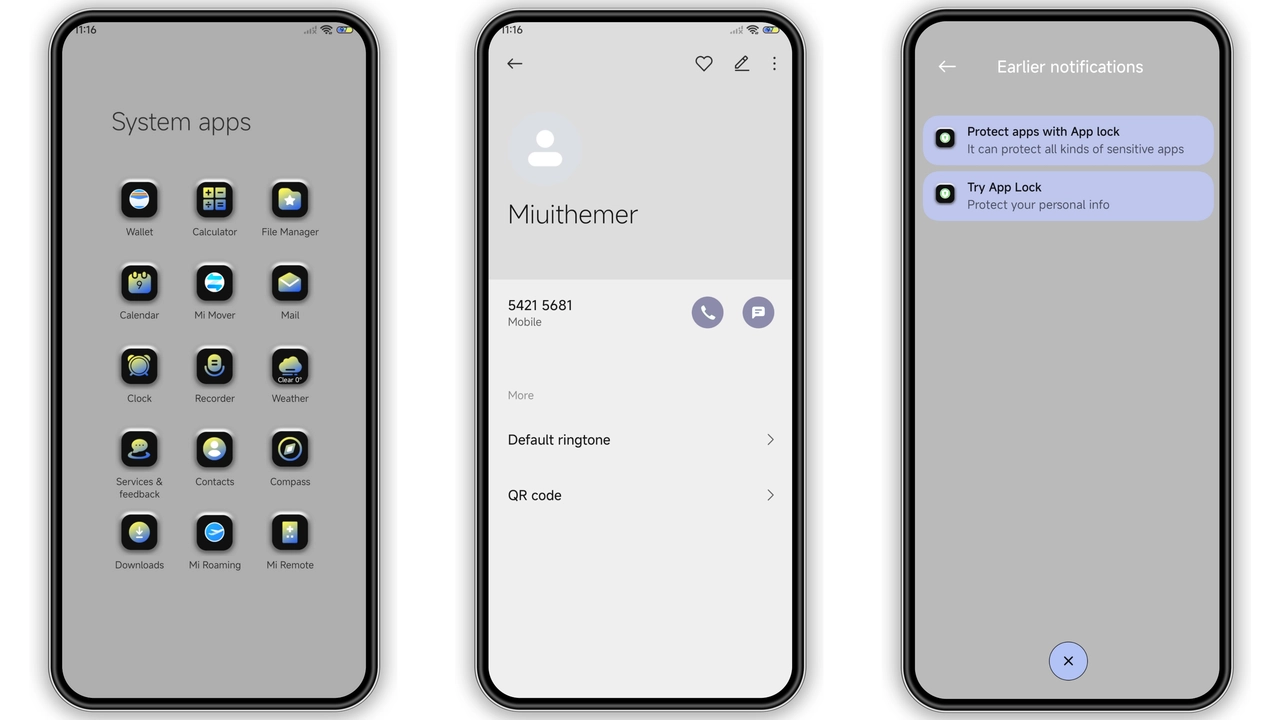
Monochrome Minimalist Visuals
Theme embraces stark contrast. Black dominates background. White highlights foreground. Icons redraw in single tone. Shapes reduce to essential silhouettes. Shadows disappear. Animations stay subtle. Status bar adopts thin white text. Navigation bar turns matte black. Lock screen features rotating monochrome icon. Wallpapers switch between abstract gradients. Each wallpaper stays within grayscale palette. No vibrant hues intrude. Overall feel remains calm. Visual noise drops dramatically. Battery indicator stays visible. Notifications pop in crisp white. Font choice stays system default. No custom fonts added. Simplicity drives design. Aesthetic aligns with modern minimalism.
Suggested Read: TNV1 HyperOS Theme: Tampilan Premium untuk Redmi Note, Poco, & Mi
Who Will Love This Theme
Fans of clean UI gravitate here. Users tired of busy skins. Professionals seeking distraction‑free phone. Students needing focus. Minimalist enthusiasts. Designers appreciating negative space. People who enjoy monochrome art. Users of Xiaomi, Redmi, POCO devices. Owners of HyperOS or MIUI. Those who switch themes often. Users who value fast load times. Anyone avoiding battery drain from heavy animations. Minimalists who cherish consistency across apps. Users who like subtle dynamic lock screen. People who share theme with friends. Community members looking for free assets. Anyone wanting fresh look without ads.
Compatibility and Device Reach
Theme lists HyperOS compatibility. Works on MIUI as well. Supports all Xiaomi models. Includes Redmi lineup. POCO devices also covered. No region lock detected. Global servers host file. No extra patches required. Works on stock ROMs. Works on custom ROMs based on HyperOS. No root needed. No kernel changes. No bootloader unlock needed. File size stays under 8 MB. Small footprint ensures quick download. No large assets cause lag. Format MTZ matches official store. Installer recognises file automatically.
Installation Steps and Expectations
Download MTZ file from provided link. Save to device storage. Open Theme Store app. Tap "Import" button. Browse to downloaded MTZ. Select file. Confirm import. Wait for processing. Theme appears in My Themes list. Tap Apply. Device may restart automatically. Restart ensures proper overlay. Expect lock screen animation to start. Expect icons to change instantly. Expect wallpaper to update. Expect status bar to adopt new colors. No data loss reported. No app permissions altered. No network usage after install. Theme remains active until changed.
Pros and Cons
• Pros
• Ultra‑light size
• Pure black‑white palette
• Broad HyperOS/MIUI support
• Simple installation
• No ads or bloat
• Consistent look across apps
• Cons
• No color options
• No custom fonts
• Limited animation depth
• May feel too stark for some
Theme Preview
Download Links
Use the buttons below to open the theme file and the supporting link.
Black white simple Theme mtz File
Helpful links
More Theme Updates
For more curated HyperOS and MIUI theme updates, visit Hyper OS x MIUI .